How to Play Warhammer 40,000: Mechanicus II on Mac (Best Options Compared)
- Sven Frese
- Games
- May 22, 2026
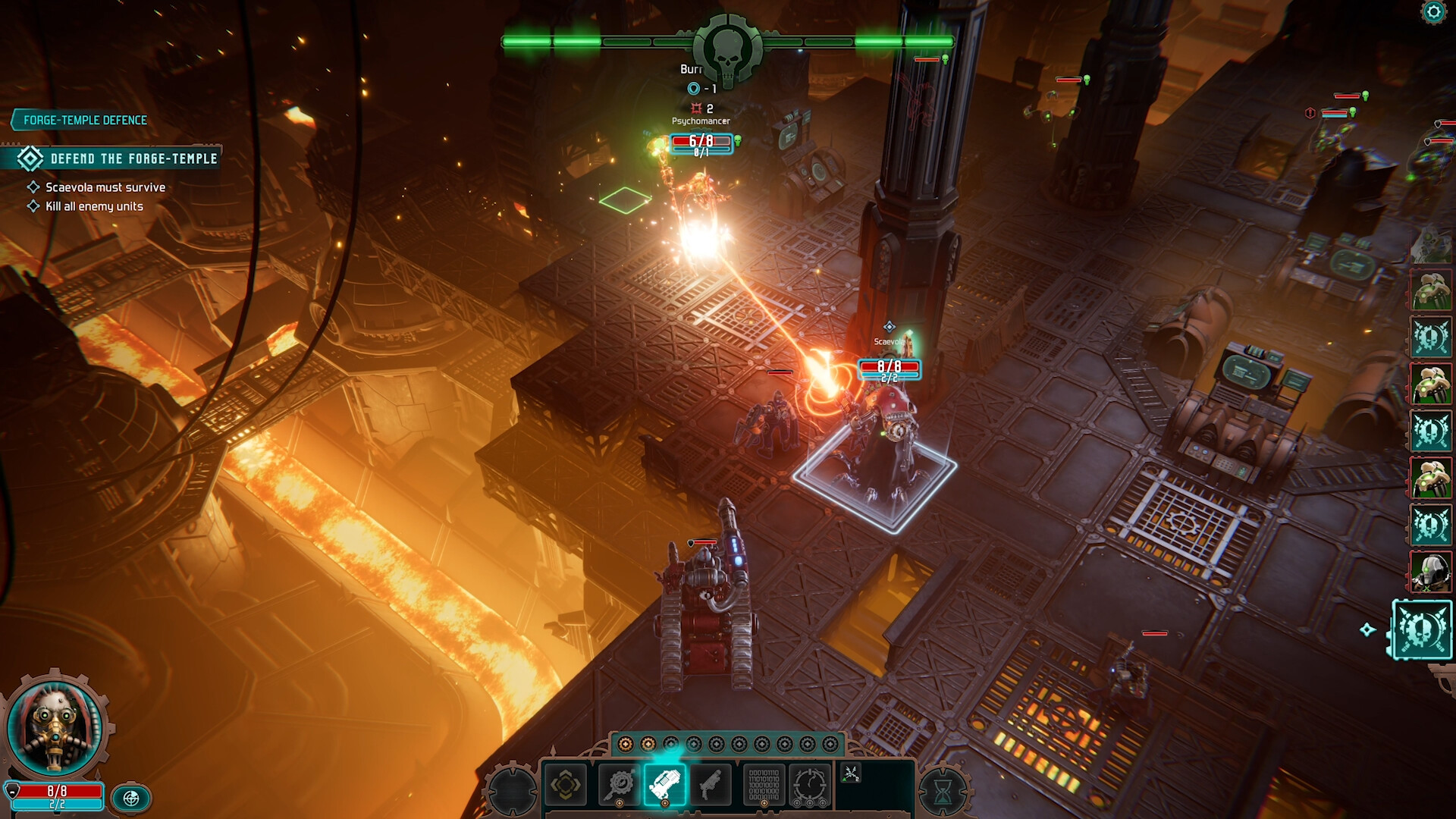
Warhammer 40,000: Mechanicus II is the tactical strategy sequel from Bulwark Studios, and it’s already winning over 40K fans on Steam. You command the Adeptus Mechanicus in turn-based battles against the forces of Chaos, making choices that shape your tech-priest army as you go. No Mac version though, so here’s how to get it running.
Mac users have three options: CrossOver, Whisky, or CloudDeck.
Option 1: CrossOver
CrossOver is a paid compatibility layer that lets you run Windows games directly on your Mac without needing a Windows license or virtual machine.
How does Mechanicus II run?
The game is fresh out the gate, and CrossOver compatibility reports are still rolling in. CrossOver compatibility depends on how well the game runs under Wine. Check ProtonDB for the latest community reports to see how it’s performing on Mac.
The original Mechanicus ran well on Proton, which is a good sign for the sequel.
How to get started:
- Download CrossOver ($74/year, 14-day free trial)
- Install Steam through CrossOver
- Purchase and install Warhammer 40,000: Mechanicus II
- Launch and play
Option 2: Whisky (Free Alternative)
Whisky is a free, open-source app built on the same Wine technology as CrossOver. If CrossOver works, Whisky likely will too.
Trade-off: Whisky requires more manual setup and troubleshooting. CrossOver is more polished and includes official support.
How to get started:
- Download Whisky (free)
- Create a new bottle
- Install Steam inside the bottle
- Install and launch Warhammer 40,000: Mechanicus II
Check ProtonDB for tips from players who’ve already tried it.
Option 3: CloudDeck (Guaranteed to Work)
CloudDeck streams the game from a remote cloud PC running Proton to your Mac. No local compatibility questions, no troubleshooting.

Best for:
- Anyone where CrossOver didn’t work
- Macs with lower specs
- Players who want to start immediately without any setup
Requirements: Any Mac and a stable internet connection (15+ Mbps recommended).
How to get started:
- Sign up for CloudDeck ($19.99/month, cancel anytime)
- Connect using Moonlight or your browser
- Install Warhammer 40,000: Mechanicus II from your Steam library
- Play immediately
Which Option Should You Choose?
| Your Situation | Best Choice |
|---|---|
| Prefer local play, powerful Mac | CrossOver (check ProtonDB first) |
| Tech-savvy, prefer free | Whisky |
| Any Mac, want guaranteed results | CloudDeck |
FAQ
Why isn’t there a Mac version?
Bulwark Studios developed Mechanicus II for Windows only. A macOS port hasn’t been announced.
Does multiplayer work?
The game is primarily single-player. For any multiplayer modes, CrossOver compatibility may vary. Check ProtonDB for the latest reports.
Does the original Mechanicus work on Mac?
The original has decent ProtonDB reports. Mechanicus II follows a similar engine, which is a good sign.
Last updated: May 2026.