How to Play Tom Clancy's The Division on Mac (Best Options Compared)
- Sven Frese
- Games
- January 18, 2025
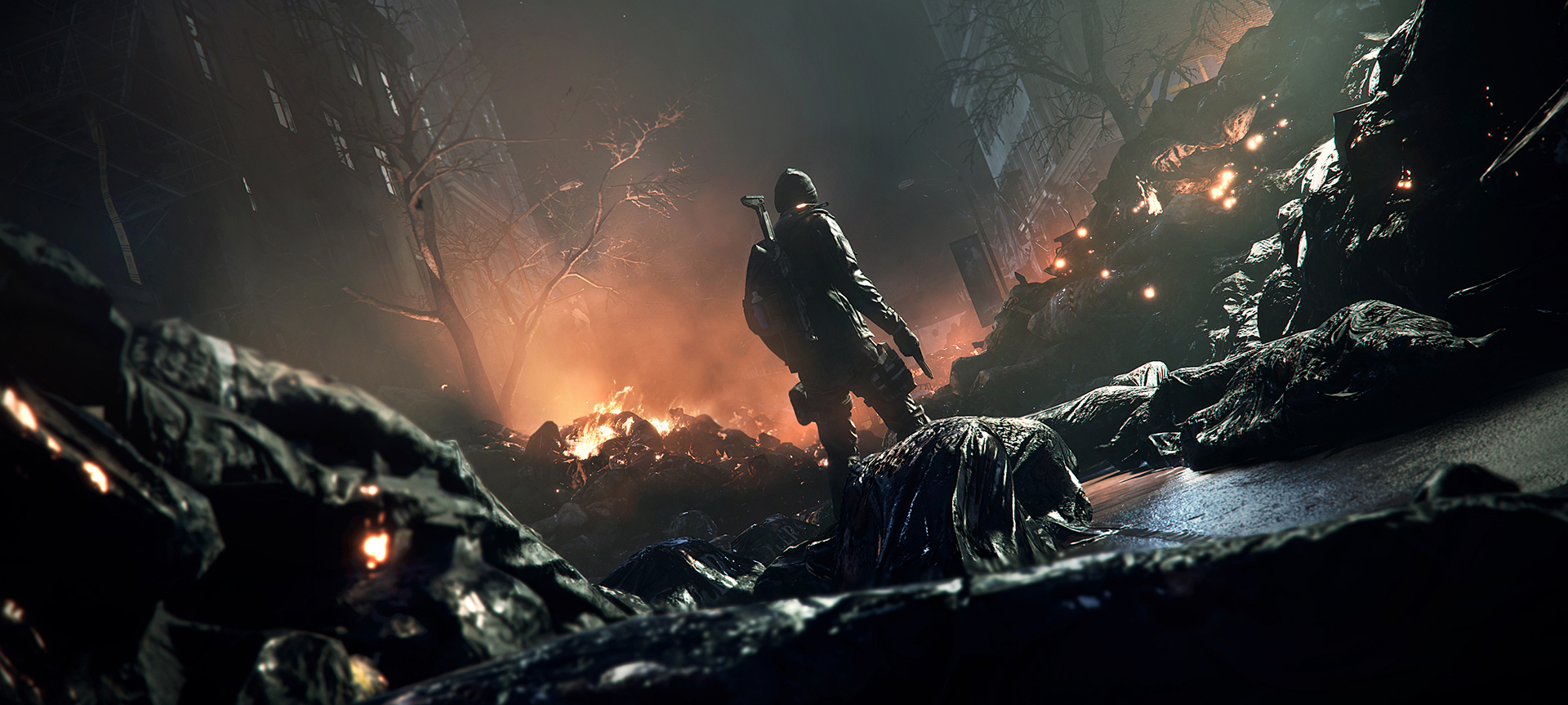
Tom Clancy’s The Division drops you into a pandemic-ravaged New York City as a sleeper agent fighting to restore order. Ubisoft never brought it to Mac, but that doesn’t mean you’re completely out of luck. That said, this is one of the trickier games to get running on macOS.
Mac users have three potential options: CrossOver (a compatibility layer that runs Windows games directly on your Mac), Whisky (a free alternative to CrossOver), or CloudDeck (cloud gaming that streams the game from a remote PC). Here’s how they stack up for The Division.
Option 1: CrossOver
CrossOver is a compatibility layer that lets you run Windows games directly on your Mac—no Boot Camp, no Windows license, no virtual machine. It translates Windows commands to macOS in real-time, so games run natively on your hardware.
How does The Division perform?
Unfortunately, The Division does not work through CrossOver. It’s rated “Will Not Install” on the CodeWeavers compatibility database (tested with CrossOver 26). The game relies on Ubisoft’s Uplay/Ubisoft Connect launcher and uses EasyAntiCheat for its online components, both of which create significant compatibility barriers with Wine-based solutions.
Quick reference:
- ❌ All Macs via CrossOver — Will not install/run
Why it doesn’t work: The Division is an always-online game that requires Ubisoft Connect and EasyAntiCheat. These DRM and anti-cheat systems are notoriously difficult to run through compatibility layers.
Option 2: Whisky (Free Alternative)
Since Whisky is built on the same Wine technology as CrossOver, it faces the same compatibility issues. The Division’s reliance on Ubisoft Connect and EasyAntiCheat means it won’t work through Whisky either.
Quick reference:
- ❌ All Macs via Whisky — Same Wine limitations apply
Option 3: CloudDeck (Cloud Gaming)
Since CrossOver and Whisky can’t run The Division, CloudDeck is effectively your only option for playing this game on a Mac. CloudDeck runs the game on our high-performance Windows servers and streams the video to your screen. Your Mac just needs to display the stream.

Performance: 60 FPS at 1080p, High settings on our cloud servers.
Best for:
- Any Mac user who wants to play The Division
- Players who want the full online experience (Dark Zone, co-op missions)
- Macs with limited storage (the game needs 40GB+ installed locally)
Requirements: Any Mac and a stable internet connection (15+ Mbps recommended).
How to get started:
- Sign up for CloudDeck ($19.99/month, cancel anytime)
- Connect using Moonlight or your browser
- Install The Division through Ubisoft Connect or Steam on your CloudDeck
- Play immediately—full online functionality, anti-cheat works natively
Which Option Should You Choose?
| Your Situation | Best Choice |
|---|---|
| Want to play The Division on Mac | CloudDeck |
| Looking for a free solution | No free option works (anti-cheat blocks Wine) |
FAQ
Why doesn’t CrossOver work for The Division?
The Division is always-online and uses EasyAntiCheat plus Ubisoft Connect. These systems don’t work through Wine-based compatibility layers like CrossOver or Whisky.
Is The Division still active online?
Yes—The Division still has an active player base, particularly in the Dark Zone PvP areas and through matchmaking for missions. Ubisoft continues to keep the servers running.
Can I play The Division 2 on Mac?
The Division 2 has recently started working through CrossOver (25.0.1 with DXMT). If you’re flexible on which game to play, Division 2 is actually easier to get running on Mac via CrossOver.
Last updated: April 2026.