How to Play TBH: Task Bar Hero on Mac (Best Options Compared)
- Sven Frese
- Games
- May 29, 2026
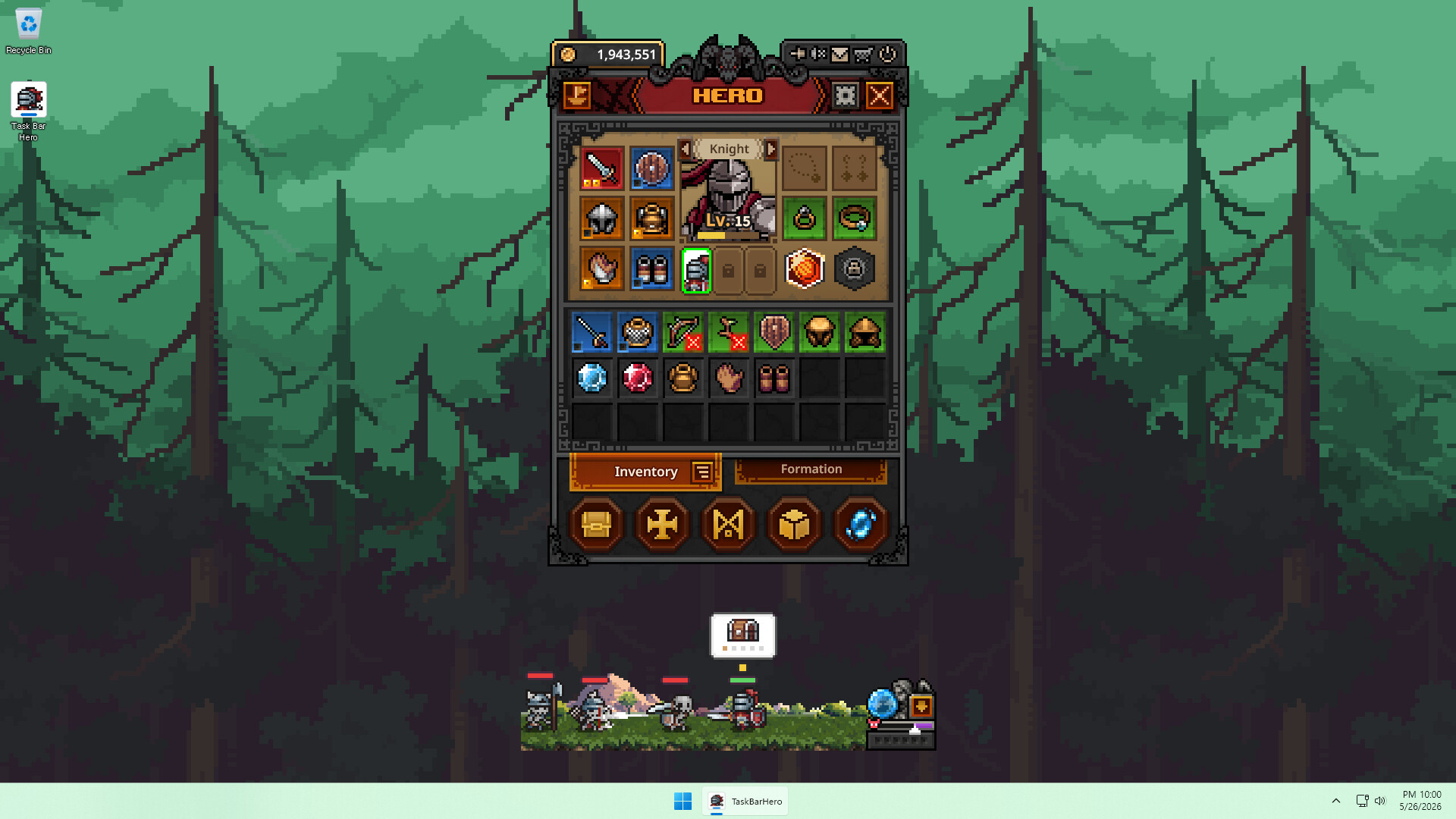
TBH: Task Bar Hero is a free-to-play RPG that somehow turned an idle game living in your taskbar into something genuinely addictive. It exploded on Steam shortly after launch, but Nugem Studio only released it for Windows. If you’re on a Mac, here’s how you can still play it.
Mac users have three main routes: CrossOver (a paid compatibility layer that runs Windows games directly on your Mac), Whisky (a free, community-supported alternative), or CloudDeck (cloud gaming that streams the game from a remote server). Here’s the breakdown.
Option 1: CrossOver
CrossOver lets you run Windows games on your Mac without installing Windows. It uses Wine under the hood, translating Windows system calls to macOS in real time. No dual boot, no virtual machine.
How does TBH: Task Bar Hero perform?
TBH: Task Bar Hero is a new release, so CrossOver compatibility data is still being collected. Check ProtonDB and the CodeWeavers compatibility database for the latest community reports. If it shows Gold or Platinum ratings, CrossOver should work smoothly.
How to get started:
- Download CrossOver ($74/year, 14-day free trial)
- Install Steam through CrossOver
- Download and launch TBH: Task Bar Hero (it’s free to play)
Option 2: Whisky (Free Alternative)
Whisky is a free, open-source app built on the same Wine technology as CrossOver. If CrossOver is compatible, Whisky likely works too since the underlying tech is the same.
The trade-off: Whisky requires more hands-on setup and troubleshooting. There’s no official support, so you’re relying on community resources if something breaks. But for a free-to-play game, it’s worth trying before spending money on CrossOver.
How to get started:
- Download Whisky (free)
- Create a new bottle (Whisky’s name for a Windows environment)
- Install Steam inside the bottle
- Download TBH: Task Bar Hero and launch it
Check the Whisky Discord if you run into issues.
Option 3: CloudDeck (Cloud Gaming)
If CrossOver or Whisky doesn’t work out, or you’d rather skip the compatibility guesswork entirely, CloudDeck takes a different approach. Instead of running the game on your Mac, it runs it on a remote server and streams the video to your screen.
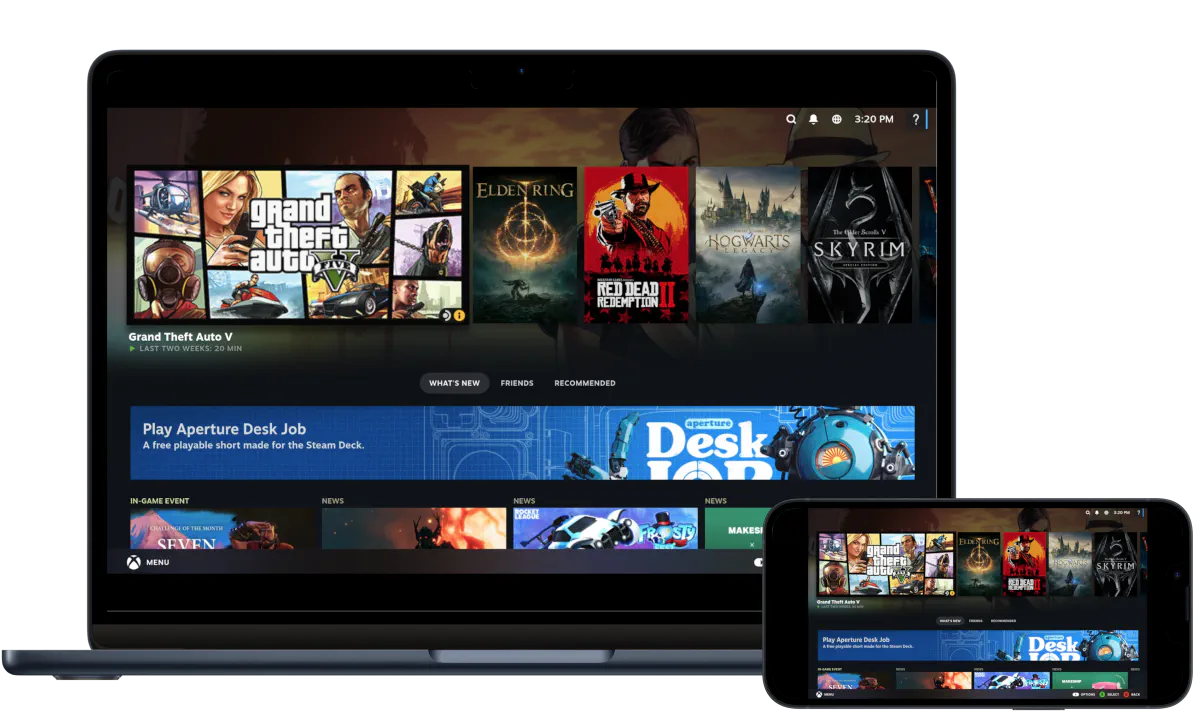
CloudDeck plays Windows games via Proton on Nobara Linux. Because TBH: Task Bar Hero has no anti-cheat software, it runs without compatibility issues on CloudDeck.
Best for:
- Macs where CrossOver or Whisky doesn’t work
- Anyone who wants zero setup headaches
- Playing on multiple devices (Mac, tablet, TV)
Requirements: Any Mac and a stable internet connection (15+ Mbps recommended).
How to get started:
- Sign up for CloudDeck ($19.99/month, cancel anytime)
- Connect using Moonlight or your browser
- Install TBH: Task Bar Hero from Steam (it’s free)
- Play immediately
Which Option Should You Choose?
| Your Situation | Best Choice |
|---|---|
| Want to try compatibility first | CrossOver (free trial) |
| Tech-savvy and prefer free tools | Whisky |
| Want guaranteed, hassle-free play | CloudDeck |
FAQ
Why isn’t there a Mac version?
Nugem Studio built TBH: Task Bar Hero for Windows only. Most indie developers target Windows first, and a Mac port takes additional time and resources that small teams often don’t have at launch.
Is TBH: Task Bar Hero actually free?
Yes, it’s free to play on Steam. You only pay for CrossOver or CloudDeck if you choose those routes.
Does it work on Apple Silicon (M1/M2/M3/M4)?
CrossOver and Whisky both support Apple Silicon. CloudDeck runs on the server side, so your Mac model doesn’t matter for that option.
Last updated: May 2026.