How to play Super Battle Golf on your Mac with CloudDeck
- Sven Frese
- Games
- February 20, 2026
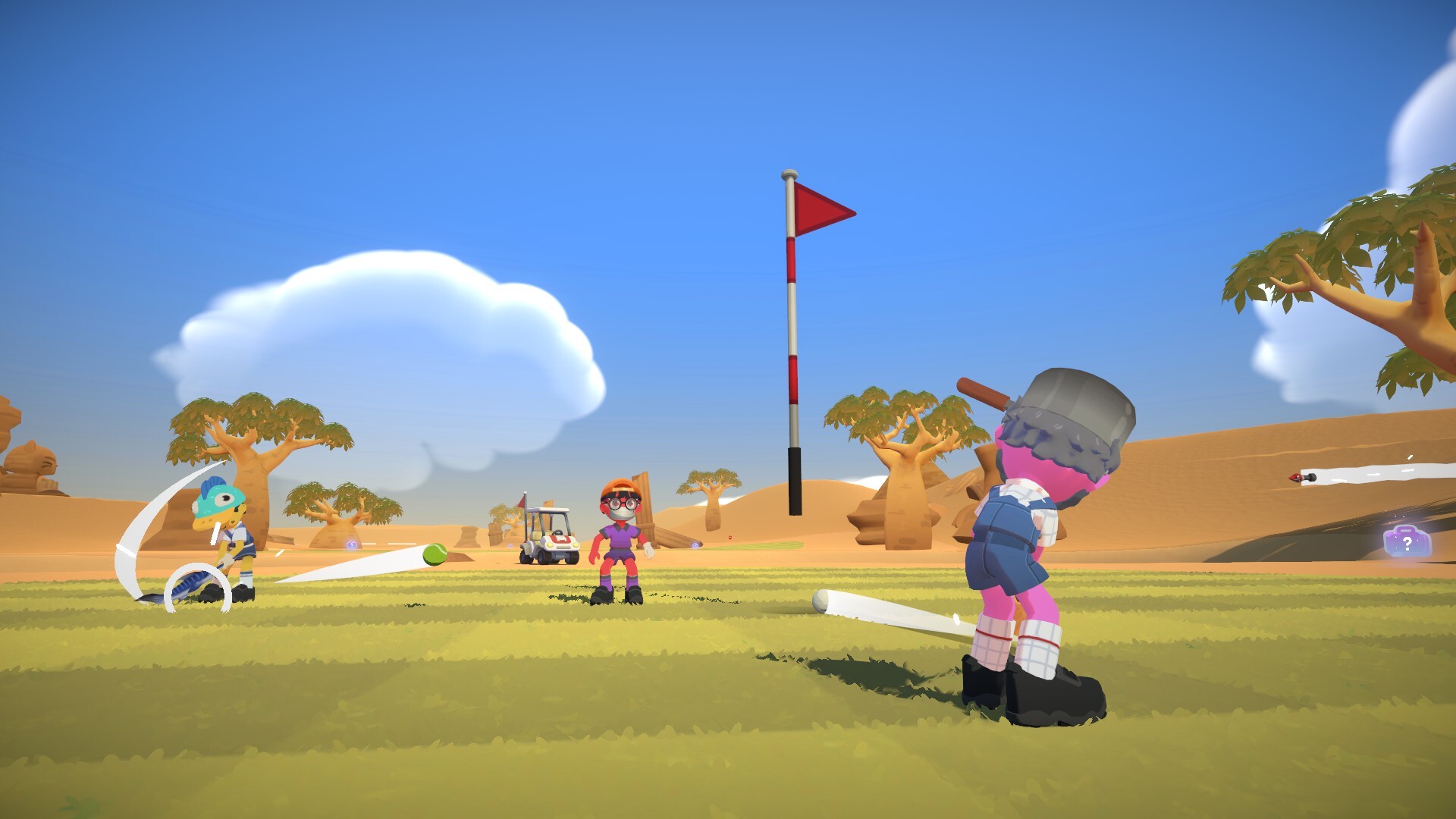
Super Battle Golf looks like a blast. It’s one of those casual sports games that’s easy to pick up but keeps you coming back. Problem is, there’s no Mac version. If your main computer is a Mac, you might think you’re stuck. But you’re not. CloudDeck lets you play it on your Mac anyway.
Why Super Battle Golf Isn’t on Mac
It’s the same story as most indie games. The developer, Brimstone, built it for Windows. Porting to Mac means dealing with a completely different graphics system (Metal instead of DirectX) and a much smaller player base. For a small indie studio, the math just doesn’t work out most of the time.
What is CloudDeck?

CloudDeck is a cloud gaming service that gives you access to a gaming PC in the cloud. It runs Nobara Linux and uses Proton to handle Windows games. You connect from your Mac, install your games, and play. It’s got a console-like interface similar to SteamOS that makes everything easy to navigate.
How to Play Super Battle Golf with CloudDeck
- Create a CloudDeck account .
- Connect using Moonlight .
- Install Super Battle Golf.
- Tee off!
Why It’s Worth It
- Works on any Mac: The game runs on CloudDeck’s servers, not your hardware. Even an older MacBook handles the stream just fine.
- Cheap: $19.99/month and you can cancel whenever. Way better than buying a PC just for gaming.
- Play more than just golf: Over 16,000 games are supported. Once you have CloudDeck, your whole Steam library opens up.
Conclusion
No Mac version of Super Battle Golf? No problem. CloudDeck gets you playing in minutes. Sign up, install, and hit the links.