How to Play Subnautica 2 on Mac (Best Options Compared)
- Sven Frese
- Games
- May 14, 2026
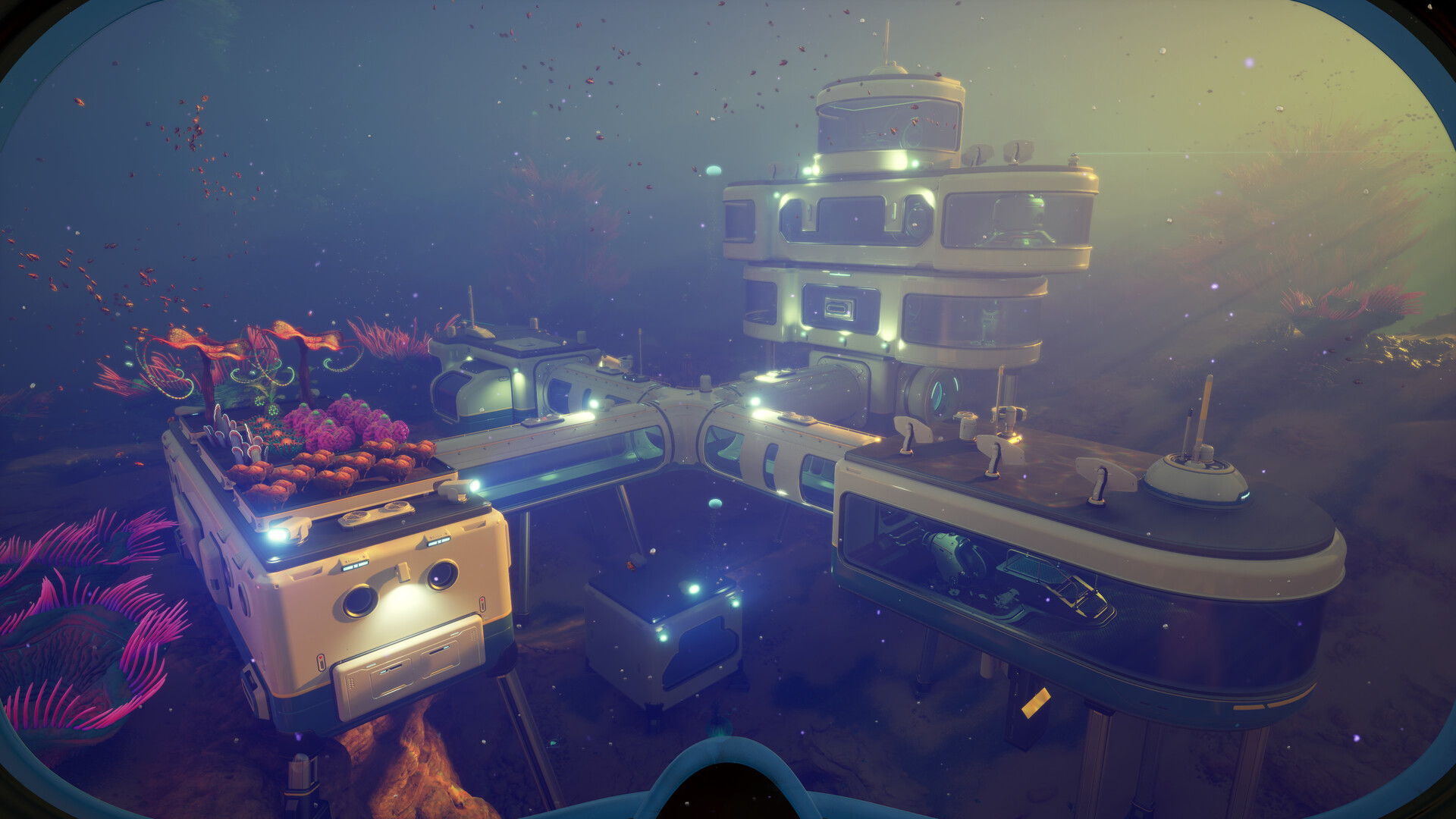
Subnautica 2 just hit Early Access and it’s already one of the most talked-about survival games of 2026. Unknown Worlds has taken everything that made the original great — the alien ocean, the creeping dread, the base-building — and added co-op for up to four players. It’s a big deal.
The problem? No Mac version. Subnautica 2 is Windows-only right now, and there’s no official word on when (or if) a native Mac build is coming.
The good news is you have three solid options: CrossOver (runs Windows games directly on your Mac), Whisky (free alternative built on the same technology), or CloudDeck (cloud gaming that streams from a remote server). Here’s how they stack up.
Option 1: CrossOver
CrossOver is a compatibility layer that translates Windows game calls to macOS in real-time. No Boot Camp, no Windows license. The game runs natively on your hardware.
Will Subnautica 2 work?
Subnautica 2 is not yet in the official CrossOver compatibility database — the game only launched May 14, 2026, so it’s too early for official ratings. That said, there’s good reason to be optimistic. The developer confirmed the game runs on Steam Deck via Proton (the same underlying technology as CrossOver), and the game has no kernel-level anti-cheat that would block Wine-based solutions. Both previous Subnautica games earned Platinum ratings on ProtonDB.
Early reports are positive, but compatibility could vary as the game is updated through Early Access. Check the CrossOver compatibility database for the latest reports before buying.
How to get started:
- Download CrossOver ($74/year, 14-day free trial)
- Install Steam through CrossOver
- Purchase and install Subnautica 2
- Launch and adjust graphics settings to taste
Tips: The game runs on Unreal Engine 5, which can be demanding. Apple Silicon Macs (M1 or later) will perform significantly better than Intel Macs.
Option 2: Whisky (Free Alternative)
Whisky is an open-source, free app built on the same Wine and Proton technology that powers CrossOver. If you want to try before spending money on CrossOver, it’s worth a shot.
Performance: Expect similar results to CrossOver under the hood, though individual results can vary depending on your setup and how well Whisky handles Subnautica 2’s Unreal Engine 5 shaders.
The trade-off: Whisky is more of a DIY experience. You may need to manually configure settings, install additional components, or troubleshoot crashes. The Whisky Discord community is helpful when things don’t work out of the box.
How to get started:
- Download Whisky (free)
- Create a new bottle for Steam
- Install Steam inside the bottle
- Install Subnautica 2 through Steam
- Check the Whisky Discord if you run into issues
Option 3: CloudDeck (Cloud Gaming)
CloudDeck takes a completely different approach. Instead of running Subnautica 2 on your Mac, we run it on high-performance servers and stream the video to your screen. Your Mac only needs to handle the stream — it doesn’t matter how old or underpowered it is.

This is especially useful for Subnautica 2 because the game is an Unreal Engine 5 title with demanding water and ocean simulation. If your Mac isn’t built for it, cloud gaming sidesteps the problem entirely.
Best for:
- Older Macs or 8GB RAM models
- Anyone who wants to skip compatibility headaches
- Playing co-op with friends without worrying about performance
Requirements: Any Mac and a stable internet connection (15+ Mbps recommended).
How to get started:
- Sign up for CloudDeck ($19.99/month, cancel anytime)
- Connect using Moonlight or your browser
- Install Subnautica 2 from Steam
- Dive in — no compatibility tweaks needed
Which Option Should You Choose?
| Your Situation | Best Choice |
|---|---|
| Modern Apple Silicon Mac (M2/M3/M4) | CrossOver |
| Tech-savvy, happy to tinker | Whisky (free) |
| Older Mac, or want zero setup | CloudDeck |
| Want to play co-op with friends reliably | CloudDeck |
FAQ
Is there a native Mac version of Subnautica 2?
Not yet. The game launched on PC (Windows) via Early Access in May 2026. Unknown Worlds has not announced a Mac release date. For comparison, Subnautica 1 did eventually get a native Mac version, so there’s hope — but nothing confirmed for the sequel.
Does Subnautica 2 have anti-cheat?
No. Subnautica 2 does not use kernel-level anti-cheat software, which means it’s compatible with Wine, Proton, and cloud gaming solutions like CloudDeck.
Can I play the co-op mode through these options?
Yes. Co-op (up to 4 players) should work fine via CrossOver, Whisky, and CloudDeck since there’s no anti-cheat blocking the connection. Each player just needs their own copy of the game.
Will my Steam saves transfer?
Yes, all three options use your Steam account, so Steam Cloud saves will sync across however you choose to play.
Does Subnautica 2 run on Steam Deck?
Yes — the development team confirmed the game is “good to go” on Steam Deck at launch. Steam Deck uses Proton, the same technology behind CrossOver and Whisky.
Last updated: May 2026.