How to play Starsand Island on your Mac with CloudDeck
- Sven Frese
- Games
- February 13, 2026
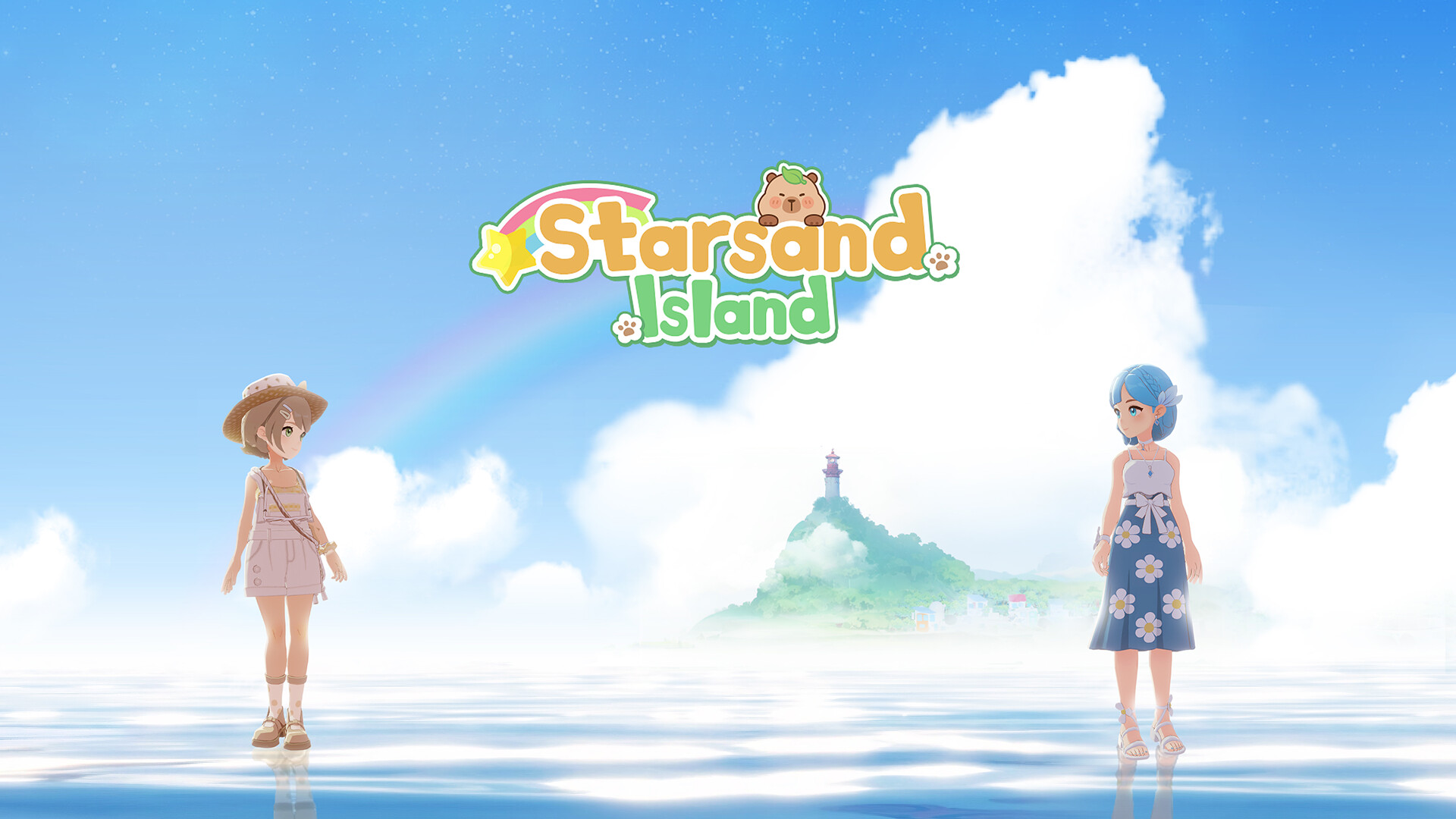
If you’re looking to play Starsand Island on your Mac, you might be disappointed to learn that Starsand Island isn’t available for macOS. Without a Windows PC, you’ll have to explore other options. Fortunately, there’s a way to play Starsand Island on your Mac: CloudDeck .
Why Starsand Island is Not Available for Mac
Starsand Island isn’t available for Mac mainly due to market size and technical challenges. The Mac gaming market is significantly smaller compared to Windows, making it less of a priority for indie developers like Seed Sparkle Lab. Starsand Island also uses DirectX, a graphics API exclusive to Windows. macOS uses a different system called Metal, so porting the game would require a lot of extra work. For smaller studios, that kind of investment often doesn’t make sense.
What is CloudDeck?

CloudDeck is a cloud gaming service that allows you to play your favorite Windows games on virtually any device with an internet connection. With CloudDeck, you can install and run nearly any Windows game from your laptop, tablet, smartphone, or TV. For easier game management and controls, CloudDeck features a gaming console-like interface similar to SteamOS.
How to Play Starsand Island with CloudDeck
Playing Starsand Island on your Mac with CloudDeck is easy:
- Create your CloudDeck account and start your subscription.
- Start your CloudDeck and connect with Moonlight .
- Install the game on your CloudDeck.
- Start playing!
Benefits of Playing Starsand Island with CloudDeck
- Performance: CloudDeck runs the game on our high-performance servers and streams directly to your Mac, ensuring an optimal gaming experience.
- Cost-Effective: Avoid the expense and hassle of buying and maintaining additional gaming hardware. CloudDeck is available for $19.99 per month and you can cancel anytime if you’re not planning to game for a while.
- Game Selection: CloudDeck supports more than 25,000 games so you can play all your favorite games on your Mac.
Conclusion
CloudDeck offers a practical solution for Mac gamers looking to play Starsand Island. With our high-performance servers, cost-effective subscription, and extensive game selection, CloudDeck allows you to play Starsand Island and 25,000 more games on your Mac without needing additional hardware. If you’re looking to play Starsand Island on your Mac, give CloudDeck a try .