How to Play StarRupture on Mac (Best Options Compared)
- Sven Frese
- Games
- March 7, 2025
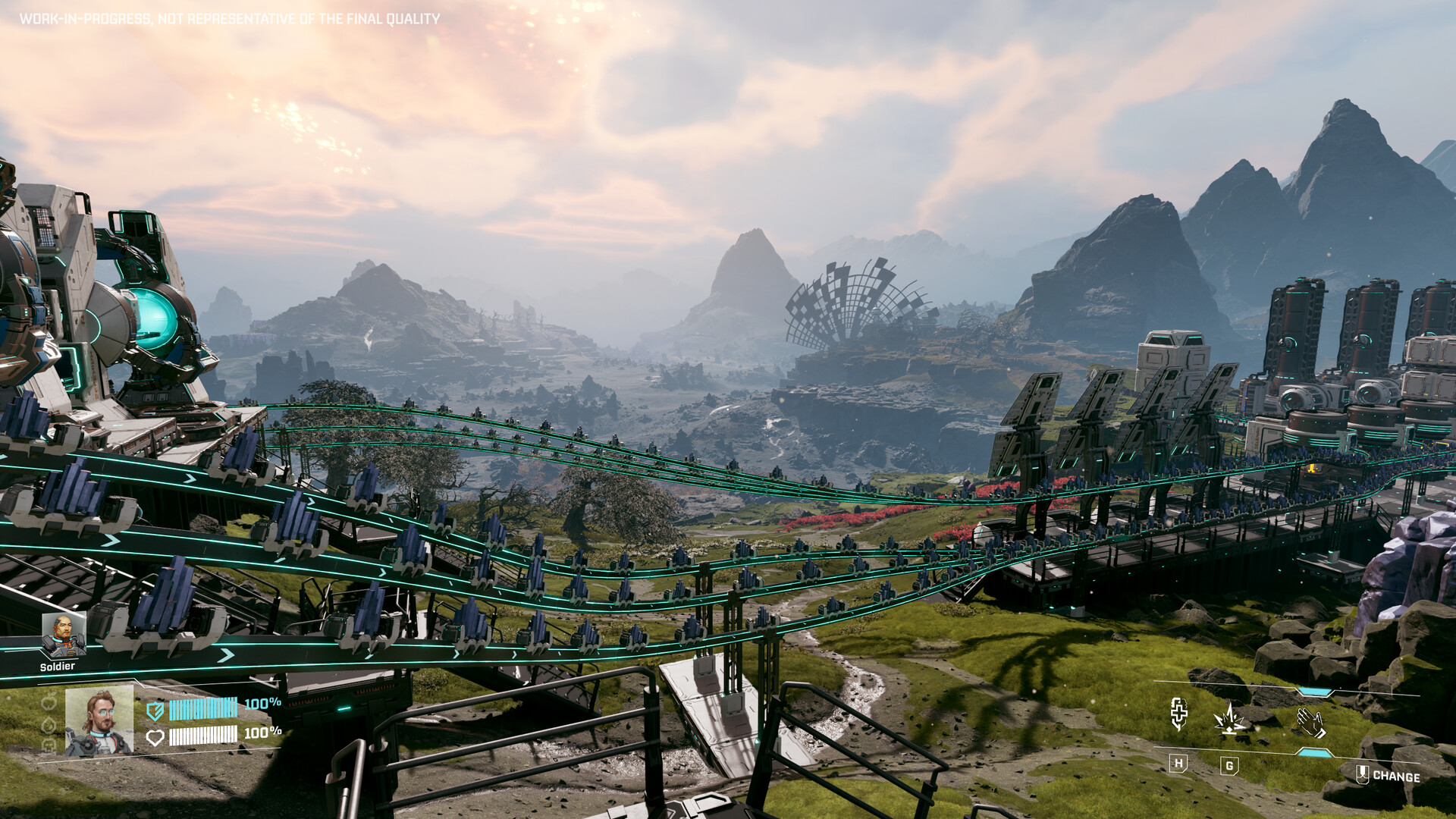
StarRupture is a first-person base-building survival game set on an alien planet—gather resources, build complex industrial systems, and fight off alien hordes. Think Satisfactory meets tower defense. There’s no Mac version, and CrossOver has known issues with this game—here’s how to play it on your Mac.
Mac users typically have three options for Windows games: CrossOver (a compatibility layer), Whisky (a free alternative), or CloudDeck (cloud gaming). For StarRupture, cloud gaming is the most reliable option.
Option 1: CloudDeck (Recommended)
CloudDeck streams the game from high-performance servers—no compatibility issues, no local hardware limits.

Performance: 60 FPS at 1080p, High settings.
Best for:
- Anyone who wants reliable, bug-free gameplay
- Building massive factories without performance concerns
- 8GB RAM Macs
Requirements: Any Mac and a stable internet connection (15+ Mbps recommended).
How to get started:
- Sign up for CloudDeck ($19.99/month, cancel anytime)
- Connect using Moonlight or your browser
- Install StarRupture from Steam
- Build without limits
Option 2: CrossOver or Whisky (Limited Functionality)
CrossOver and Whisky let you run Windows games directly on your Mac through Wine compatibility layers.
⚠️ StarRupture has known issues with CrossOver.
The game has a 3-star “Limited Functionality” rating on CodeWeavers (based on 5 user tests). Users report graphical glitches and stability problems. While ProtonDB shows better Linux results (Platinum), the Mac experience through CrossOver is less reliable.
If you want to try anyway:
- Download CrossOver ($74/year, 14-day free trial) or Whisky (free)
- Install Steam and download StarRupture
- Expect potential crashes and visual bugs
- Check CodeWeavers for workarounds
Our recommendation: For a complex game like StarRupture where base-building sessions can run hours, you want stability. CloudDeck gives you that without the compatibility lottery.
Which Option Should You Choose?
| Your Situation | Best Choice |
|---|---|
| Want reliable, stable gameplay | CloudDeck |
| Want to try local play (accept issues) | CrossOver/Whisky |
FAQ
Why doesn’t CrossOver work well?
StarRupture uses graphics features that Wine/CrossOver struggle with on Mac. The game runs better on Linux through Proton, but Mac compatibility layers have more limitations.
Does co-op work?
Yes—online co-op works perfectly through CloudDeck.
Last updated: March 2026.