How to Play SpaceCraft on Mac (Best Options Compared)
- Sven Frese
- Games
- June 11, 2026
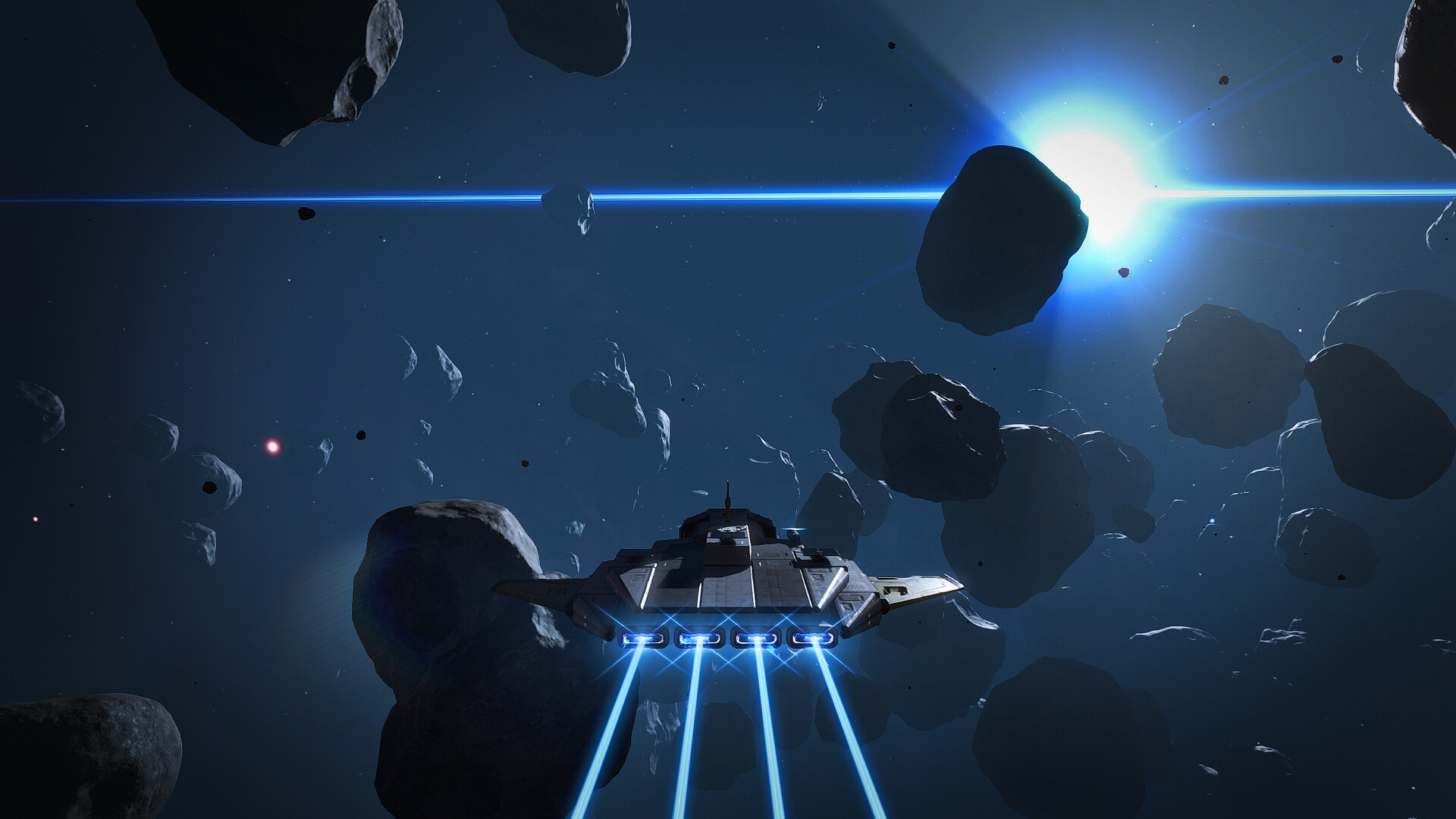
SpaceCraft is an online space exploration and building game where you roam a vast galaxy, mine resources, design ships, build planetary bases, and trade with other players. It launched in Early Access for Windows only, but Mac players have a few ways to get in on the universe.
Your options are: CrossOver (a compatibility layer that runs Windows games directly on your Mac), Whisky (a free alternative), or CloudDeck (cloud gaming that streams from a remote PC). Here’s how they compare.
Option 1: CrossOver
CrossOver lets you run Windows games directly on your Mac without Boot Camp or a Windows license. It translates Windows calls to macOS in real-time.
How does SpaceCraft perform?
SpaceCraft has a Platinum rating on ProtonDB from community testing, which suggests it runs very well via Wine-based compatibility layers like CrossOver. CrossOver compatibility depends on how well the game runs under Wine. Check ProtonDB for the latest community reports.
How to get started:
- Download CrossOver ($74/year, 14-day free trial)
- Install Steam through CrossOver
- Purchase and install SpaceCraft
- Launch and explore
Option 2: Whisky (Free Alternative)
Whisky is a free, open-source tool built on the same Wine technology as CrossOver. More setup, no cost.
The trade-off: With Platinum ProtonDB ratings, Whisky should perform similarly to CrossOver since they share the same underlying technology. You’ll just need to troubleshoot more yourself.
How to get started:
- Download Whisky (free)
- Create a new bottle (Whisky’s term for a Windows environment)
- Install Steam inside the bottle
- Install SpaceCraft through Steam
- Troubleshoot as needed (check the Whisky Discord for help)
Option 3: CloudDeck (Cloud Gaming)
CloudDeck runs SpaceCraft on our servers and streams it to your Mac. Your device just handles the display, so even a lighter MacBook can handle a game with complex galaxy simulation.

CloudDeck plays Windows games via Proton, and SpaceCraft works well in that setup. Good option for a game that involves heavy procedural generation and base-building across multiple planets.
Best for:
- Macs with limited processing power
- Players who want to skip the setup entirely
- Online multiplayer without compatibility headaches
Requirements: Any Mac and a stable internet connection (15+ Mbps recommended).
How to get started:
- Sign up for CloudDeck ($19.99/month, cancel anytime)
- Connect using Moonlight or your browser
- Install SpaceCraft from your Steam library
- Play immediately
Which Option Should You Choose?
| Your Situation | Best Choice |
|---|---|
| Powerful Mac, comfortable with setup | CrossOver |
| Tech-savvy, prefer free solutions | Whisky |
| Any Mac, zero setup | CloudDeck |
FAQ
Why isn’t there a Mac version?
SpaceCraft is a Windows Early Access game. Most Windows games use DirectX, which doesn’t run natively on macOS.
Does online multiplayer work on CloudDeck?
Yes. CloudDeck streams a full game environment, so multiplayer and co-op work the same as on a Windows PC.
Can I use my Steam saves?
Yes. All three options work with Steam Cloud saves.
Last updated: June 2026.