Can You Play Schedule I on Mobile? Here Are Your Options
- Sven Frese
- Games
- April 8, 2026
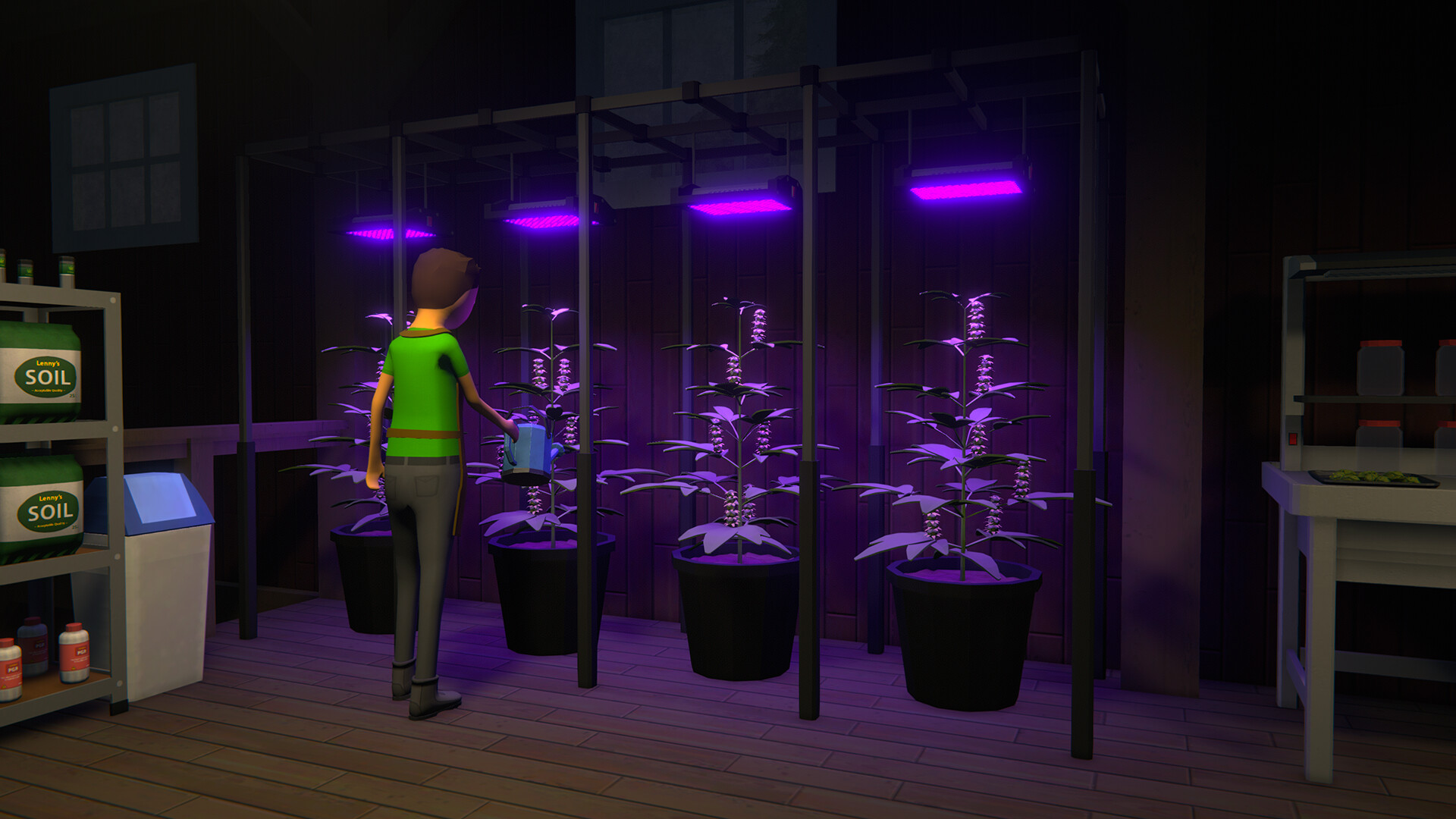
Schedule I has taken the gaming world by storm — a drug empire management sim where you build your operation from the ground up. With its massive popularity on Steam, many players are wondering if they can take their empire on the go. The short answer: there’s no official mobile version, but there are ways to play it on your phone.
Is There a Native Schedule I Mobile Version?
No. Schedule I is a PC-only title and the developer has not announced plans for a mobile port. Any app claiming to be “Schedule 1 Mobile” in unofficial app stores is fake and should be avoided.
Option 1: x86 Emulators on Android
A newer category of Android apps can emulate x86 Windows environments directly on your phone. Apps like Winlator, GameHub, and Mobox attempt to run PC games on Android hardware by translating x86 instructions in real-time.
The reality for Schedule I:
Schedule I has been a popular target for Android emulation, with multiple YouTube tutorials showing the game running on Winlator and GameHub. Here’s what to expect:
- The game can launch and run on high-end Android phones through Winlator
- Some users report black screens after the initial loading — results vary depending on your Winlator version and phone
- Performance is inconsistent: it may work on one device and fail on another
- The game is still in early access and updates frequently, which can break emulator compatibility
- A Snapdragon chipset is recommended for the best compatibility
Verdict: Schedule I can work through x86 emulators, but the experience is hit-or-miss. If you enjoy tinkering and have a high-end Snapdragon phone, it’s worth a shot — but don’t expect a reliable, plug-and-play experience.
Option 2: Remote Play from Your Own PC
If you already own a gaming PC, you can stream Schedule I to your phone using apps like Steam Link or Moonlight. This is free but requires your PC to be powered on and connected to the same network (or set up for remote access).
Best for: People who already have a capable gaming PC at home and want to play from another room or location.
Option 3: Cloud Gaming
Cloud gaming services run the game on a remote high-performance PC and stream the video to your device. Your phone only needs to handle the video stream and send your inputs back.
How it works: You connect to a cloud PC, install your games from Steam or any other store, and play via a streaming app. The heavy lifting happens on the server side.
The reality for Schedule I:
- Schedule I runs at full quality — no compatibility issues or black screens to troubleshoot
- The game automatically stays up to date since it runs on a real Windows PC
- Input latency depends on your connection; on a stable home Wi-Fi network, it feels nearly native
- Touch controls can work for a management game like this, but a controller is still recommended
Important note on connectivity: Cloud gaming streams a lot of data — typically 10-20 GB per hour at 1080p. On a home Wi-Fi connection, this works great. On mobile data, you may experience stuttering, latency spikes, and high data usage. For the best experience, stick to Wi-Fi.
CloudDeck
CloudDeck is a cloud gaming service that gives you a full Windows gaming PC in the cloud. Unlike some services that limit you to a specific game library, CloudDeck lets you install any game — including Schedule I from your own Steam library.
Why CloudDeck works well for this:
- Full PC access — install Schedule I from Steam, always get the latest updates
- High-performance hardware — runs the game smoothly without any emulation quirks
- Works on any device — connect from your Android phone, tablet, laptop, or TV
- $19.99/month — no long-term commitment, cancel anytime
Getting started:
- Create your CloudDeck account
- Connect with Moonlight on your phone
- Install Schedule I on your CloudDeck
- Pair a Bluetooth controller and play
Which Option Should You Choose?
| Approach | Performance | Cost | Best For |
|---|---|---|---|
| x86 Emulators (Android) | Low-Medium — inconsistent results | Free | Tinkerers with high-end phones |
| Remote Play (Steam Link) | High — depends on your PC | Free | Existing gaming PC owners |
| Cloud Gaming (CloudDeck) | High — full PC quality | $19.99/mo | Best experience without a gaming PC |
For a game that’s still in early access and frequently updating, cloud gaming is the most reliable way to play Schedule I on mobile. You avoid emulator compatibility issues entirely and always have access to the latest version. If you want to give it a shot, try CloudDeck and start playing within minutes.