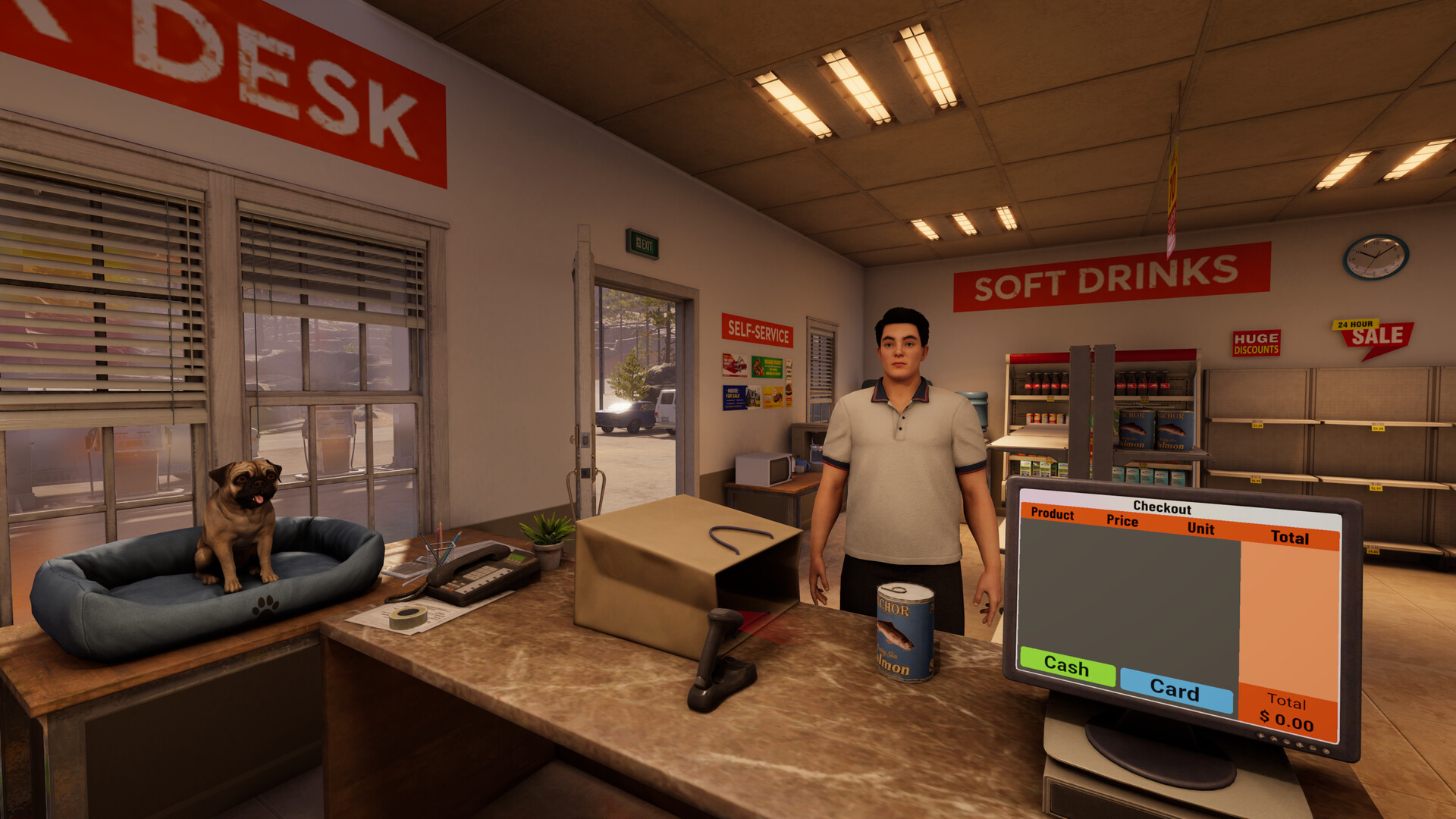
How to play Roadside Research on your Mac with CloudDeck
- Sven Frese
- Games
- February 13, 2026
Want to play Roadside Research on your Mac? Unfortunately, this quirky simulation game from Cybernetic Walrus is Windows only. No macOS version in sight. But if you’ve got an internet connection, you can still play it on your Mac using CloudDeck .
Why Roadside Research Isn’t on Mac
Same story as most PC games. Developers build for Windows because that’s where the biggest audience is. Porting to macOS means dealing with Apple’s Metal graphics API instead of DirectX, and that’s a lot of extra development time for a smaller player base. For a smaller studio like Cybernetic Walrus, it just doesn’t add up.
What is CloudDeck?

CloudDeck is a cloud gaming service that lets you play Windows games on any device with an internet connection. Games run on CloudDeck’s servers and get streamed to your screen. You can install and play nearly any Windows game from your Mac, tablet, phone, or TV. It comes with a console-like interface similar to SteamOS for easy game management.
How to Play Roadside Research with CloudDeck
Here’s what you do:
- Create your CloudDeck account and start your subscription.
- Start your CloudDeck and connect with Moonlight .
- Install Roadside Research on your CloudDeck.
- Start playing!
Benefits of Playing Roadside Research with CloudDeck
- Performance: The game runs on CloudDeck’s servers, so your Mac doesn’t need to be a gaming machine.
- Cost-Effective: Skip the gaming PC. CloudDeck is $19.99 per month and you can cancel whenever you want.
- Tons of Games: With over 16,000 supported games, you’re not limited to just Roadside Research.
Conclusion
No Mac version? No problem. CloudDeck lets you play Roadside Research on your Mac without any extra hardware. If you’re curious about this one, sign up for CloudDeck and jump in.