Road to Vostok is not on GeForce Now, but you can play it here
- Sven Frese
- Games
- April 8, 2026
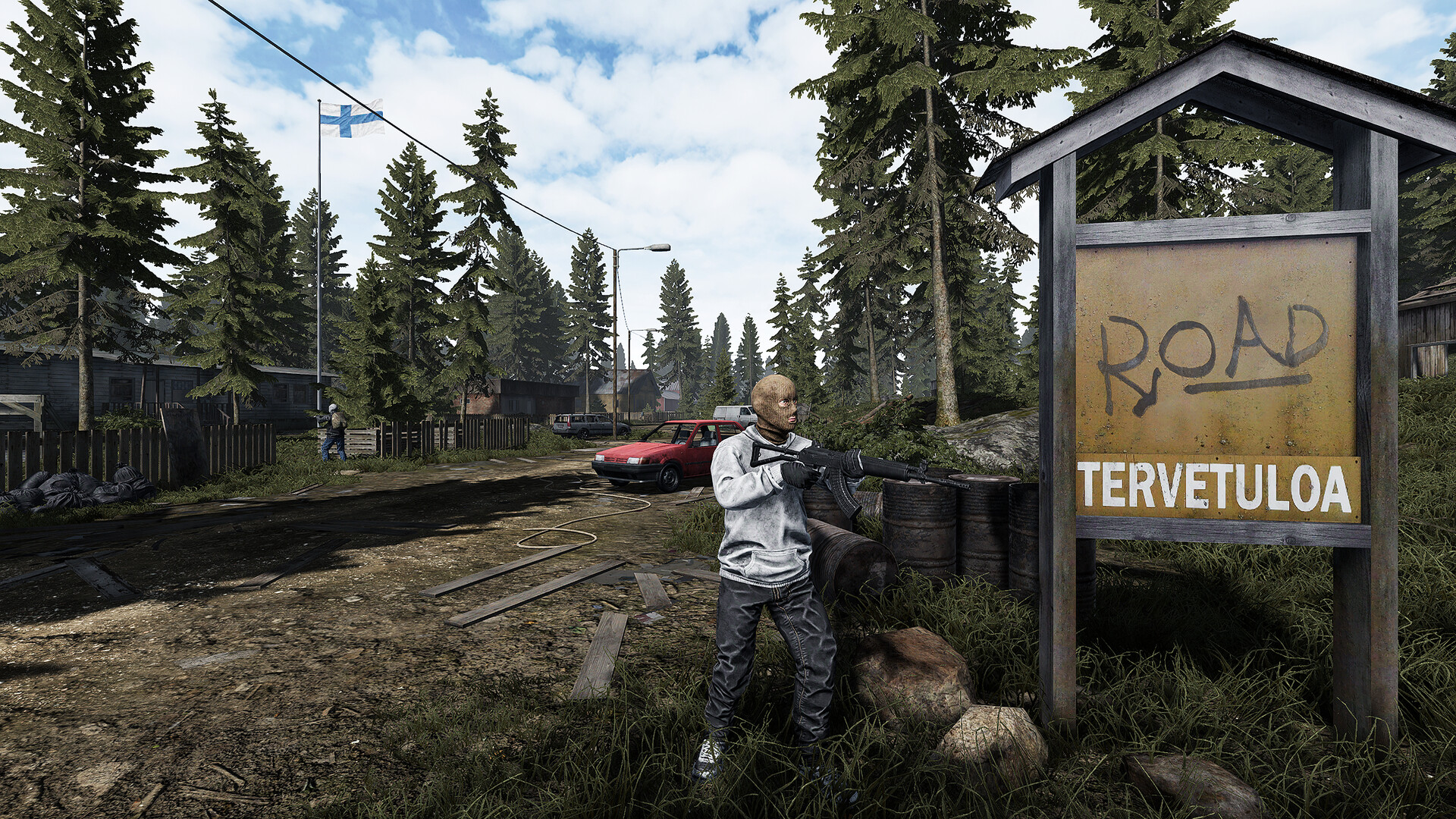
If you tried searching for Road to Vostok on GeForce Now, you already know it isn’t there. The hardcore survival game has been pulling in thousands of players since its Early Access launch, but NVIDIA’s catalog doesn’t include it. If you don’t have a gaming PC capable of running it, CloudDeck is a solid alternative for playing it in the cloud.
Why Isn’t Road to Vostok on GeForce Now?
NVIDIA doesn’t publicly explain why individual games are missing from GeForce Now. For a game like Road to Vostok, the most likely reason is simply that the developer hasn’t opted into the platform yet. GeForce Now requires publishers and developers to actively approve their games, and independent studios in Early Access often focus their energy elsewhere.
Licensing, business priorities, and the Early Access timing can all play a role. Either way, if you want to play it right now without a gaming PC, GeForce Now won’t help you.
What is CloudDeck?

CloudDeck is a cloud gaming service that gives you a full PC in the cloud. It plays Windows games via Proton, meaning you’re not limited to a curated catalog like GeForce Now. If a game is on Steam and it runs via Proton, you can install and play it on CloudDeck. The interface is console-style, similar to SteamOS, so it’s easy to navigate from a couch or a laptop.
CloudDeck is available in Europe and North America and costs $19.99 per month.
How to Play Road to Vostok on CloudDeck
Getting started is pretty simple. Sign up for CloudDeck , then connect to your cloud PC using Moonlight . Once you’re in, install Road to Vostok from Steam and start playing. Moonlight handles the streaming side, keeping latency low so the permadeath moments sting just as much as they should.
Your save files live on the cloud PC, so your progress is there whenever you come back, no matter what device you’re on.
Benefits of Playing Road to Vostok on CloudDeck
- No gaming PC required: Road to Vostok is a fairly demanding game for a survival title. CloudDeck handles the heavy lifting on its servers, so you can play on a Mac, a low-end laptop, or even a tablet.
- Play anywhere: Your session is saved in the cloud. You can start a run at home on a big screen and pick it up later somewhere else without any hassle.
- Cost-effective: At $19.99 per month, you skip the upfront cost of a gaming rig entirely. That’s a lot cheaper than buying hardware just for one game.
Conclusion
Road to Vostok not being on GeForce Now is frustrating if that’s your usual option, but CloudDeck gets you playing without needing your own gaming setup. It plays Windows games via Proton, Road to Vostok has a PLATINUM rating on ProtonDB, and the setup takes just a few minutes. Give CloudDeck a try and see how far you can make it toward the border.