How to Play Pummel Party on Mac (Best Options Compared)
- Sven Frese
- Games
- March 7, 2025
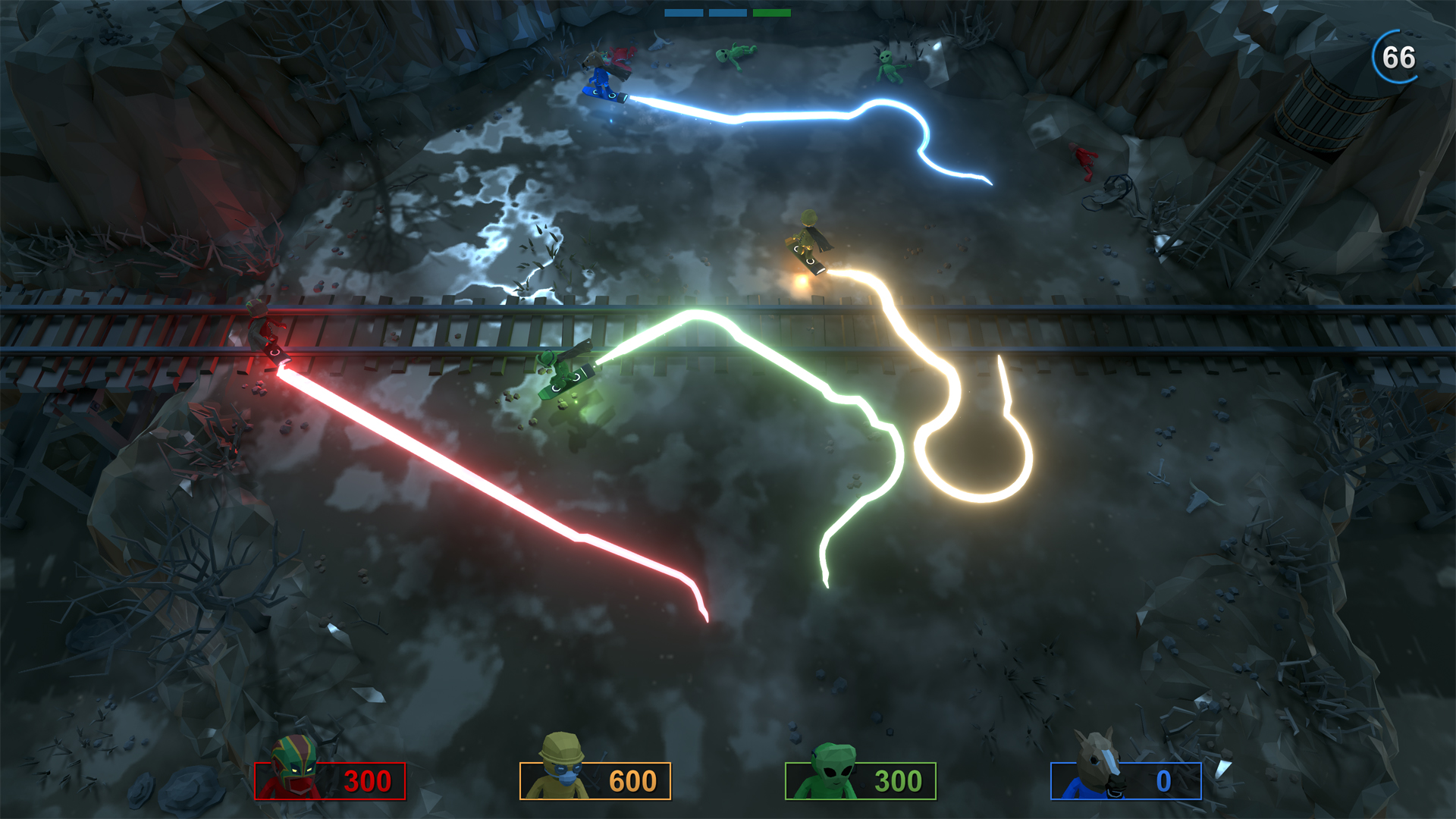
Pummel Party is the chaotic party game that’s basically Mario Party but with more destruction—4-8 players compete in board game mode and hilariously violent minigames. It’s a friendship-destroying classic. There’s no Mac version, but the game runs great on Mac through compatibility layers.
Mac users have three solid options: CrossOver (a compatibility layer that runs Windows games directly on your Mac), Whisky (a free alternative to CrossOver), or CloudDeck (cloud gaming that streams the game from a remote PC). Here’s how they compare.
Option 1: CrossOver
CrossOver lets you run Windows games directly on your Mac without Boot Camp or a Windows license.
How does Pummel Party perform?
Pummel Party has a 5-star “Runs Great” rating on CrossOver and a Gold rating on ProtonDB (trending Platinum, 101 reports). The game runs smoothly in both board mode and minigames.
Quick reference:
- ✅ Any M-series Mac — Runs smoothly
- ✅ 8GB RAM — Plenty for this game
- ✅ Online multiplayer — Works perfectly
- ✅ Local multiplayer — Works with controllers
How to get started:
- Download CrossOver ($74/year, 14-day free trial)
- Install Steam through CrossOver
- Download Pummel Party
- Destroy some friendships
Tips: Connect controllers before launching the game for best local multiplayer experience.
Option 2: Whisky (Free Alternative)
Whisky offers identical functionality for free.
Performance: Same as CrossOver—the game runs great.
The trade-off: Slightly more setup, but Pummel Party is simple enough that you won’t hit issues.
How to get started:
- Download Whisky (free)
- Create a new bottle and install Steam
- Download Pummel Party
- Start the chaos
Option 3: CloudDeck (Cloud Gaming)
CloudDeck streams the game from high-performance servers—great for group play.

Performance: 60 FPS, runs on our servers.
Best for:
- Party setups where everyone needs the same experience
- Macs with limited storage
- Zero setup game nights
Requirements: Any Mac and a stable internet connection (15+ Mbps recommended).
How to get started:
- Sign up for CloudDeck ($19.99/month, cancel anytime)
- Connect using Moonlight or your browser
- Install Pummel Party from Steam
- Start the party
Which Option Should You Choose?
| Your Situation | Best Choice |
|---|---|
| Want free local play | Whisky |
| Want polished local play | CrossOver |
| Want zero setup for game night | CloudDeck |
FAQ
Does online multiplayer work?
Yes—all three options support online play with Windows users.
How many players?
4-8 players online or local.
Do controllers work?
Yes—Xbox and PlayStation controllers work through all three options.
Last updated: March 2026.