How to Play Poppy Playtime on Mac (Best Options Compared)
- Sven Frese
- Games
- January 18, 2025
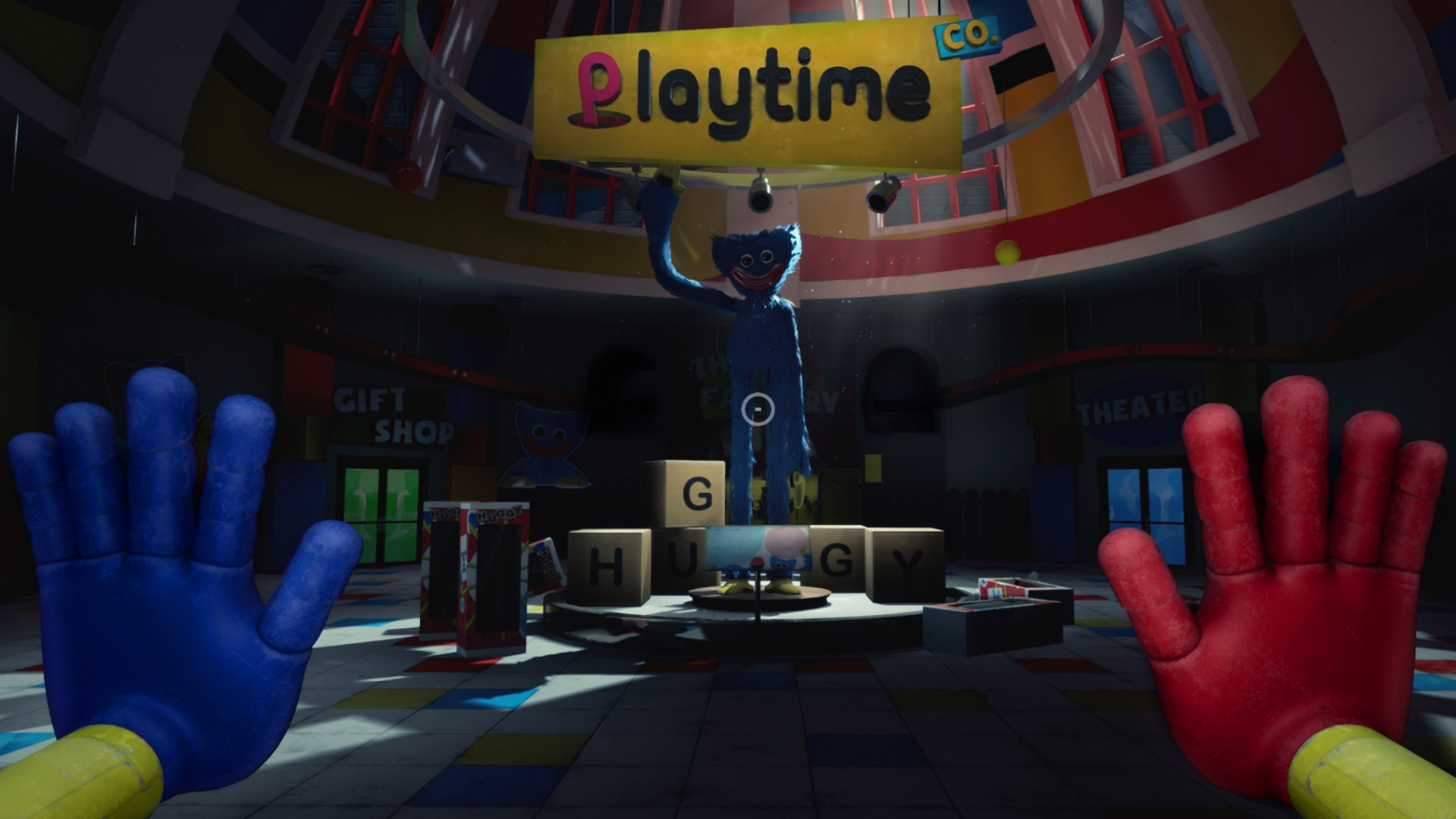
Poppy Playtime is the horror game that took the internet by storm—creepy toys, a mysterious abandoned factory, and enough jump scares to keep you on edge. MOB Games only released it for Windows, but Mac users still have ways to experience the horrors of Playtime Co.
Mac users have three options: CrossOver (a compatibility layer that runs Windows games directly on your Mac), Whisky (a free alternative to CrossOver), or CloudDeck (cloud gaming that streams the game from a remote PC). Here’s how they compare.
Option 1: CrossOver
CrossOver is a compatibility layer that lets you run Windows games directly on your Mac—no Boot Camp, no Windows license, no virtual machine. It translates Windows commands to macOS in real-time, so games run natively on your hardware.
How does Poppy Playtime perform?
Poppy Playtime is an Unreal Engine game, and compatibility through CrossOver can be hit-or-miss. Chapter 1 has been reported to work with some tweaking, but later chapters (which are more graphically demanding) may have issues. Linux/Proton compatibility has also been inconsistent—some users get it working, others hit crashes.
Quick reference:
- ⚠️ Apple Silicon Macs (16GB) — Chapter 1 may work with tweaking
- ⚠️ Later chapters — Less reliable, more graphically demanding
- ❌ 8GB RAM Macs — Likely too demanding for Unreal Engine via translation
How to get started:
- Download CrossOver ($74/year, 14-day free trial)
- Install Steam through CrossOver
- Purchase and install Poppy Playtime
- Test with the free trial before committing
Tips: Start with Chapter 1 to test compatibility. If it works smoothly, try the later chapters. Use CrossOver’s 14-day trial to verify before paying.
Option 2: Whisky (Free Alternative)
If you’d rather not pay for CrossOver, Whisky offers similar functionality for free. It’s built on the same Wine technology that powers CrossOver, but it’s open-source and community-maintained.
Performance: Expect similar results to CrossOver—the underlying technology is the same. The same Unreal Engine compatibility issues apply.
The trade-off: Whisky requires more manual setup on top of the already-tricky Unreal Engine compatibility. If you’re not comfortable with technical troubleshooting, this might be frustrating.
How to get started:
- Download Whisky (free)
- Create a new bottle (Whisky’s term for a Windows environment)
- Install Steam inside the bottle
- Install Poppy Playtime through Steam
- Troubleshoot as needed (check the Whisky Discord for help)
Option 3: CloudDeck (Cloud Gaming)
Given the inconsistent CrossOver compatibility, CloudDeck is the most reliable way to play Poppy Playtime on Mac. Instead of wrestling with Unreal Engine translation issues, CloudDeck runs the game on a high-performance server and streams it to your screen.

Performance: 60 FPS at 1080p, High settings (runs on our cloud servers).
Best for:
- Playing all chapters without compatibility worries
- Any Mac, including 8GB models
- Players who want to jump straight into the scares
Requirements: Any Mac and a stable internet connection (15+ Mbps recommended).
How to get started:
- Sign up for CloudDeck ($19.99/month, cancel anytime)
- Connect using Moonlight or your browser
- Install Poppy Playtime from your Steam library
- Play immediately—no compatibility tweaks needed
Which Option Should You Choose?
| Your Situation | Best Choice |
|---|---|
| Powerful Mac, willing to troubleshoot | CrossOver (free trial first) |
| Tech-savvy, prefer free solutions | Whisky |
| Want all chapters to work reliably, any Mac | CloudDeck |
FAQ
Why isn’t there a Mac version?
MOB Games built Poppy Playtime on Unreal Engine for Windows. Porting to macOS requires adapting the graphics pipeline from DirectX to Metal—a major undertaking.
Which chapters work through CrossOver?
Chapter 1 has the best compatibility. Later chapters are more demanding and less reliably supported through Wine-based tools.
Can I use my Steam saves?
Yes—all three options work with Steam Cloud saves.
Is there anti-cheat?
Poppy Playtime is a single-player game with no anti-cheat, so there are no restrictions on running it through compatibility layers or cloud gaming.
Last updated: April 2026.