How to Play Plants vs. Zombies Garden Warfare 2 on Mac (Best Options Compared)
- Sven Frese
- Games
- September 3, 2024
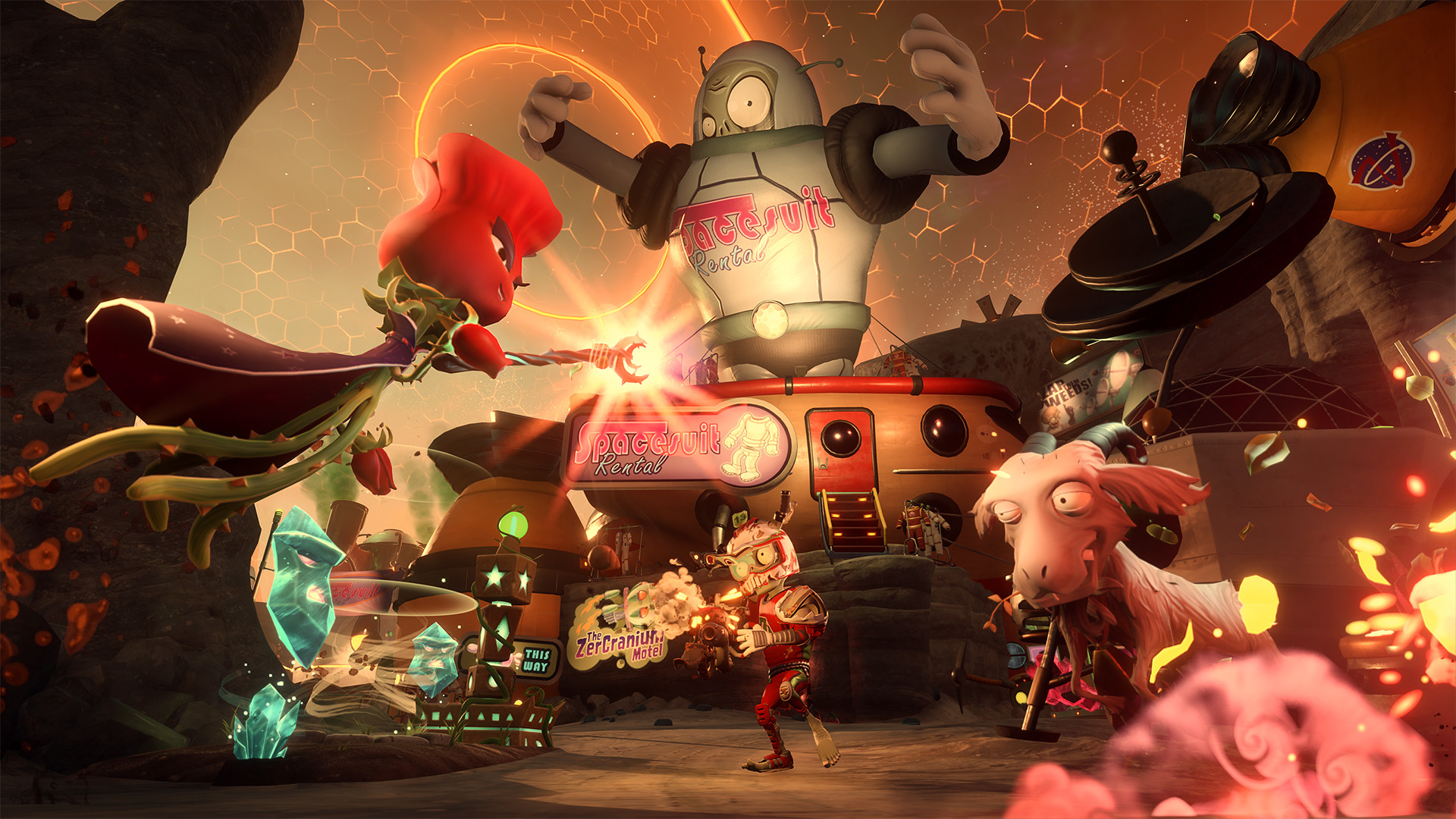
Plants vs. Zombies Garden Warfare 2 is the wacky team shooter that pits adorable plants against goofy zombies in all-out multiplayer warfare. It’s colorful, chaotic, and surprisingly deep—perfect for players who want something lighter than your typical military shooter. EA never released a Mac version, and compatibility layers struggle with its online requirements.
Mac users typically have three options for running Windows games: CrossOver (a compatibility layer), Whisky (a free alternative), or CloudDeck (cloud gaming that streams the game from a remote PC). For Garden Warfare 2, cloud gaming is the most practical choice—here’s why.
Option 1: CloudDeck (Recommended)
CloudDeck offers a completely different approach to gaming on Mac: instead of running the game locally, CloudDeck runs it on our high-performance servers and streams the video to your screen. Your Mac just needs to display the stream, so even an 8GB MacBook Air works perfectly.

Performance: 60 FPS at 1080p, High settings (runs on our cloud servers).
Best for:
- Any Mac (M1, M2, M3, M4)
- Macs with limited storage (game needs 25GB locally)
- Anyone who wants to play without compatibility issues
Requirements: Any Mac and a stable internet connection (15+ Mbps recommended).
How to get started:
- Sign up for CloudDeck ($19.99/month, cancel anytime)
- Connect using Moonlight or your browser
- Install Garden Warfare 2 from your EA/Origin library
- Play immediately—join the plant vs. zombie battle
Option 2: CrossOver or Whisky (Limited Support)
CrossOver is a compatibility layer that lets you run Windows games directly on your Mac. Whisky is a free, open-source alternative built on the same Wine technology.
Garden Warfare 2 has limited compatibility with these tools due to its online requirements and EA’s Origin/EA app integration.
Why it’s problematic:
- The game requires EA’s online services, which can be finicky through compatibility layers
- Origin/EA app integration adds another layer of complexity
- Online multiplayer games often have compatibility issues with Wine-based solutions
- Performance reports are inconsistent
If you want to try:
- Download CrossOver or Whisky
- Install the EA app through the compatibility layer
- Attempt to install Garden Warfare 2
- Expect potential issues with online connectivity
Which Option Should You Choose?
| Your Situation | Best Choice |
|---|---|
| Want to play reliably | CloudDeck |
| Tech-savvy, want to experiment | CrossOver/Whisky |
FAQ
Why isn’t there a Mac version?
EA never ported it. Most Windows games use DirectX, which doesn’t run natively on macOS.
Can I use my EA saves?
Yes—progress syncs through your EA account, which works with CloudDeck.
Last updated: March 2026.