How to play PARANORMASIGHT: The Mermaid's Curse on your Mac with CloudDeck
- Sven Frese
- Games
- February 20, 2026
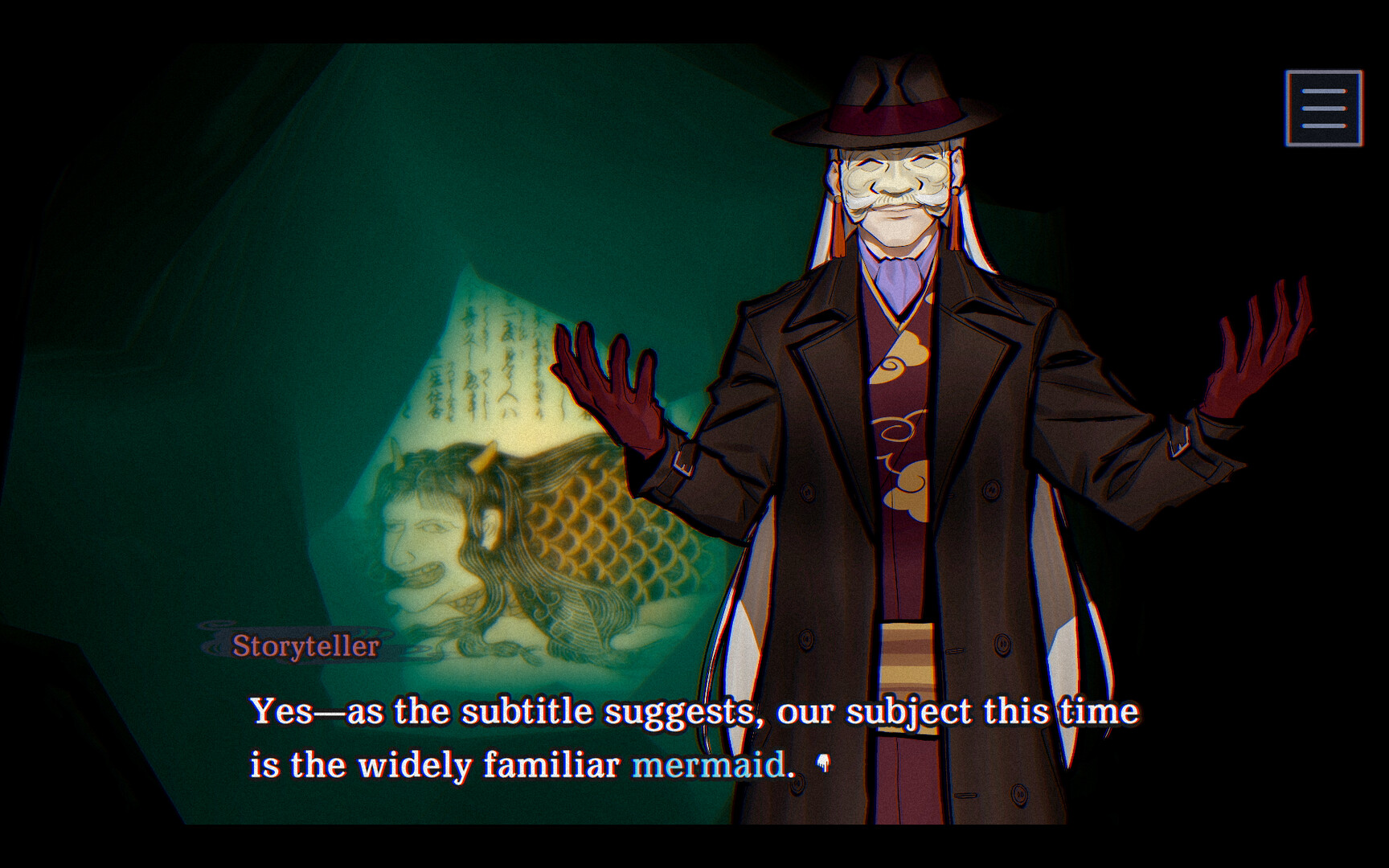
PARANORMASIGHT: The Mermaid’s Curse just dropped and it looks fantastic. Square Enix really knows how to craft a good supernatural adventure. But if you’re on a Mac, you’re out of luck with a native version. The game is Windows only. The good news? You can still play it on your Mac through CloudDeck .
Why There’s No Mac Version
Square Enix builds most of their PC games for Windows. PARANORMASIGHT: The Mermaid’s Curse uses DirectX, which doesn’t run on macOS natively. Porting to Mac would mean rebuilding the graphics layer for Metal, and that’s a significant amount of work. Even big studios like Square Enix don’t always find it worth the effort given how small the Mac gaming market is compared to Windows.
What is CloudDeck?

CloudDeck is a cloud gaming service that puts a full gaming PC at your fingertips. It runs Nobara Linux and uses Proton to play Windows games, so everything just works. You connect from your Mac using a streaming client and play games as if they were running locally. No complicated setup required.
How to Play PARANORMASIGHT: The Mermaid’s Curse with CloudDeck
Here’s what you do:
- Sign up for CloudDeck .
- Connect to your CloudDeck with Moonlight .
- Install PARANORMASIGHT: The Mermaid’s Curse.
- Enjoy the story!
Why CloudDeck is a Great Fit
- Performance: CloudDeck’s servers handle all the heavy lifting. Your Mac just needs to handle the video stream, so even older Macs work fine.
- Cost-effective: $19.99/month gets you a cloud gaming PC. That’s a fraction of what a gaming laptop costs, and you can cancel whenever you want.
- Tons of games: With support for over 16,000 games, you can play way more than just PARANORMASIGHT on your Mac.
Conclusion
Don’t let the lack of Mac support stop you from experiencing PARANORMASIGHT: The Mermaid’s Curse. CloudDeck makes it easy to play on your Mac. Sign up, install, and dive into the mystery.