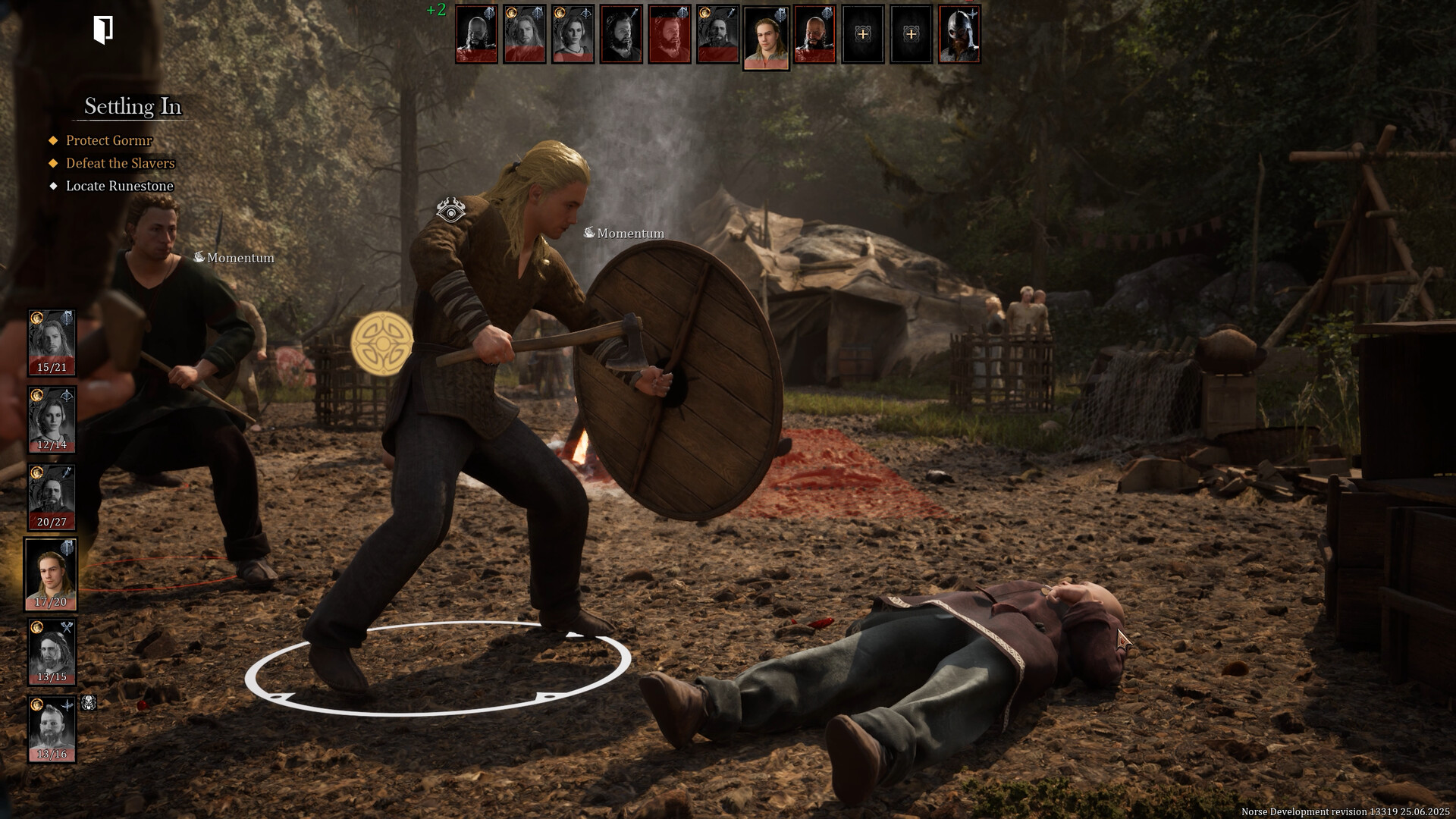
How to play NORSE: Oath of Blood on your Mac with CloudDeck
- Sven Frese
- Games
- February 17, 2026
Want to play NORSE: Oath of Blood on your Mac? Bad news first: there’s no macOS version. The game is Windows-only, so Mac users are left out in the cold. But don’t worry, there’s a solid workaround. You can play NORSE: Oath of Blood on your Mac using CloudDeck .
Why NORSE: Oath of Blood Isn’t on Mac
Like most PC games, NORSE: Oath of Blood was built for Windows. It uses DirectX for its graphics, which doesn’t work on macOS (Apple uses its own system called Metal). Porting the game would mean a ton of extra development work for a relatively small market. Most game studios, especially smaller teams like Arctic Hazard, just don’t have the resources to make that happen.
What is CloudDeck?

CloudDeck is a cloud gaming service that gives you a full cloud PC you can stream to any device. It runs on Nobara Linux, a Linux-based system that plays Windows games natively through Proton. That means you can install and run pretty much any PC game, including NORSE: Oath of Blood, right from your Mac, tablet, phone, or TV. CloudDeck also has a console-like interface similar to SteamOS, so managing your games feels natural.
How to Play NORSE: Oath of Blood on Your Mac
Getting started is pretty simple:
- Sign up for CloudDeck and pick your plan.
- Connect to your CloudDeck using Moonlight .
- Install NORSE: Oath of Blood on your CloudDeck.
- Start playing!
That’s it. No complicated setup, no Boot Camp, no dual booting.
Why CloudDeck Works Great for This
- Performance: The game runs on CloudDeck’s servers, not your Mac. So even if you have a MacBook Air, you’re getting high-end gaming performance streamed to your screen.
- Cost-Effective: No need to buy a separate gaming PC. CloudDeck starts at $19.99 per month, and you can cancel whenever you want.
- Huge Game Library: CloudDeck supports over 16,000 games. So it’s not just NORSE, you can play pretty much anything in your Steam library too.
Conclusion
NORSE: Oath of Blood might not be on Mac, but that doesn’t mean you can’t play it on one. CloudDeck lets you stream the game to your Mac with solid performance and zero hassle. If you’re a Mac gamer who doesn’t want to miss out, give CloudDeck a try .