How to Play Microsoft Flight Simulator on Mac (Best Options Compared)
- Sven Frese
- Games
- March 25, 2025
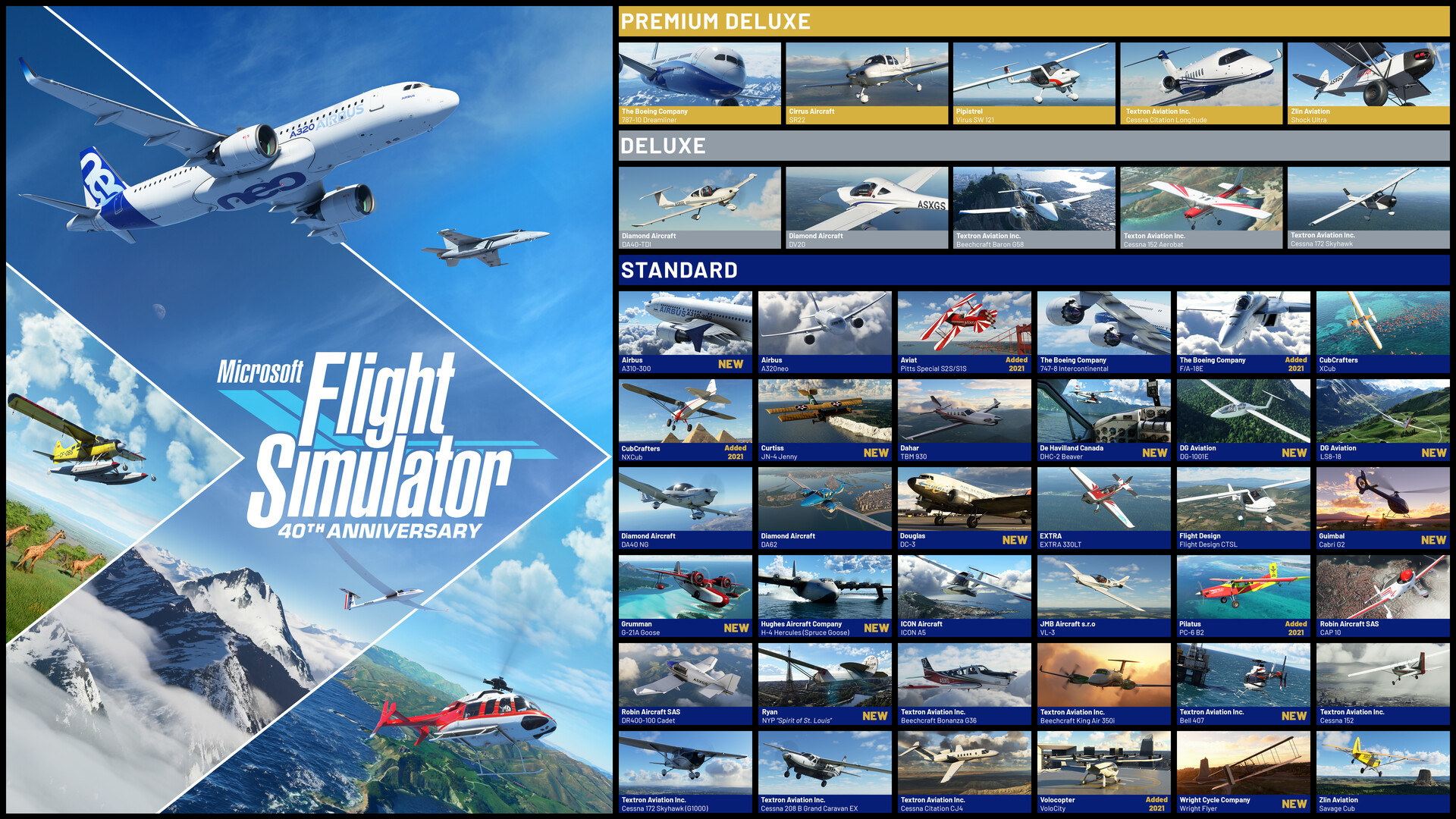
Microsoft Flight Simulator is the most visually stunning flight sim ever created—soar over photorealistic recreations of the entire planet, from the Grand Canyon to your own neighborhood. It’s a bucket-list experience for aviation enthusiasts and casual sightseers alike. Microsoft never brought it to Mac, and compatibility layers can’t handle its complexity.
Mac users typically have three options for running Windows games: CrossOver (a compatibility layer), Whisky (a free alternative), or CloudDeck (cloud gaming that streams the game from a remote PC). For Microsoft Flight Simulator, cloud gaming is the only option that works—here’s why.
Option 1: CloudDeck (Only Working Option)
CloudDeck offers a completely different approach to gaming on Mac: instead of running the game locally, CloudDeck runs it on our high-performance servers and streams the video to your screen. Your Mac just needs to display the stream, so even an 8GB MacBook Air works perfectly.

Performance: 60 FPS at 1080p, High settings (runs on our cloud servers).
Best for:
- Any Mac (M1, M2, M3, M4)
- Macs with limited storage (game needs 150GB+ locally)
- Anyone who wants smooth flight simulation
Requirements: Any Mac and a stable internet connection (15+ Mbps recommended).
How to get started:
- Sign up for CloudDeck ($19.99/month, cancel anytime)
- Connect using Moonlight or your browser
- Install Microsoft Flight Simulator from your Steam or Xbox library
- Play immediately—explore the entire planet from your Mac
Option 2: CrossOver or Whisky (Don’t Work)
CrossOver is a compatibility layer that lets you run Windows games directly on your Mac. Whisky is a free, open-source alternative built on the same Wine technology.
Unfortunately, Microsoft Flight Simulator does not work through either—the game requires specific Windows components that can’t be emulated.
Why doesn’t it work?
- MSFS requires Windows-specific graphics features and drivers
- The game’s always-online requirement complicates compatibility
- Multiple reports confirm it won’t launch or crashes immediately
- The massive streaming world data doesn’t play well with compatibility layers
What about Parallels?
Parallels (running Windows in a virtual machine) also struggles with MSFS. Performance is extremely poor because the game is too demanding for virtualization on Apple Silicon.
Which Option Should You Choose?
| Your Situation | Best Choice |
|---|---|
| Want to fly on Mac | CloudDeck |
| Prefer free options | None available for this game |
FAQ
Why isn’t there a Mac version?
Microsoft hasn’t ported it to macOS. The game is tightly integrated with Windows and Xbox ecosystems, and its demanding nature makes a Mac port unlikely.
Can I use my saves?
Yes—MSFS syncs progress through your Xbox/Microsoft account, which works with CloudDeck.
What about Xbox Cloud Gaming?
MSFS is available on Xbox Cloud Gaming, but CloudDeck offers better video quality and the full Steam/Xbox PC version with all its features.
Last updated: March 2026.