How to Play Mewgenics on Mac (Best Options Compared)
- Sven Frese
- Games
- February 10, 2026
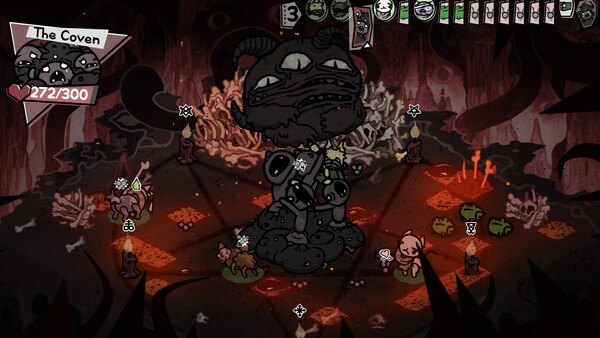
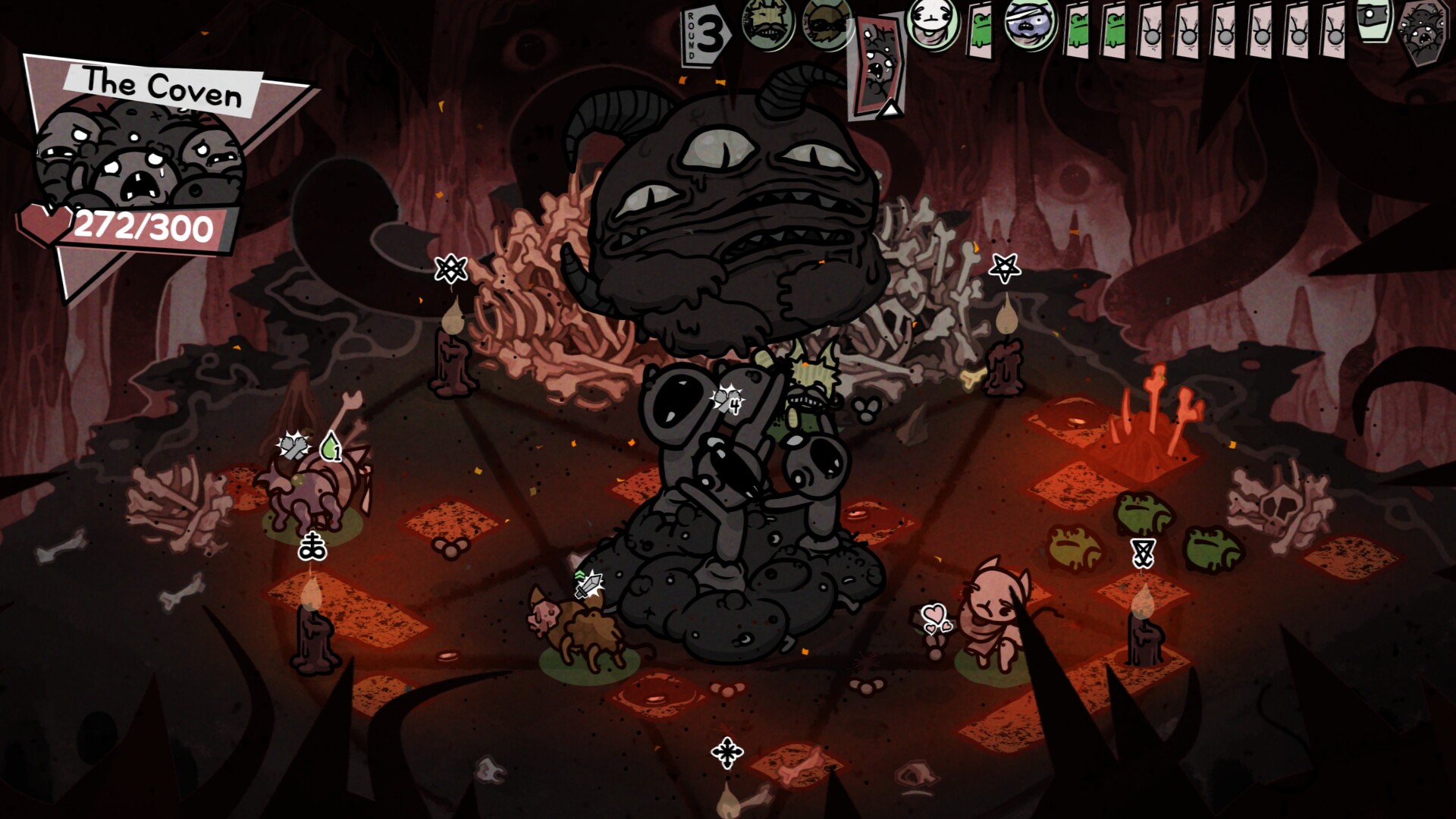
Mewgenics, the long-awaited cat-breeding roguelike from Edmund McMillen (The Binding of Isaac), has finally arrived—and it’s as weird and wonderful as fans hoped. There’s no native Mac version, but Mac users do have options, though this one comes with some caveats.
Mac users have three options: CrossOver (a compatibility layer that runs Windows games directly on your Mac), Whisky (a free alternative to CrossOver), or CloudDeck (cloud gaming that streams the game from a remote PC). Here’s how they compare for Mewgenics.
Option 1: CrossOver
CrossOver is a compatibility layer that lets you run Windows games directly on your Mac—no Boot Camp, no Windows license, no virtual machine. It translates Windows commands to macOS in real-time, so games run natively on your hardware.
How does Mewgenics perform?
Mewgenics had a rough start on CrossOver—the game requires OpenGL 4.4, but macOS only supports OpenGL 4.1 natively. Early reports showed it wouldn’t run at all. However, CrossOver 26 resolved most issues, and the game is now playable with some manual fixes. You’ll likely need to deal with a zoomed-in screen on first launch (requiring a manual window reset) and audio crackling that can be fixed by setting compatibility mode to Windows XP.
Quick reference:
- ✅ Any Apple Silicon Mac with 16GB+ — Playable after setup (CrossOver 26 required)
- ⚠️ Audio issues — Crackling sound, fixable by setting app compatibility to Windows XP
- ⚠️ Display issues — Zoomed-in screen on first launch, needs manual window reset
- ❌ CrossOver 25 or older — Game won’t launch
How to get started:
- Download CrossOver ($74/year, 14-day free trial) — CrossOver 26 required
- Install Steam through CrossOver with MSYNC enabled
- Purchase and install Mewgenics
- Fix the zoomed display by resetting the window
- If audio crackles, set the app compatibility mode to Windows XP
Tips: Enable MSYNC in your Steam bottle settings for stable performance. The game isn’t demanding hardware-wise—the challenge is getting it configured correctly.
Option 2: Whisky (Free Alternative)
If you’d rather not pay for CrossOver, Whisky offers similar functionality for free. It’s built on the same Wine technology that powers CrossOver, but it’s open-source and community-maintained.
Performance: Mewgenics may work through Whisky, but given the specific fixes needed (MSYNC, compatibility mode tweaks, display resets), CrossOver 26’s guided setup is more reliable. The OpenGL 4.4 requirement makes this trickier than typical indie games.
The trade-off: You’ll need to manually configure the same fixes that CrossOver 26 handles. If you’re comfortable editing Wine configuration, it’s doable—but expect more troubleshooting.
How to get started:
- Download Whisky (free)
- Create a new “bottle” (Whisky’s term for a Windows environment)
- Install Steam inside the bottle
- Install Mewgenics through Steam
- Troubleshoot as needed (check the Whisky Discord for help)
Option 3: CloudDeck (Cloud Gaming)
If you’d rather skip the CrossOver configuration entirely, CloudDeck offers a completely different approach: cloud gaming.
Instead of running the game on your Mac, CloudDeck runs it on our high-performance servers and streams the video to your screen. Your Mac just needs to display the stream, so even an 8GB MacBook Air works perfectly.

Performance: Smooth gameplay at max settings (runs on our cloud servers).
Best for:
- Players who don’t want to troubleshoot OpenGL/audio/display issues
- 8GB RAM Macs
- Anyone who wants it to just work
Requirements: Any Mac and a stable internet connection (15+ Mbps recommended).
How to get started:
- Sign up for CloudDeck ($19.99/month, cancel anytime)
- Connect using Moonlight or your browser
- Install Mewgenics from your Steam library
- Play immediately—no compatibility tweaks needed
Which Option Should You Choose?
| Your Situation | Best Choice |
|---|---|
| Apple Silicon Mac, don’t mind some setup | CrossOver (v26+) |
| Tech-savvy, prefer free solutions | Whisky |
| Any Mac, zero setup headaches | CloudDeck |
FAQ
Why isn’t there a Mac version?
Mewgenics is a Windows-only release. The game requires OpenGL 4.4, which macOS doesn’t support natively (macOS caps out at OpenGL 4.1).
Does CrossOver fully fix the OpenGL issue?
CrossOver 26 translates the OpenGL calls, making the game playable. However, you may still encounter visual glitches or audio issues that require manual fixes.
Is the game demanding hardware-wise?
No—Mewgenics is a 2D indie game, so the hardware requirements are modest. The challenge on Mac is compatibility, not performance. Once running, it works well on any Apple Silicon Mac.
Last updated: April 2026.