Marathon Mac — Can You Play Marathon on Mac?
- Sven Frese
- Games
- March 2, 2026
If you’re searching “Marathon Mac,” the short answer is: no, you can’t play Marathon on Mac natively. Bungie’s new extraction shooter launches March 5, 2026 on PC (Steam only), and macOS isn’t on the list. The good news? Mac users have a real option to play it on launch day with CloudDeck .
What is Marathon?
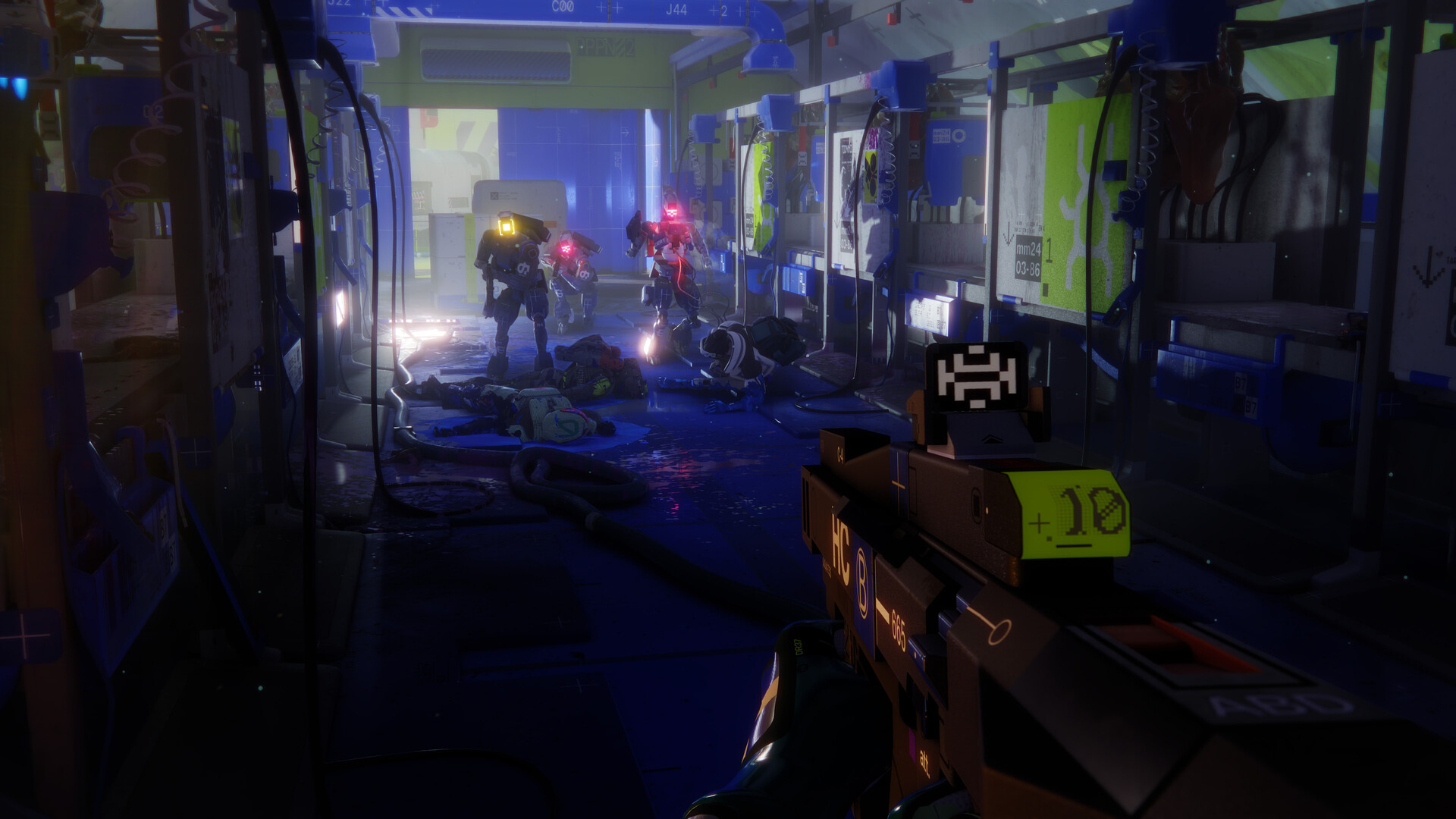
Marathon is a PvPvE survival extraction FPS from Bungie, the studio behind Halo and Destiny. You play as a bio-cybernetic Runner scavenging the lost colony of Tau Ceti IV, fighting other players and AI enemies to extract with valuable loot.
It’s a big deal. Bungie hasn’t released a new IP in years, and Marathon is one of the most anticipated shooters of 2026. The gameplay loop is tense and skill-based: drop in, fight to survive, extract before things go wrong. It’s a fresh take on the extraction genre from one of the most accomplished shooter studios around.
So, can you play Marathon on Mac? No. It’s PC-only at launch, and there’s no Mac version planned.
Why There’s No Marathon Mac Version
This isn’t a Bungie-specific thing. Most competitive online shooters skip macOS, and there are a few reasons for that.
The market. The Mac gaming market is a fraction of the PC gaming market. For a live-service game built around a large player base, the math on a native Mac port often doesn’t work out. Development time, porting costs, ongoing support, all of it adds up for a game that needs millions of concurrent players to thrive.
DirectX 12. Marathon is built on DirectX 12, Microsoft’s graphics API. macOS uses Metal, Apple’s own graphics stack. Getting a game of this scale running well on Metal requires a significant rewrite of core rendering code. It’s not impossible, but it’s expensive and time-consuming.
Competitive integrity. Online multiplayer games are sensitive to platform differences. Anti-cheat systems, input handling, and performance consistency are all harder to guarantee across different operating systems. Keeping the game on Windows simplifies this.
The result: Marathon is Windows-only on launch. That’s where CloudDeck comes in.
Marathon PC System Requirements
Here’s what you’d need to run Marathon on a Windows PC:
Minimum:
- OS: Windows 10 64-bit (latest Service Pack)
- CPU: Intel Core i5-6600 or AMD Ryzen 5 2600
- RAM: 8 GB
- GPU: NVIDIA GeForce GTX 1050 Ti (4 GB) / AMD Radeon RX 5500 XT (4 GB) / Intel Arc A580 (8 GB, with ReBAR on)
- DirectX: Version 12
- Network: Broadband internet connection
Recommended:
- OS: Windows 10 64-bit (latest Service Pack)
- CPU: Intel Core i5-10400 or AMD Ryzen 5 3500
- RAM: 16 GB
- GPU: NVIDIA GeForce RTX 2060 (6 GB) / AMD Radeon RX 5700 XT (8 GB) / Intel Arc A770 (16 GB, with ReBAR on)
- DirectX: Version 12
- Network: Broadband internet connection
Most Macs don’t run Windows, and even those that could don’t have a discrete AMD or NVIDIA GPU to meet these specs. CloudDeck handles all of this on the server side, so your Mac doesn’t need to.
What is CloudDeck?

CloudDeck is a cloud gaming service that streams Windows games directly to your Mac. The game runs on high-performance servers, and the video is streamed to you over the internet. You get full controller support, low latency, and access to your Steam library, all without needing a Windows PC.
CloudDeck works on Mac, PC, tablet, smartphone, or TV. If it has a screen and an internet connection, it can run Marathon.
How to Play Marathon on Your Mac with CloudDeck
Getting started takes just a few minutes:
- Create your CloudDeck account and start your subscription.
- Start your CloudDeck and connect with Moonlight .
- Install Marathon from Steam on your CloudDeck.
- Drop into Tau Ceti IV on launch day, March 5, 2026.
No powerful Mac required. No Windows installation. Just CloudDeck.
Benefits of Playing Marathon with CloudDeck
- Play on launch day. No waiting for a Mac port that may never arrive. Marathon drops March 5, and you can be in the game that day.
- No hardware upgrades. CloudDeck’s servers handle the demanding GPU work. Your Mac just streams the video.
- Cost-effective. CloudDeck is $19.99 per month, a lot cheaper than buying a Windows gaming PC capable of running Marathon well.
- 16,000+ games. Once you’re set up, your entire Steam library is accessible, plus thousands more Windows games beyond Marathon.
Conclusion
Can you play Marathon on Mac? Not natively. But that doesn’t mean Mac users are left out. CloudDeck lets you play Marathon on launch day, on your Mac, without any hardware upgrades or Windows setup. If you’ve been looking for a way to play Marathon on Mac, try CloudDeck .