How to play KLETKA on your Mac with CloudDeck
- Sven Frese
- Games
- February 23, 2026
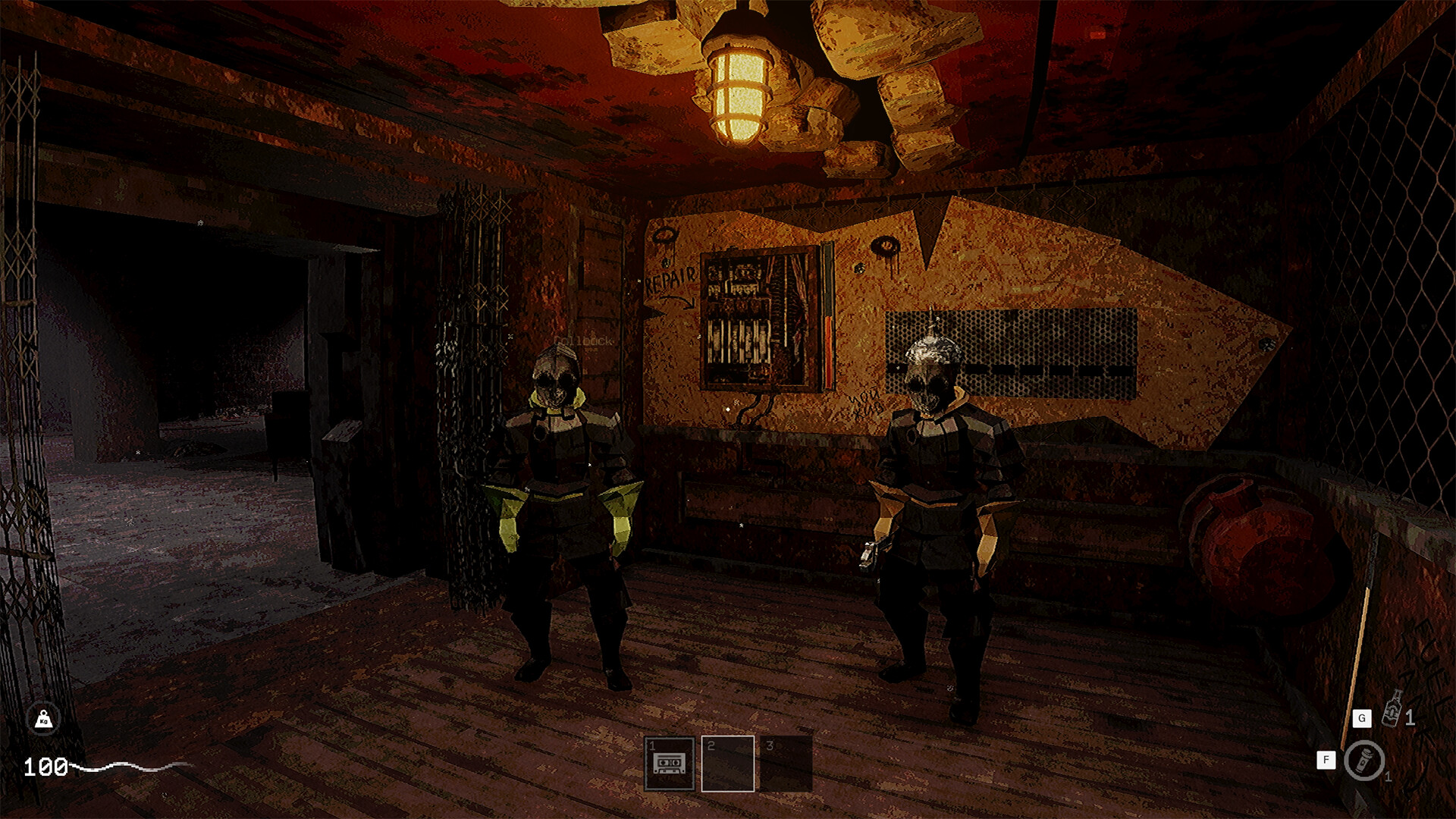
Want to play KLETKA on your Mac? Unfortunately, KLETKA doesn’t have a macOS version, so you can’t just download it from Steam and jump in. But there’s a solid workaround: CloudDeck lets you play KLETKA on your Mac without any extra hardware.
Why KLETKA is Not Available for Mac
Like most PC games, KLETKA was built for Windows. The Mac gaming market is relatively small, and porting a game to macOS takes serious effort. Developers would need to rebuild the game’s graphics layer for Apple’s Metal API since macOS doesn’t support DirectX. For smaller studios, that’s a tough investment to justify when the majority of players are on Windows.
What is CloudDeck?
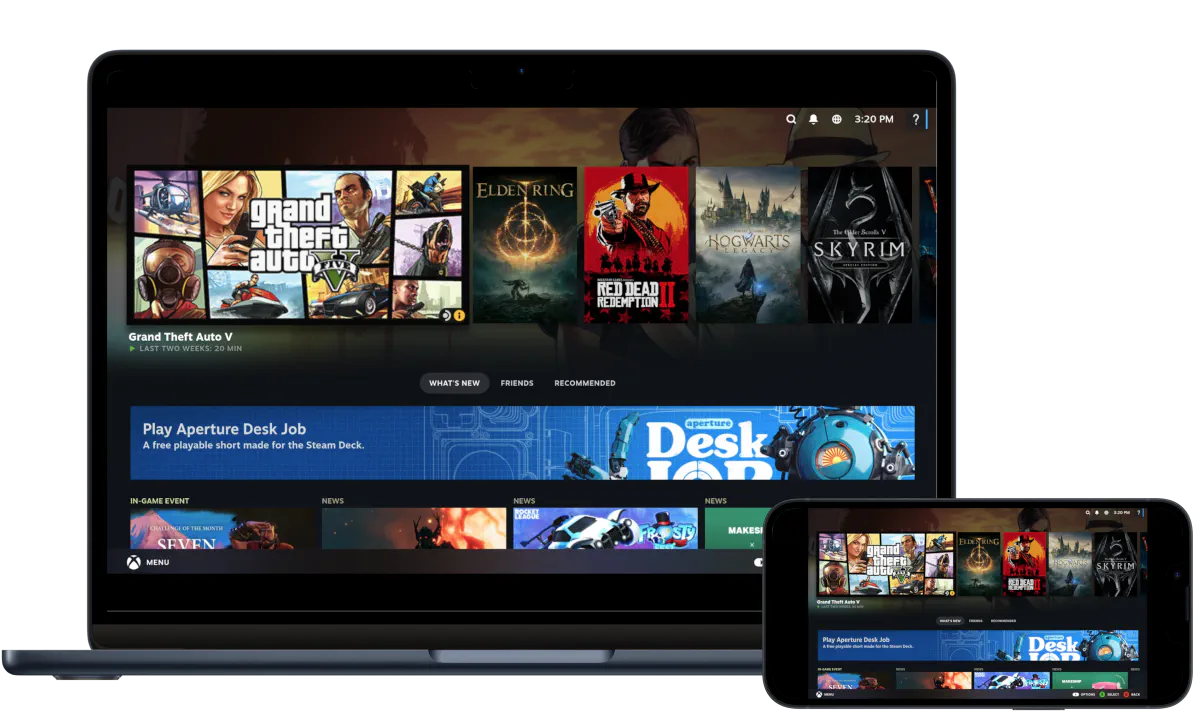
CloudDeck is a cloud gaming service that lets you play PC games on virtually any device. It works by running games on high-performance servers and streaming them to your screen. You connect using Moonlight and get a full PC gaming experience with a console-like interface similar to SteamOS. No gaming PC required.
How to Play KLETKA with CloudDeck
It only takes a few steps:
- Create your CloudDeck account and start your subscription.
- Start your CloudDeck and connect with Moonlight .
- Install KLETKA on your CloudDeck.
- Start playing!
Benefits of Playing KLETKA with CloudDeck
- Performance: CloudDeck’s servers handle all the processing, so you get smooth gameplay even on a MacBook Air.
- Cost-Effective: No need to buy a gaming PC. CloudDeck costs $19.99 per month, and you can cancel whenever you want.
- Huge Game Library: With support for over 16,000 games, CloudDeck opens up your entire Steam library on your Mac.
Conclusion
KLETKA might not be on Mac natively, but CloudDeck makes it easy to play on your MacBook or iMac. High-performance cloud servers, a simple setup process, and an affordable subscription mean you can be playing KLETKA in minutes. Sign up for CloudDeck and give it a try.