How to Play Guild Wars Reforged on Mac (Best Options Compared)
- Sven Frese
- Games
- December 8, 2025
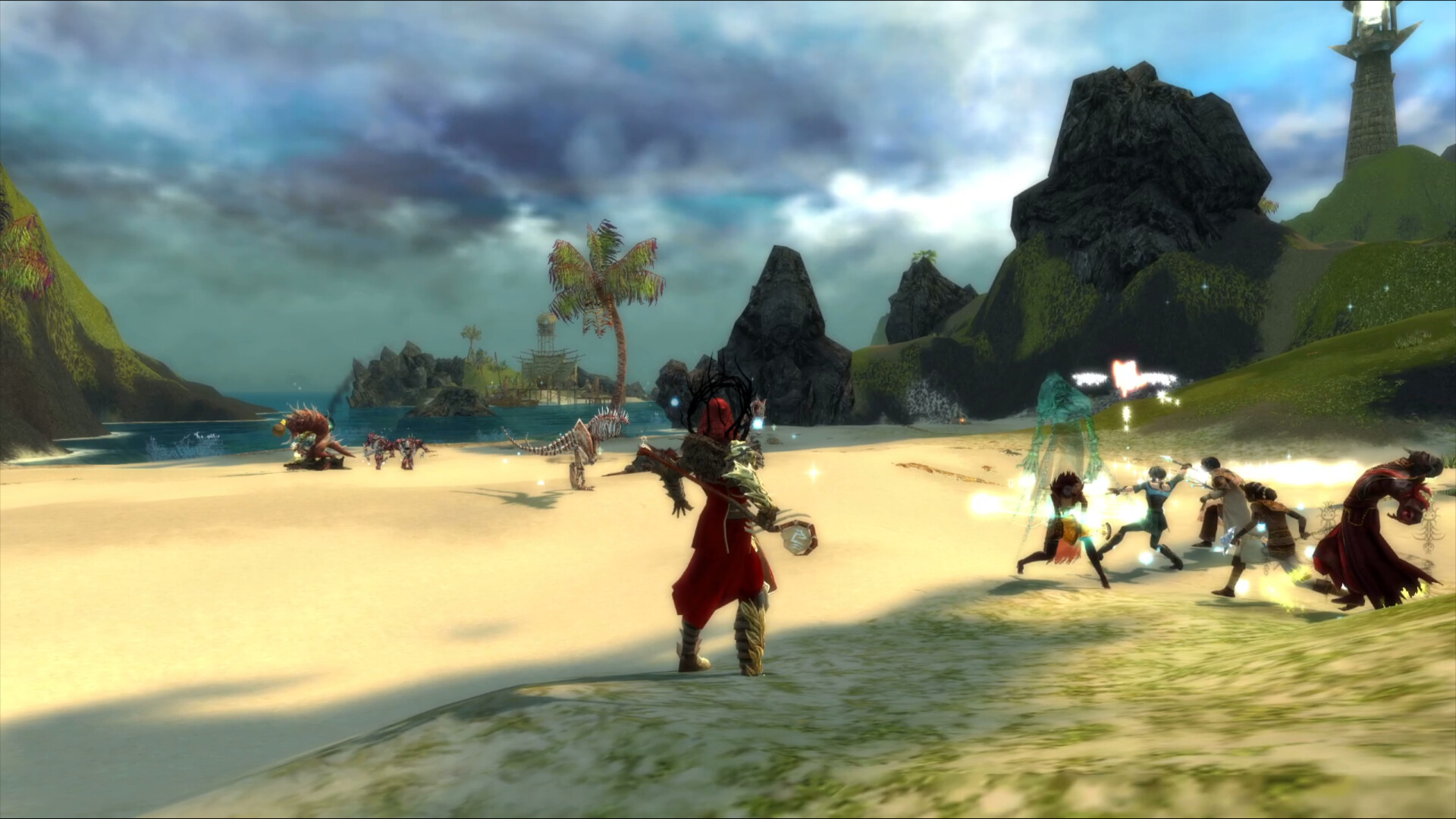
Guild Wars is back with a stunning visual overhaul. Guild Wars Reforged breathes new life into the classic MMO with modernized graphics while keeping the gameplay that made it legendary. The original Guild Wars had unofficial Wine/Mac support for years, and the Reforged update continues to work on Mac—though with some caveats. Here’s how to play it.
Option 1: CrossOver
CrossOver is a compatibility layer that lets you run Windows games directly on your Mac—no Boot Camp, no Windows license, no virtual machine. It translates Windows commands to macOS in real-time, so games run natively on your hardware.
How does Guild Wars Reforged perform?
Guild Wars has a long history of running on Wine and CrossOver, and the Reforged update continues to work. Community reports show mixed results on Apple Silicon—some users report decent performance while others have encountered issues with the DXMT translation layer. On an M1 Pro with 16GB, users report 50–70 FPS at Medium–High settings, dropping to 40–60 FPS at max settings.
Quick reference:
- ✅ M1 Pro/M2 Pro 16GB — 50–70 FPS at Medium–High settings
- ⚠️ M1/M2 base 8GB — Playable at Low settings, may stutter in busy areas
- ⚠️ Free Wine tools (Sikarugir) — Some users report poor experiences with DXMT
How to get started:
- Download CrossOver ($74/year, 14-day free trial)
- Install Steam through CrossOver
- Purchase and install Guild Wars Reforged
- If you experience graphical issues, try switching between D3DMetal and DXMT in CrossOver settings
Tips: Guild Wars Reforged is an online MMO—CrossOver works fine for online play as there’s no invasive anti-cheat system blocking Wine/Proton.
Option 2: Whisky (Free Alternative)
If you’d rather not pay for CrossOver, Whisky offers similar functionality for free. It’s built on the same Wine technology that powers CrossOver, but it’s open-source and community-maintained.
Performance: Community reports suggest Whisky actually performs well with Guild Wars Reforged on Apple Silicon, with some users noting better FPS than expected after the Reforged update. Results may vary depending on your configuration.
The trade-off: Whisky requires more manual setup. You may need to configure the DXMT or D3DMetal translation layer, install additional components, and troubleshoot graphical glitches. The Whisky Discord and the Guild Wars community are good resources for help.
How to get started:
- Download Whisky (free)
- Create a new “bottle” (Whisky’s term for a Windows environment)
- Install Steam inside the bottle
- Install Guild Wars Reforged through Steam
- Troubleshoot as needed—check the Guild Wars Wiki’s “Guild Wars on Wine” page for tips
Option 3: CloudDeck (Cloud Gaming)
If your Mac doesn’t have the horsepower for CrossOver, or you just want to skip the compatibility headaches, CloudDeck offers a completely different approach: cloud gaming.
Instead of running the game on your Mac, CloudDeck runs it on our high-performance servers and streams the video to your screen. Your Mac just needs to display the stream, so even an 8GB MacBook Air works perfectly.

Performance: 60 FPS at 1080p, High settings (runs on our cloud servers).
Best for:
- 8GB RAM Macs
- Players who want maximum visual quality from the Reforged update
- Anyone experiencing graphical glitches with Wine-based solutions
Requirements: Any Mac and a stable internet connection (15+ Mbps recommended). For an MMO, low latency is especially important—wired connections or strong Wi-Fi recommended.
How to get started:
- Sign up for CloudDeck ($19.99/month, cancel anytime)
- Connect using Moonlight or your browser
- Install Guild Wars Reforged from your Steam library
- Play immediately—no compatibility tweaks needed
Which Option Should You Choose?
| Your Situation | Best Choice |
|---|---|
| Powerful Mac (M1 Pro+), want native-like experience | CrossOver |
| Tech-savvy, prefer free solutions | Whisky |
| Any Mac, best visuals, zero setup | CloudDeck |
FAQ
Why isn’t there a Mac version?
While the original Guild Wars had some unofficial Mac compatibility through Cider (a Wine wrapper), ArenaNet never released a native macOS port. The Reforged update didn’t change this.
Does online play work through CrossOver/Whisky?
Yes! Guild Wars doesn’t use invasive anti-cheat software, so online play works fine through Wine-based compatibility layers.
Can I use my existing Guild Wars account?
Yes—just log in with your ArenaNet account regardless of which option you choose.
Last updated: April 2026.