Grind Survivors is not on GeForce Now, but you can play it here
- Sven Frese
- Games
- March 17, 2026
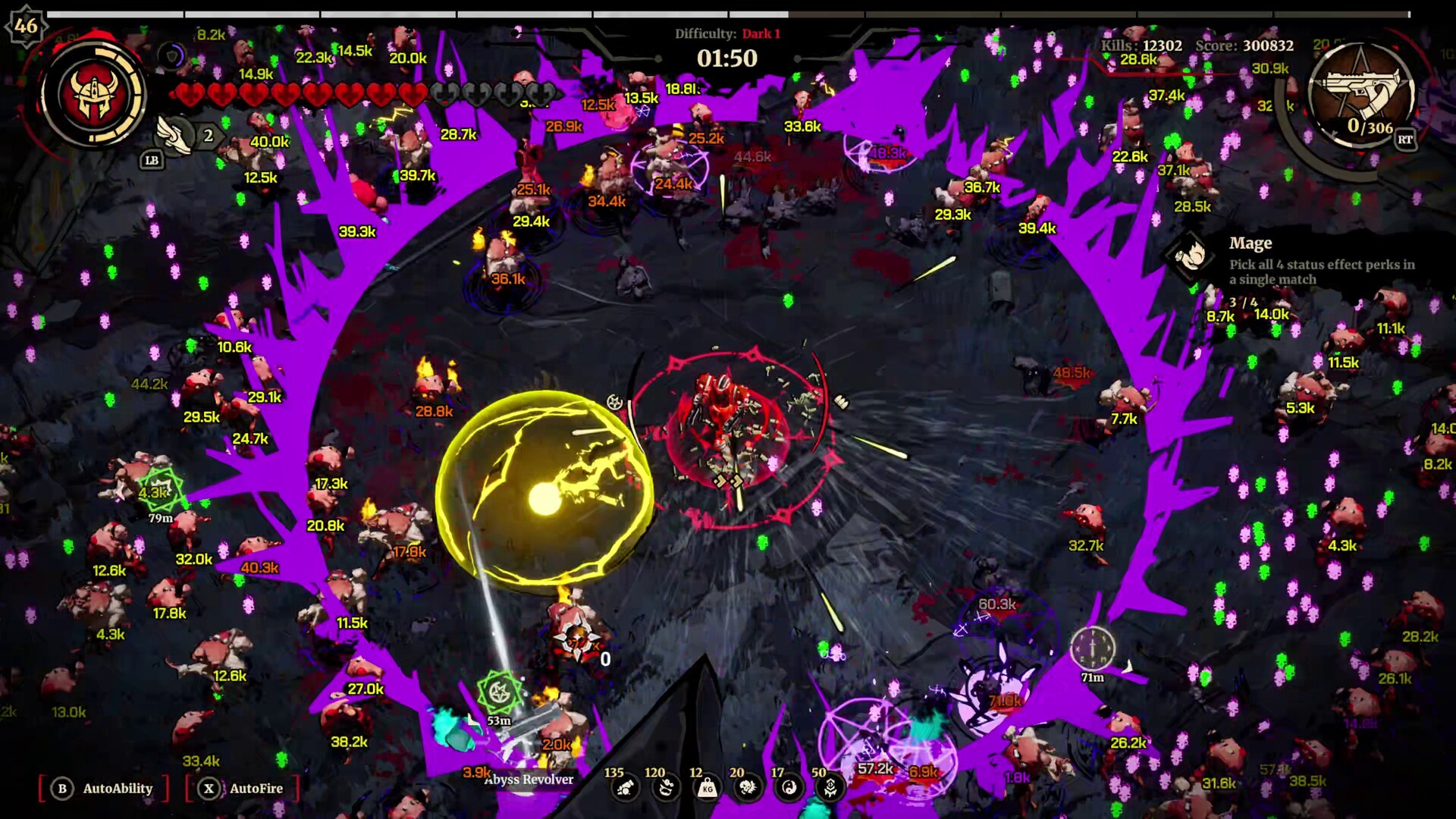
If you’re looking to play Grind Survivors on GeForce Now, you’ll find that it isn’t available on NVIDIA’s cloud gaming platform. Despite the large selection of games on GeForce Now, this new action roguelike is not part of its catalog. Fortunately, there’s an alternative for playing Grind Survivors in the cloud: CloudDeck .
Why Isn’t Grind Survivors on GeForce Now?
Grind Survivors just launched on Steam, and publisher Assemble Entertainment hasn’t opted to make the game available on NVIDIA’s platform. Indie titles often take time to appear on GeForce Now, if they ever do, as it requires publishers to actively opt in.
If you want to jump into the demon-slaying action right now without waiting, CloudDeck lets you play immediately.
What is CloudDeck?

CloudDeck is a cloud gaming platform that allows you to play your favorite PC games on almost any device with an internet connection. Unlike platforms like GeForce Now, CloudDeck does not impose restrictions on game selection because it provides a full PC experience. This means you can install almost any game you own on your CloudDeck and play it from your laptop, tablet, smartphone or TV. For easier game management and controls, CloudDeck features a gaming console-like interface similar to SteamOS.
How to Play Grind Survivors on CloudDeck
Playing Grind Survivors on CloudDeck is straightforward. Simply subscribe , connect with Moonlight , install the game on your CloudDeck, and you’re ready to start playing.
With Moonlight, CloudDeck streams your game from a high-performance server to your device, ensuring a smooth gaming experience. Whether you’re at home or on the go, CloudDeck lets you blast through hordes of demons without the hassle or costs of traditional gaming setups.
What Performance Can I Expect with CloudDeck?
CloudDeck’s hardware easily handles Grind Survivors. As a 2D roguelike, the game runs buttery smooth at 1080p with max settings. You’ll have no trouble dodging bullet-hell patterns and grinding through endless waves of hellspawn.
Benefits of Playing Grind Survivors on CloudDeck
- High Performance: CloudDeck runs on powerful servers that ensure a smooth gaming experience, even on lower-end devices. The platform is optimized for resource-intensive games, delivering excellent performance and reliability.
- Flexibility: Play anywhere with an internet connection. Your progress is saved in the cloud, allowing you to switch devices seamlessly without losing your game progress.
- Cost-Effective: Avoid the expense of investing in costly gaming hardware. With CloudDeck’s affordable subscription at just $19.99 per month, high-end gaming becomes accessible to everyone.
Conclusion
CloudDeck is an excellent option if you want to play Grind Survivors but don’t have a gaming PC. With high-performance servers, flexibility, and cost-effective pricing, CloudDeck ensures you can enjoy this fast-paced roguelike on the devices you already own. If you’re looking for a way to play Grind Survivors in the cloud, give CloudDeck a try .