What makes CloudDeck a great GeForce Now alternative
- Sven Frese
- Comparisons
- January 12, 2026
If you’re looking for a GeForce NOW alternative, chances are you already like what GeForce Now does, just not all of it. It is currently the most well-known cloud gaming service, and for good reason. The streaming quality is excellent, setup is minimal, and when a game is supported, it usually works great.
That said, GeForce Now is built around a curated ecosystem. The game library is limited by publisher agreements, playtime is capped, and queues can appear at busy times. None of these may be deal-breakers on their own, but together they can become frustrating, especially if cloud gaming is more than an occasional convenience.
CloudDeck takes a different approach. Instead of offering a tightly controlled streaming platform, it gives you a full cloud gaming PC. The result is more freedom, broader game support, and fewer artificial limits, with a bit more responsibility on the user’s side.
Wider game and mod support
One of the biggest differences between CloudDeck and GeForce Now is game compatibility. GeForce Now only supports titles that publishers explicitly allow, which results in a library of roughly 4,000 games. That list can change over time, and games may be removed when agreements expire.
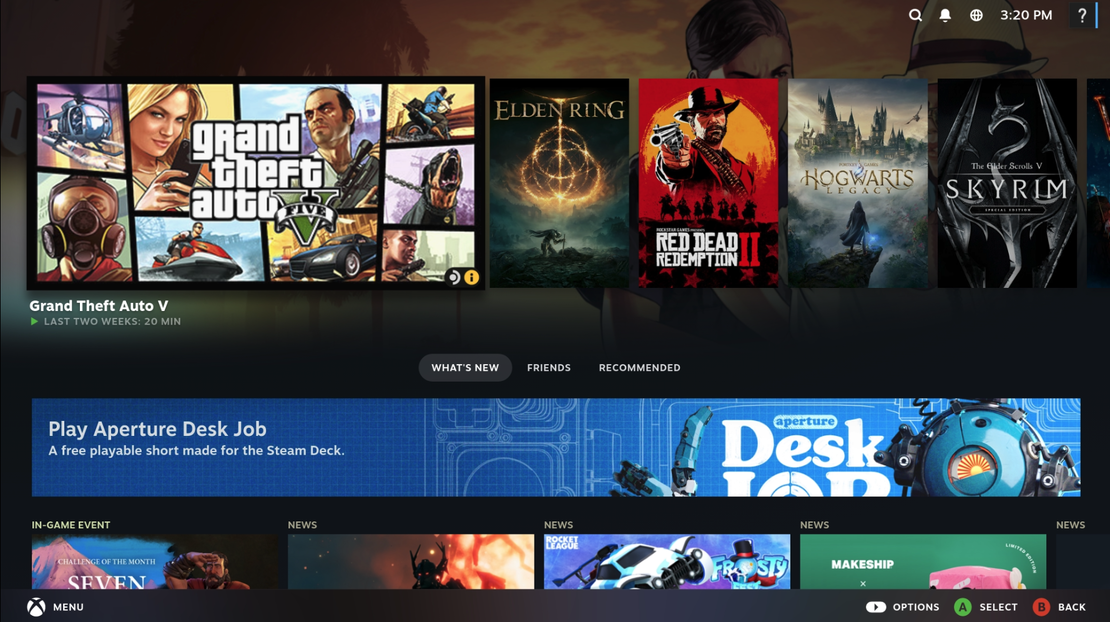
CloudDeck does not rely on publisher approvals. Because you are using a full cloud PC, you can play almost any Windows or Linux game that runs on standard PC hardware and This opens the door to more than 22,000 playable titles, including popular games that are not available on GeForce Now, such as Grand Theft Auto V, Elden Ring, and Helldivers II.
Modding is another clear difference. CloudDeck fully supports mods through Steam Workshop and manual installations. Community patches, reshades, total conversions, and custom launchers all work as expected. On GeForce Now, modding is limited or unsupported for most games. This is understandable for a managed platform, but restrictive for PC gamers.
In short, GeForce Now favors simplicity and control, while CloudDeck favors compatibility and flexibility. Pick your poison.
Unlimited playtime
GeForce Now enforces a monthly playtime cap, even on paid plans. Once you hit the 100-hour limit, you are either downgraded to the free tier with lower quality, stricter session limits, and longer queues, or required to purchase additional playtime. For casual players this may never come up. For everyone else, it tends to come up right after deciding to play just one more mission.
CloudDeck has no monthly playtime cap. You can play for six hours straight, take a break, and jump back in as often as you like. There are no hidden counters, no paid extensions, and no reminders that you have used up your monthly fun.
This makes CloudDeck a more natural fit for anyone considering cloud gaming as their primary gaming setup rather than a backup.
No queues, even at peak hours
Queues are not unique to GeForce Now. They are a common side effect of cloud platforms that oversubscribe capacity. At peak hours, there can simply be more users trying to play than available machines. As a result, queues are one of the most frequent complaints, even from paying users. Higher subscription tiers help, but they do not eliminate the issue entirely.
CloudDeck avoids this by not overselling capacity. When you start a session, your machine is available immediately. There is no priority ladder, no free tier congestion, and no waiting even during peak gaming hours.
That predictability becomes especially important when gaming time is limited.
Performance designed for real-world gaming
GeForce Now offers two paid tiers with distinct performance targets. The Performance tier is designed for high-quality 1080p gaming and, in some cases, up to 1440p. The Ultimate tier goes further and is currently the only option among mainstream cloud gaming services that delivers 4K gaming with ray tracing and multi-frame generation.
CloudDeck takes a more economical approach to hardware selection. Rather than targeting the highest possible settings and resolutions, it focuses on running most games well at 1080p and, in many cases, 1440p, using medium to high settings comparable to GeForce Now’s Performance tier. This still results in strong visual quality for the majority of games, while keeping hardware requirements and pricing at a reasonable level.
The goal is not to compete with GeForce Now’s Ultimate tier on raw 4K ray tracing performance, but to offer a balanced setup that plays a wide range of games smoothly and predictably, without artificial limitations or unnecessary cost.
Final verdict: is CloudDeck a good GeForce Now alternative?
CloudDeck is a great GeForce Now alternative for players who want more control over what they play and how they play it. If mods, unlimited playtime, or access to a full PC environment matter to you, CloudDeck covers use cases that GeForce Now intentionally does not target.
GeForce Now remains an excellent choice for players who prefer a curated experience with minimal setup and the highest performance for supported titles. CloudDeck, by contrast, is better suited for players who value flexibility and broader compatibility, and who are comfortable managing a more traditional PC-style environment.
TL;DR
CloudDeck is a GeForce Now alternative that focuses on broader game compatibility, full PC access, and unlimited playtime, without queues.
| GeForce Now | CloudDeck | |
|---|---|---|
| Supported games | ~4,000 | 22,000+ |
| Great 1080p performance | ✅ | ✅ |
| Full mod support | ❌ | ✅ |
| Unlimited playtime | ❌ | ✅ |
| No queues at peak hours | ❌ | ✅ |