How to Play Fields of Mistria on Mac (Best Options Compared)
- Sven Frese
- Games
- March 7, 2025
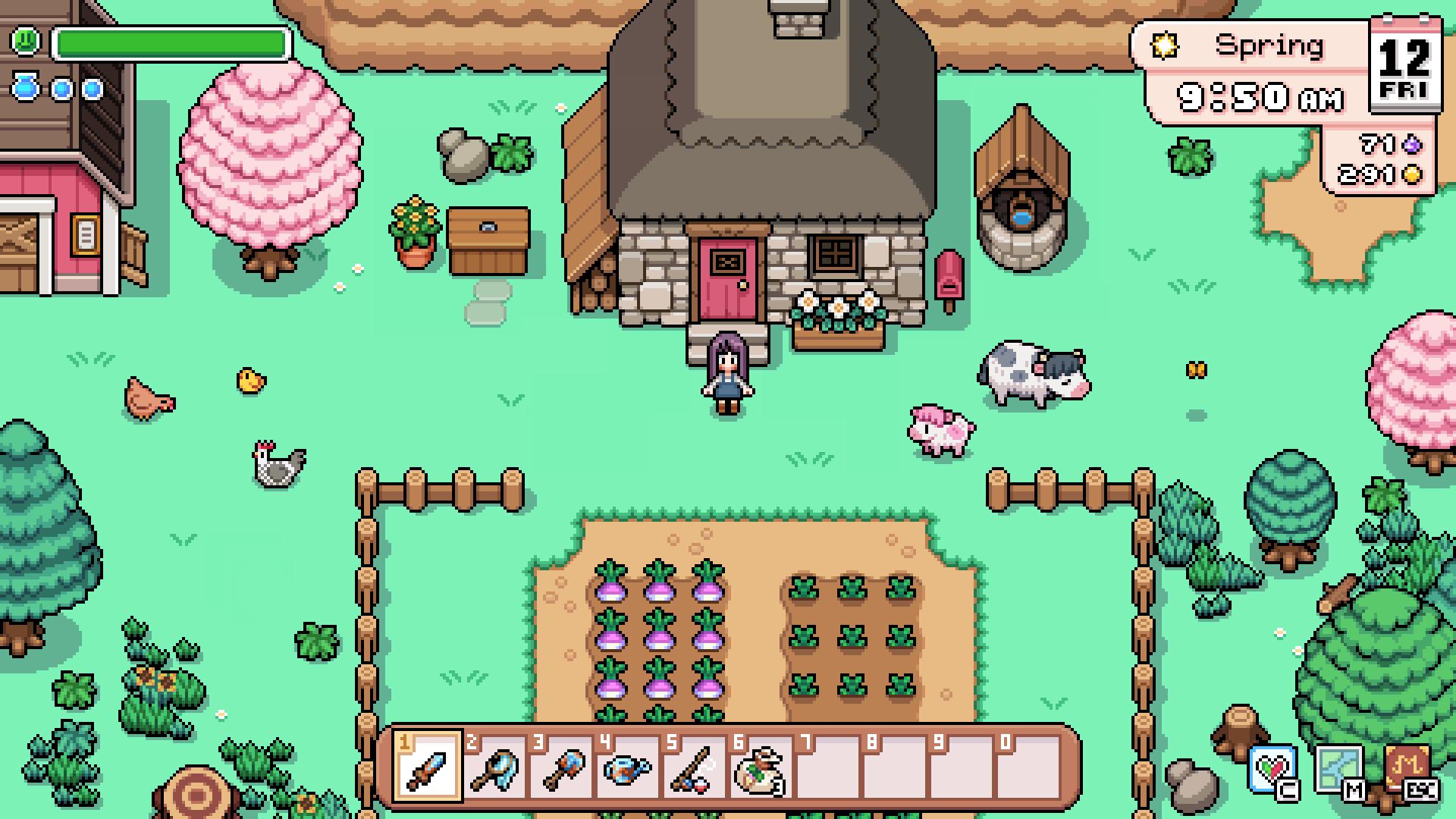
Fields of Mistria is a charming farming sim with magic, romance, and adventure—think Stardew Valley meets anime aesthetics. It’s been a breakout hit in Early Access, with gorgeous pixel art and deep customization. There’s no Mac version yet, but the game runs excellently on Mac through compatibility layers.
Mac users have three solid options: CrossOver (a compatibility layer that runs Windows games directly on your Mac), Whisky (a free alternative to CrossOver), or CloudDeck (cloud gaming that streams the game from a remote PC). Here’s how they compare.
Option 1: CrossOver
CrossOver lets you run Windows games directly on your Mac—no Boot Camp, no Windows license needed.
How does Fields of Mistria perform?
Fields of Mistria has a Platinum rating on ProtonDB (47 reports). No official CrossOver rating exists yet, but Platinum-rated games work perfectly through Wine-based compatibility. The pixel art style means it runs smoothly on any Mac.
Quick reference:
- ✅ Any M-series Mac — Runs flawlessly
- ✅ 8GB RAM — More than enough
- ✅ Save sync — Works via Steam Cloud
How to get started:
- Download CrossOver ($74/year, 14-day free trial)
- Install Steam through CrossOver
- Download Fields of Mistria
- Start your magical farm life
Tips: The game is lightweight—even a base MacBook Air handles it perfectly.
Option 2: Whisky (Free Alternative)
Whisky provides the same compatibility for free.
Performance: Identical to CrossOver—Platinum-rated games work without issues.
The trade-off: Slightly more initial setup, but for a simple game like Fields of Mistria, you’ll be farming in minutes.
How to get started:
- Download Whisky (free)
- Create a new bottle and install Steam
- Download Fields of Mistria
- Plant your first crops
Option 3: CloudDeck (Cloud Gaming)
CloudDeck streams the game from our servers—zero local setup required.

Performance: 60 FPS, runs on our servers.
Best for:
- Players who want instant setup
- Macs with limited storage
- Playing on multiple devices (your save is always there)
Requirements: Any Mac and a stable internet connection (15+ Mbps recommended).
How to get started:
- Sign up for CloudDeck ($19.99/month, cancel anytime)
- Connect using Moonlight or your browser
- Install Fields of Mistria from Steam
- Start farming
Which Option Should You Choose?
| Your Situation | Best Choice |
|---|---|
| Want free local play | Whisky |
| Want polished local play | CrossOver |
| Want zero setup or play on multiple devices | CloudDeck |
FAQ
Is there a native Mac version coming?
Not announced yet—the developers are focused on the Windows Early Access version.
Do my saves sync?
Yes—Steam Cloud saves work through all three options.
How long is the game?
Early Access currently has about 20-30 hours of content, with more coming in updates.
Last updated: March 2026.