How to Play Dwarf Eats Mountain on Mac (Best Options Compared)
- Sven Frese
- Games
- May 19, 2026
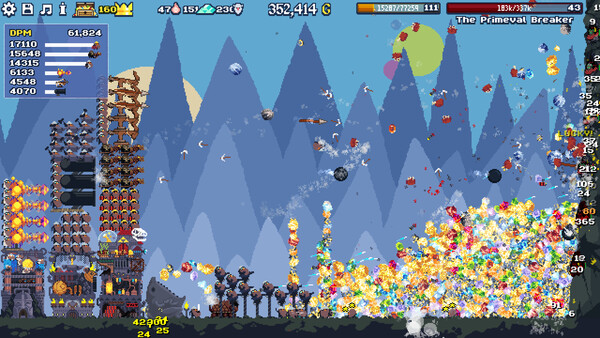
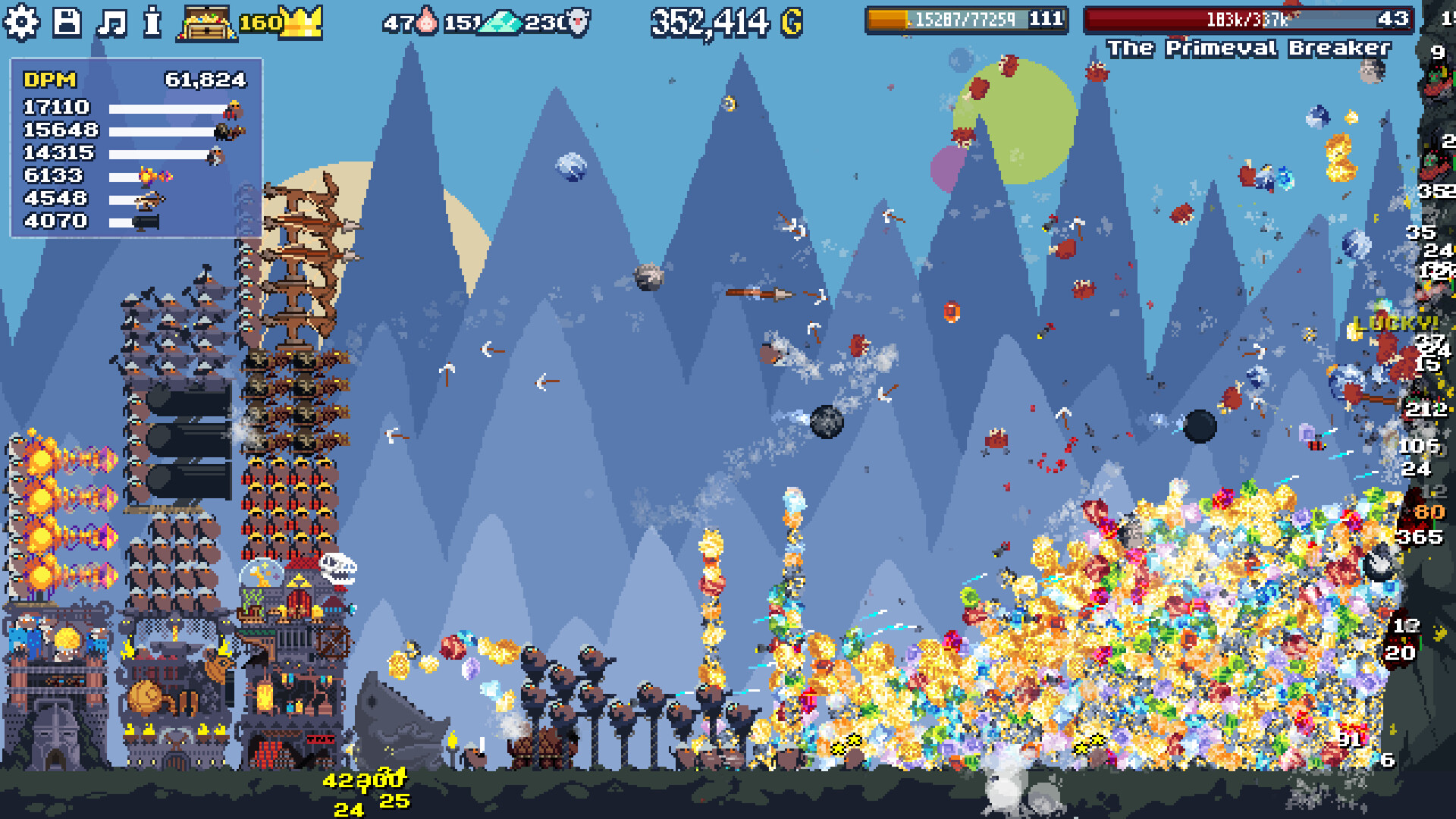
Dwarf Eats Mountain is the kind of game that sounds silly but turns into a genuine time sink. You’re sending hungry dwarves into mountains to mine gold, unlocking upgrades, and gradually chewing through bigger and bigger peaks. Green Wizard released it in May 2026 and it picked up over 5,000 concurrent players on launch day.
The catch for Mac users: there’s no Mac version. The game supports Windows and Linux, but macOS wasn’t part of the launch. Here’s what you can do about it.
Option 1: CrossOver
CrossOver lets you run Windows games directly on your Mac using a compatibility layer. No Windows license needed, no separate machine required.
How does Dwarf Eats Mountain perform?
CrossOver compatibility depends on how well the game runs under Wine. Check ProtonDB for the latest community reports on Dwarf Eats Mountain. The fact that the game has native Linux support is a positive sign since it suggests the developers aren’t deeply tied to Windows-specific tech.
How to get started:
- Download CrossOver ($74/year, 14-day free trial)
- Install Steam through CrossOver
- Purchase and install Dwarf Eats Mountain
- Check the CrossOver compatibility database for any game-specific tips
Option 2: Whisky (Free Alternative)
Whisky is a free app built on the same Wine technology as CrossOver. If ProtonDB shows positive ratings for Dwarf Eats Mountain, Whisky should work similarly.
How to get started:
- Download Whisky (free)
- Create a new bottle
- Install Steam inside the bottle
- Install Dwarf Eats Mountain and launch it
- Check ProtonDB for any community workarounds
Option 3: CloudDeck (Cloud Gaming)
CloudDeck runs the game on powerful cloud servers and streams it to your Mac. Since it runs server-side, Mac compatibility is never a concern.
CloudDeck uses Nobara Linux with Proton, and Dwarf Eats Mountain has native Linux support, which means it runs smoothly on CloudDeck’s servers without workarounds.

Best for:
- Mac users who want zero setup
- Older or low-powered Macs
- Anyone who just wants to play without troubleshooting
Requirements: Any Mac and a stable internet connection (15+ Mbps recommended).
How to get started:
- Sign up for CloudDeck ($19.99/month, cancel anytime)
- Connect using Moonlight or your browser
- Install Dwarf Eats Mountain from your Steam library
- Start playing immediately
Which Option Should You Choose?
| Your Situation | Best Choice |
|---|---|
| Comfortable with some tinkering | CrossOver or Whisky |
| Want zero hassle on any Mac | CloudDeck |
FAQ
Why isn’t there a Mac version?
Green Wizard launched on Windows and Linux first. Indie developers sometimes add Mac support post-launch, but there’s no announcement yet.
Is Dwarf Eats Mountain single-player?
Yes, it’s a single-player incremental game. No online multiplayer involved.
Can I keep my saves if I switch between options?
Steam Cloud saves should sync across devices. If you switch from CrossOver to CloudDeck, your progress should carry over through Steam.
Last updated: May 2026.