How to Play Dispatch on Mac (Best Options Compared)
- Sven Frese
- Games
- March 25, 2025
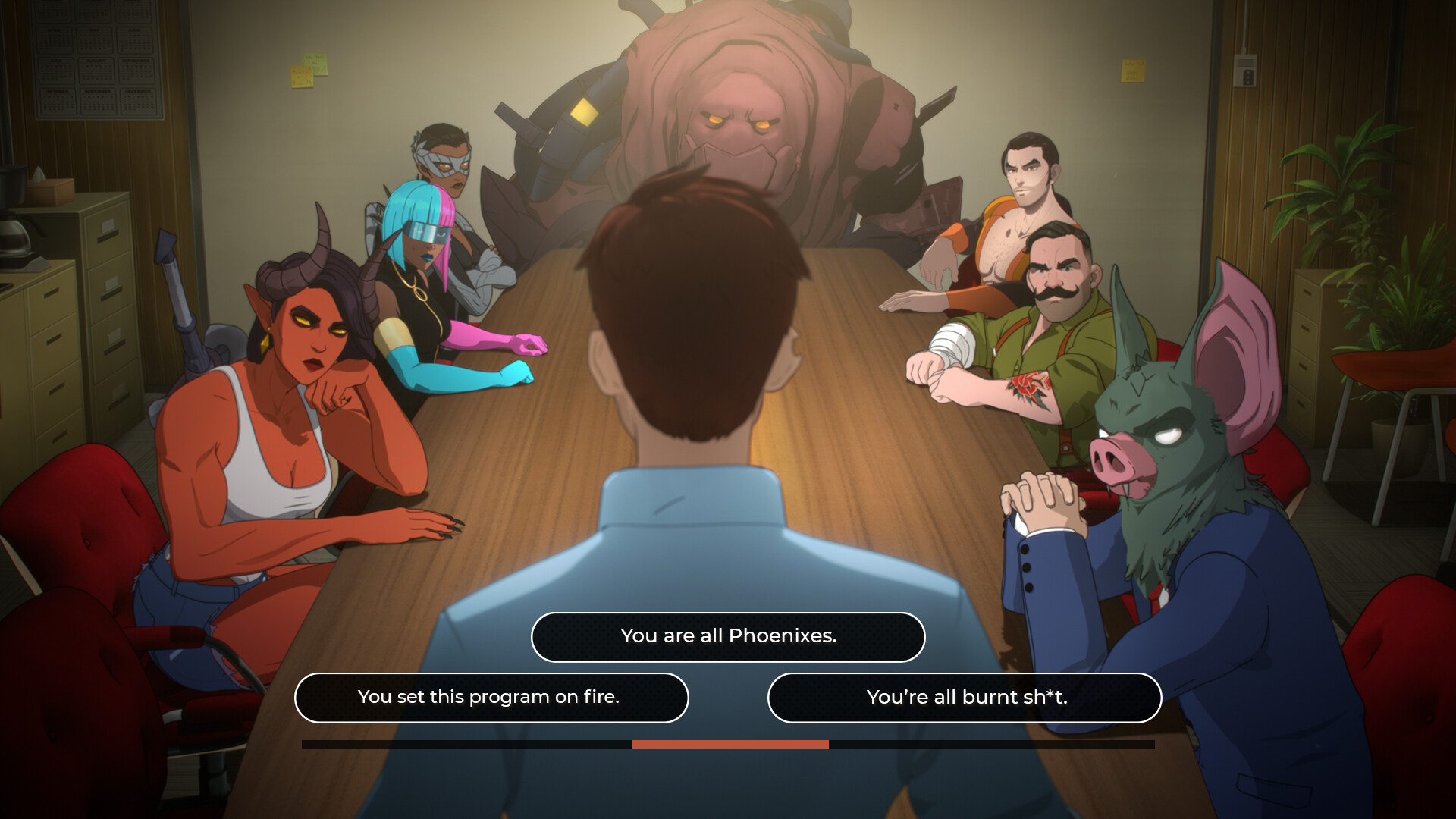
Dispatch puts you in charge of a 911 call center where every decision matters—answer calls, dispatch emergency services, and watch the consequences unfold in real-time. It’s addictively stressful in the best way, with a gorgeous art style and dark humor that keeps you hooked. No Mac version exists, but this lightweight gem actually runs beautifully on Apple Silicon.
Mac users have three solid options: CrossOver (a compatibility layer that runs Windows games directly on your Mac), Whisky (a free alternative to CrossOver), or CloudDeck (cloud gaming that streams the game from a remote PC). Here’s how they compare for Dispatch.
Option 1: CrossOver
CrossOver is a compatibility layer that lets you run Windows games directly on your Mac—no Boot Camp, no Windows license, no virtual machine. It translates Windows commands to macOS in real-time, so games run natively on your hardware.
How does Dispatch perform?
Dispatch is lightweight and runs beautifully on virtually any Apple Silicon Mac. An M3 Pro with 18GB hits a locked 60 FPS at High settings—even while running on battery power. The same goes for M4 Pro setups. Even base M1/M2 Air models run this game at 60 FPS without breaking a sweat. If your Mac has an M-series chip, you’re good to go.
Quick reference:
- ✅ M3 Pro 18GB — 60 FPS, High settings (even on battery)
- ✅ M4 Pro 24GB — 60 FPS (verified)
- ✅ Any M1/M2 Air — 60 FPS (lightweight game)
- ⚠️ 8GB RAM Macs — Should work fine (lightweight)
How to get started:
- Download CrossOver ($74/year, 14-day free trial)
- Install Steam through CrossOver
- Purchase and install Dispatch
- Play immediately—no tweaks needed
Tips: This game runs perfectly on almost any Apple Silicon Mac. Great visual style, animations, and humor.
Option 2: Whisky (Free Alternative)
If you’d rather not pay for CrossOver, Whisky offers similar functionality for free. It’s built on the same Wine technology that powers CrossOver, but it’s open-source and community-maintained.
Performance: Expect similar results to CrossOver—the underlying technology is the same.
The trade-off: Whisky requires more manual setup. You may need to install additional Windows components, troubleshoot shader compilation issues, and tweak settings yourself. It’s a great option if you’re comfortable with technical tinkering, but CrossOver’s polish might be worth $74/year if you value convenience.
How to get started:
- Download Whisky (free)
- Create a new “bottle” (Whisky’s term for a Windows environment)
- Install Steam inside the bottle
- Install Dispatch through Steam
- Troubleshoot as needed (check the Whisky Discord for help)
Option 3: CloudDeck (Cloud Gaming)
If your Mac doesn’t have the horsepower for CrossOver, or you just want to skip the compatibility headaches, CloudDeck offers a completely different approach: cloud gaming.
Instead of running the game on your Mac, CloudDeck runs it on our high-performance servers and streams the video to your screen. Your Mac just needs to display the stream, so even an 8GB MacBook Air works perfectly.

Performance: 60 FPS at 1080p, High settings (runs on our cloud servers).
Best for:
- Macs with limited storage (game needs 5GB locally)
- Anyone who wants zero setup headaches
Requirements: Any Mac and a stable internet connection (15+ Mbps recommended).
How to get started:
- Sign up for CloudDeck ($19.99/month, cancel anytime)
- Connect using Moonlight or your browser
- Install Dispatch from your Steam library
- Play immediately—no compatibility tweaks needed
Which Option Should You Choose?
| Your Situation | Best Choice |
|---|---|
| Any M-series Mac | CrossOver |
| Tech-savvy, prefer free solutions | Whisky |
| Any Mac, want it to just work | CloudDeck |
FAQ
Why isn’t there a Mac version?
The developers never ported it. Most Windows games use DirectX, which doesn’t run natively on macOS.
Can I use my Steam saves?
Yes—all three options work with Steam Cloud saves.
Last updated: March 2026.