How to Play Red Alert 2 and Yuri's Revenge on Mac
- Sven Frese
- Games
- September 10, 2024
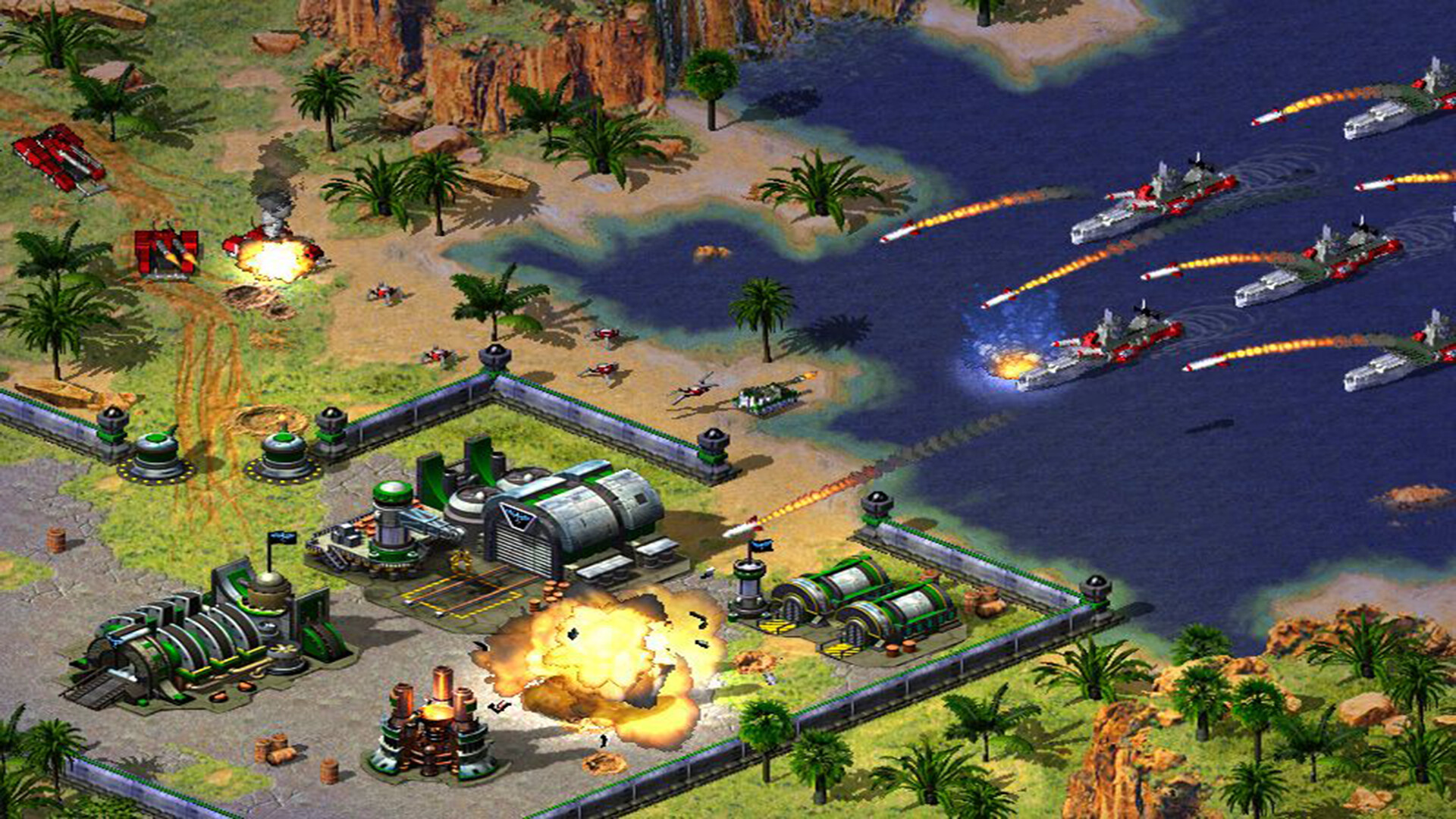
Red Alert 2 came out in 2000 and its expansion Yuri’s Revenge in 2001. Both finally arrived on Steam in March 2024. The Steam version only runs on Windows, though. Westwood never released the game for Mac, and it isn’t available on GeForce Now either.
You can still play Red Alert 2 on your Mac with CloudDeck .
| Red Alert 2 at a glance | |
|---|---|
| Developer | Westwood Pacific, Westwood Studios |
| Steam release | Mar 7, 2024 |
| Mac version | No |
| Steam Deck rating by Valve | Playable |
| Player rating on ProtonDB | Gold (81 reports) |
| On GeForce Now | No |
| Steam reviews | Very Positive (about 10,900 reviews) |
| Disk space needed | 2 GB |
| Controller support | None listed on Steam |
Sources: Steam store page, ProtonDB, Are We Anti-Cheat Yet, GeForce Now game list. Checked on October 1, 2026.
What you get with Red Alert 2 on Steam
The Steam release contains Red Alert 2 and the Yuri’s Revenge expansion. You get the Allied and Soviet campaigns, a skirmish mode against the computer and, according to the Steam store page, more than 80 units and structures. Yuri’s Revenge adds two more campaigns and Yuri as a third faction.
On Steam the two games are sold as part of Command & Conquer: The Ultimate Collection, and they are included with EA Play.
Does a game from 2000 still run?
The original release has well-known problems on modern Windows. PCGamingWiki describes them in detail. The Steam version ships with a fix for the most common one already built in.
On CloudDeck the game runs through the same technology as Valve’s Steam Deck. Valve rates Red Alert 2 as Playable on the Steam Deck, and players on ProtonDB, a site where people report how well games run, give it a Gold rating.
Play Red Alert 2 on your Mac with CloudDeck
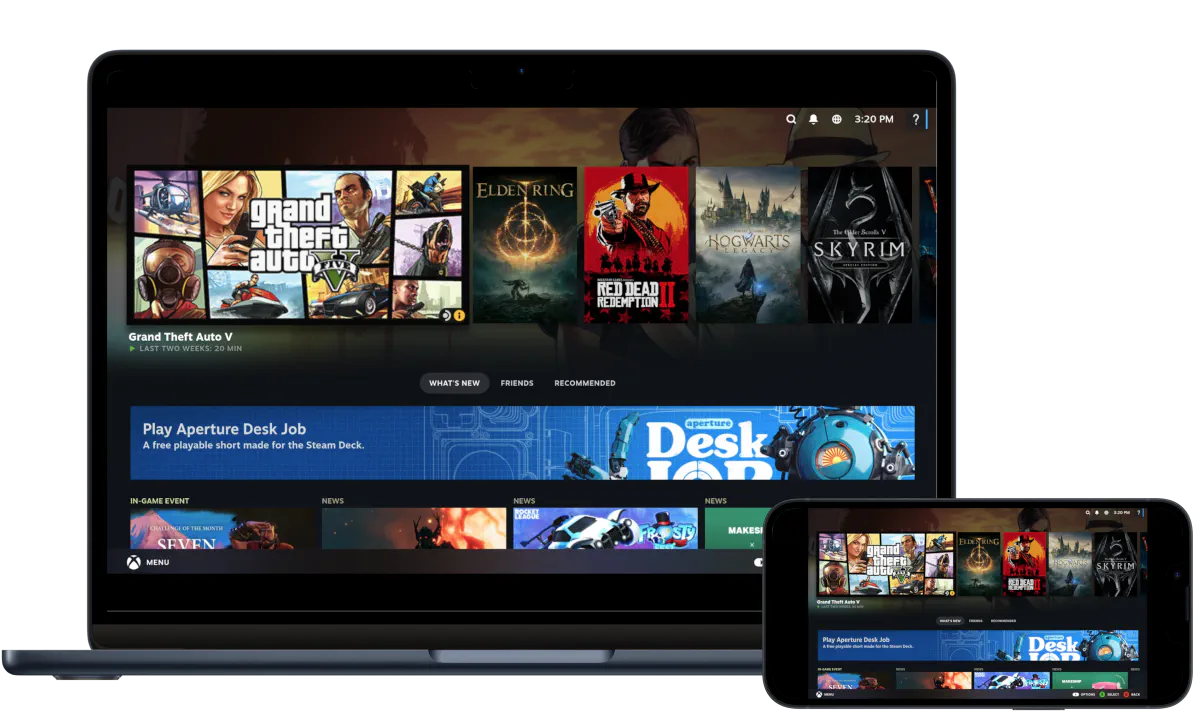
CloudDeck is a gaming PC in the cloud. The game runs on our servers and is streamed to your Mac, so it doesn’t matter that your Mac can’t run Windows games. You install Red Alert 2 from your own Steam library, the same way you would on a regular PC.
Getting started takes a few minutes:
- Create your CloudDeck account and start your subscription.
- Install Moonlight , a free streaming app, on your Mac and connect to your CloudDeck.
- Log in to Steam and install Red Alert 2.
- Start the game and play with your Mac’s keyboard and mouse.
You need to own Red Alert 2 on Steam. CloudDeck is available in Europe, the United States and Canada. The streaming app needs macOS 10.13 or newer.
Our help center has a step-by-step guide with screenshots for connecting with Moonlight.
Tips for playing on a Mac
Use a mouse. Red Alert 2 is played with mouse and keyboard only, and a real mouse is far more comfortable than a trackpad for a strategy game.
Expect an old-fashioned picture. The game was made for the monitors of 2000. In Valve’s Steam Deck test it did not support the device’s native resolution, so you may need to try a few resolutions in the game’s options.
Set the right resolution. If you see black bars above and below the picture, the stream doesn't match your screen. For most MacBooks we recommend 1680x1050. Our guide on removing black bars shows where to set it.
Check your keyboard layout. CloudDeck starts with a US keyboard layout. If you use a German, French or other keyboard, some keys won't match until you change the layout.
If the picture stutters, connect your Mac by cable or 5 GHz Wi-Fi and turn off location services in macOS. There are more tips in our guide on lag and stutters.
To end a session, press Ctrl+Alt+Shift+Q in Moonlight.
What about multiplayer?
Steam lists Red Alert 2 as a single-player game. The game itself has LAN and online modes for up to 8 players, and today the community runs them through services like CnCNet.
We haven’t tested multiplayer or CnCNet on CloudDeck.
Other ways to play on a Mac
CrossOver is an app that runs some Windows games directly on your Mac, without streaming. It is a paid app with a 14-day free trial. CodeWeavers keeps a compatibility database where you can look up the current rating for Red Alert 2 before you buy.
We haven’t tested Red Alert 2 with CrossOver. It runs the game on your own Mac, so it costs less in the long run if it works for you. CloudDeck is the better choice if you want to skip the setup, or if you also want to play Windows games that need more power than your Mac has.
What it costs
CloudDeck costs $19.99 per month, and you can cancel anytime. We don't offer a free trial. If you're not happy and have used your CloudDeck for less than 4 hours, we'll refund you. You can sign up here.