How to Play Cities Skylines 2 on Mac (Best Options Compared)
- Sven Frese
- Games
- March 25, 2025
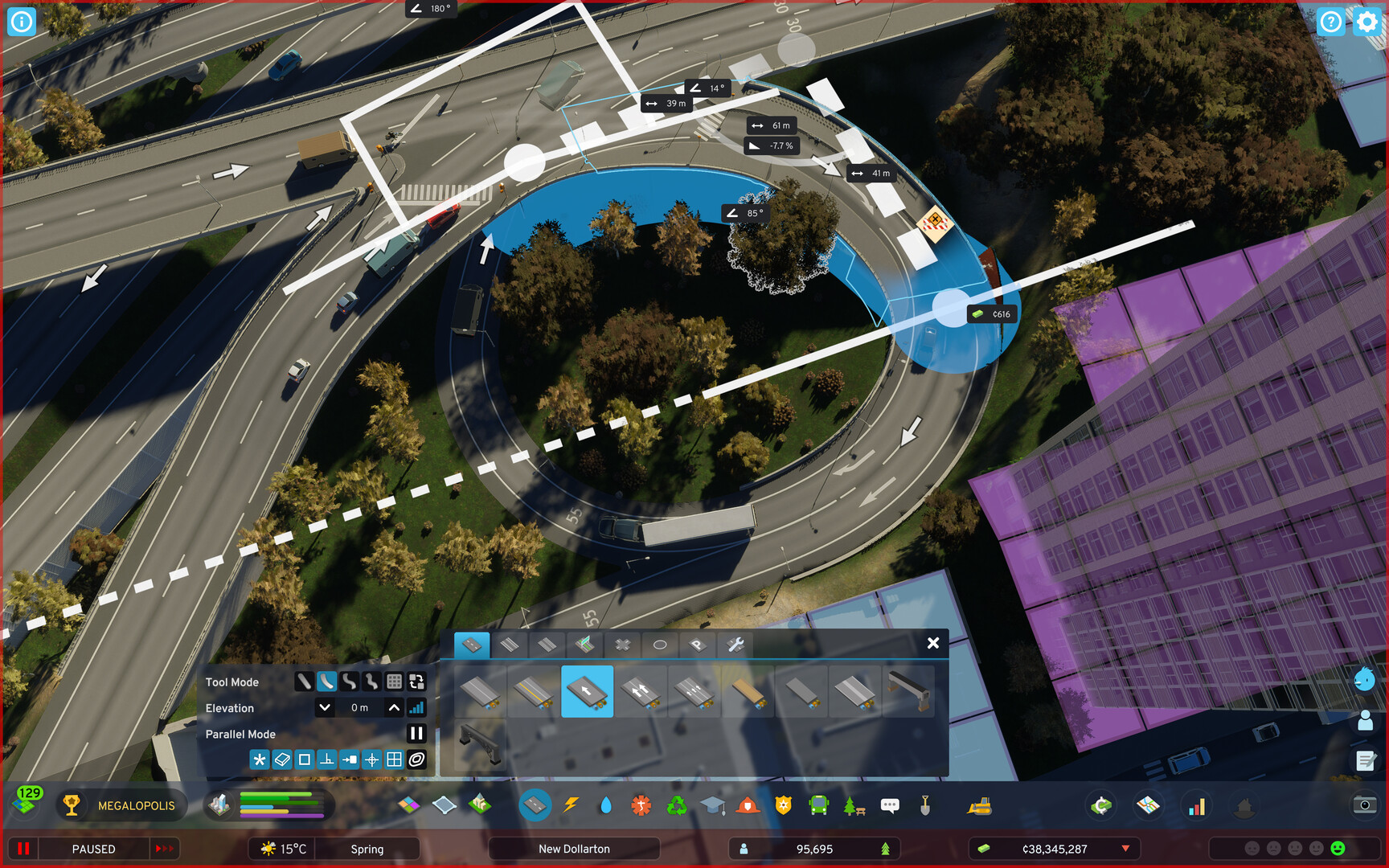
Cities: Skylines II promises the ultimate city-building sandbox with deeper simulation, larger maps, and more intricate citizen AI than its beloved predecessor. It’s the game urban planning nerds have been waiting years for—even if the launch was notoriously rough on performance. Colossal Order skipped Mac entirely, and compatibility layers struggle mightily with it.
Mac users typically have three options for running Windows games: CrossOver (a compatibility layer), Whisky (a free alternative), or CloudDeck (cloud gaming). For Cities Skylines 2, cloud gaming is the only practical choice—here’s why.
Option 1: CloudDeck (Recommended)
CloudDeck offers a completely different approach to gaming on Mac: instead of running the game locally, CloudDeck runs it on our high-performance servers and streams the video to your screen. Your Mac just needs to display the stream, so even an 8GB MacBook Air works perfectly.
For a demanding game like Cities Skylines 2 that struggles even on high-end Windows PCs, cloud gaming is the most practical solution.

Performance: 60 FPS at 1080p, High settings (runs on our cloud servers).
Best for:
- Any Mac (M1, M2, M3, M4)
- Macs with limited storage (game needs 60GB locally)
- Anyone who wants playable framerates
Requirements: Any Mac and a stable internet connection (15+ Mbps recommended).
How to get started:
- Sign up for CloudDeck ($19.99/month, cancel anytime)
- Connect using Moonlight or your browser
- Install Cities Skylines 2 from your Steam library
- Play immediately—no compatibility tweaks needed
Option 2: CrossOver or Whisky (Not Recommended)
CrossOver is a compatibility layer that lets you run Windows games directly on your Mac. Whisky is a free, open-source alternative built on the same Wine technology.
Unfortunately, Cities Skylines 2 runs extremely poorly through both—even on high-end Macs.
What performance can you expect?
Even the most powerful Macs struggle with this game. An M3 Max with 48GB maxes out at 25 FPS on Low settings—that’s best case. Typical M1/M2 Macs with 16GB see 10-20 FPS that drops further as your city grows. Large cities become completely unplayable on any Mac through CrossOver.
Quick reference:
- ⚠️ M3 Max 48GB — 25 FPS at Low settings (best case)
- ❌ M1/M2 16GB — 10-20 FPS (varies with city size)
- ❌ Large cities — All Macs suffer significant FPS drops
- ❌ 8GB RAM Macs — Unplayable
Why is performance so bad?
The game is notoriously unoptimized—it struggles on Windows PCs too. Combined with the overhead of CrossOver’s translation layer, the result is a slideshow rather than gameplay. Long loading times, frequent stuttering, and degrading performance as cities grow make this approach impractical.
Which Option Should You Choose?
| Your Situation | Best Choice |
|---|---|
| Want to actually play the game | CloudDeck |
| Prefer free options | Whisky (but expect very poor performance) |
FAQ
Why isn’t there a Mac version?
Paradox never ported it. The game barely runs well on Windows, so a Mac port seems unlikely.
Can I use my Steam saves?
Yes—CloudDeck works with Steam Cloud, so your progress syncs automatically.
Will CrossOver performance improve?
The developers are working on optimization patches for the Windows version, but CrossOver performance will likely remain poor due to the game’s demanding nature.
Last updated: March 2026.