Best Linux Distro for Gaming in 2026
- Sven Frese
- Gaming , Linux
- February 6, 2026
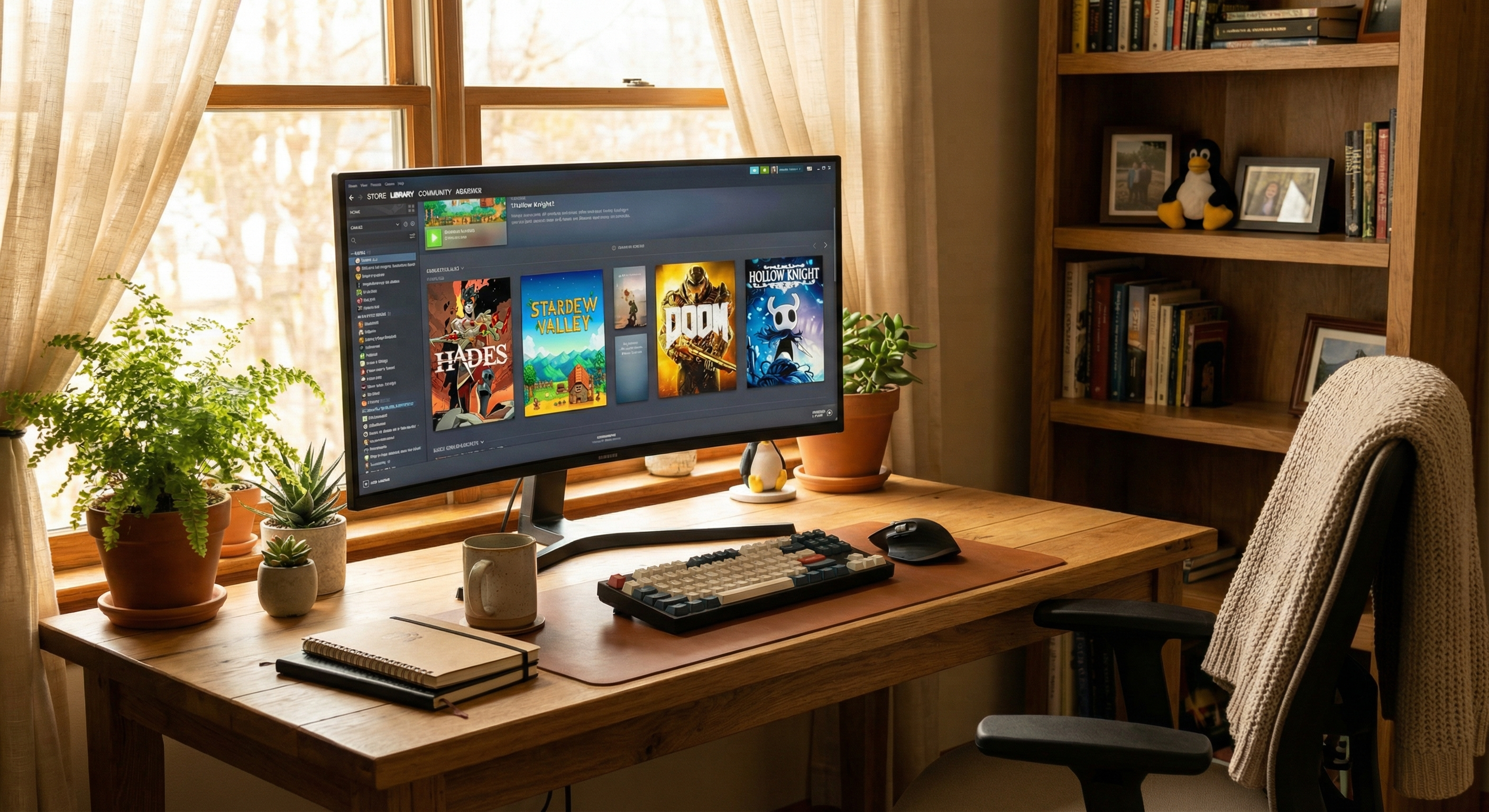
Linux gaming has come a long way. With Proton making thousands of Windows games playable and gaming-focused distros improving every year, 2026 is a great time to switch. But which distro should you choose? Here are the five best Linux distros for gaming right now.
1. Nobara: Best for Plug-and-Play Gaming
Nobara is built on Fedora but comes pre-configured specifically for gaming. NVIDIA and AMD drivers are included, codecs for game streaming work immediately, and everything is set up to just work. You get a familiar desktop experience similar to Windows where you can install and configure anything you need, but there’s also a gaming mode if you’re using a handheld or living room PC.
If you want to install Linux and start playing within 30 minutes, Nobara is your best bet.
2. CachyOS: Best for Maximum Performance
CachyOS uses the same base as the Steam Deck and optimizes everything for gaming performance. Steam and gaming tools come pre-installed, and users regularly report 5-15% FPS improvements over standard distros thanks to performance-focused tweaks under the hood. Installing additional software can be a bit more involved than on Nobara, but if you want the same foundation as the Steam Deck with great performance, this is the way to go.
If you have a modern gaming PC and want to squeeze maximum performance from your hardware, CachyOS delivers.
3. Bazzite: Best for Console-Like Experience
Bazzite gives you the Steam Deck experience on any PC. It boots directly into Steam’s game mode interface and updates happen automatically in the background. The system is designed to be “read-only,” which means it’s harder to accidentally break things but also harder to customize deeply. Think of it like a gaming console: everything works out of the box, but tinkering is limited.
Probably the best out-of-the-box gaming experience for handhelds and living room PCs if you’re not planning on doing much customization.
4. Pop!_OS: Best for New Linux Users
Pop!_OS from System76 is Ubuntu-based but cleaner and more gaming-friendly. It has excellent NVIDIA support, a massive community for troubleshooting, and a user interface that makes sense immediately. It’s not as cutting-edge as Arch or Fedora-based distros, but it’s reliable and well-documented.
If this is your first time leaving Windows, Pop!_OS will feel familiar and just works.
5. Linux Mint: Best for Stability
Linux Mint is one of the most popular desktop Linux distros for good reason. It’s rock-solid, uses a lightweight Cinnamon desktop, and has the same Ubuntu compatibility as Pop!_OS while staying lean and fast. While not specifically optimized for gaming, it handles Steam and Proton perfectly fine.
Choose Mint if you want a reliable daily driver that happens to game well, rather than a gaming-first system.
Or Skip the Installation: Try CloudDeck
Not ready to install Linux or wipe your current system? CloudDeck gives you a ready-to-go Nobara gaming PC in the cloud. You connect from Windows, Mac, or even your existing Linux setup—no dual-booting, no driver hunting, no configuration.
It’s perfect if you want to try Linux gaming without commitment, or if you just want to play without the setup hassle.
Which Distro Should You Choose?
All five distros are excellent—it just depends what you value:
- Want it working immediately? → Nobara
- Want maximum FPS? → CachyOS
- Want console simplicity? → Bazzite
- First time on Linux? → Pop!_OS
- Want rock-solid stability? → Linux Mint
You can’t really go wrong with any of them. Download a live USB, try them out, and see which feels right. That’s the beauty of Linux—you get to choose what works for you.
Conclusion
Linux gaming in 2026 is better than ever. Whether you choose Nobara’s ready-to-game setup, CachyOS’s performance tweaks, Bazzite’s console experience, Pop!_OS’s beginner-friendliness, or Mint’s stability, you’re getting a solid gaming platform. And if installation seems like too much work, CloudDeck gives you Linux gaming without any of the setup.