How to Play Age of Empires IV on Mac (Best Options Compared)
- Sven Frese
- Games
- March 25, 2025
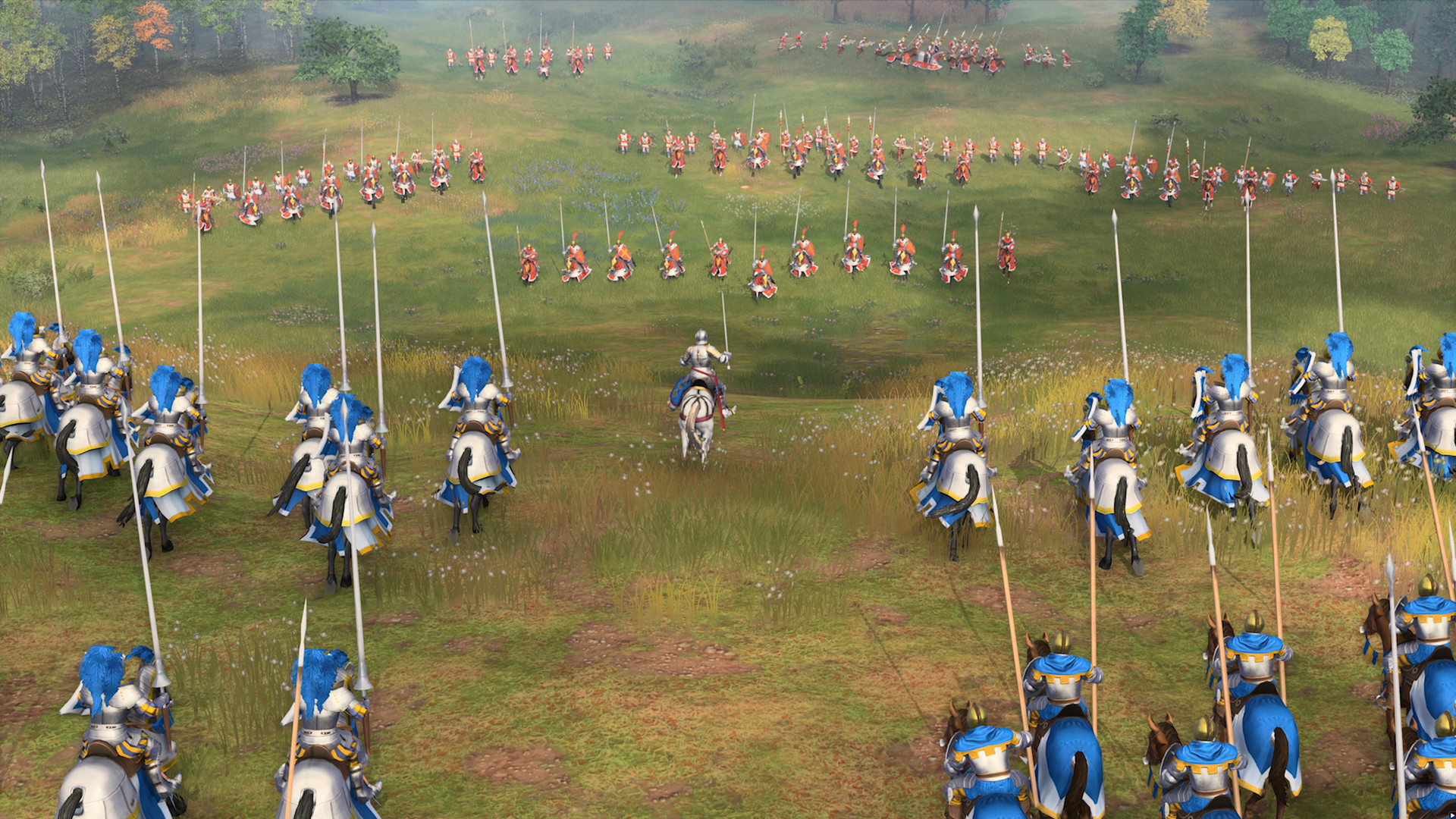
Age of Empires IV brought the legendary RTS franchise back with documentary-style campaigns, asymmetric civilizations, and the satisfying resource-gathering loop that defined a generation of strategy gamers. It’s the modern AoE fans waited over a decade for. Microsoft hasn’t released a Mac version, and compatibility layers struggle with AVX requirements.
Mac users typically have three options for running Windows games: CrossOver (a compatibility layer), Whisky (a free alternative), or CloudDeck (cloud gaming that streams the game from a remote PC). For Age of Empires IV, cloud gaming provides the smoothest experience—here’s why.
Option 1: CloudDeck (Recommended)
CloudDeck offers a completely different approach to gaming on Mac: instead of running the game locally, CloudDeck runs it on our high-performance servers and streams the video to your screen. Your Mac just needs to display the stream, so even an 8GB MacBook Air works perfectly.

Performance: 60 FPS at 1080p, High settings (runs on our cloud servers).
Best for:
- Any Mac (M1, M2, M3, M4)
- Macs with limited storage (game needs 50GB locally)
- Anyone who wants smooth RTS gameplay without workarounds
Requirements: Any Mac and a stable internet connection (15+ Mbps recommended).
How to get started:
- Sign up for CloudDeck ($19.99/month, cancel anytime)
- Connect using Moonlight or your browser
- Install Age of Empires IV from your Steam or Xbox library
- Play immediately—build your empire without AVX workarounds
Option 2: CrossOver or Whisky (Requires Workarounds)
CrossOver is a compatibility layer that lets you run Windows games directly on your Mac. Whisky is a free, open-source alternative built on the same Wine technology.
Age of Empires IV can run through CrossOver, but it requires an AVX bypass mod and performance is often choppy.
What performance can you expect?
Even with the workaround, performance is inconsistent. An M1 Pro with 32GB maxes out at 35 FPS with the AVX bypass, and gameplay feels choppy. M3 Max users report low FPS with frequent screen stutters. Large battles cause significant slowdowns on all Macs.
Quick reference:
- ⚠️ M1 Pro 32GB — 35 FPS with AVX bypass (choppy)
- ❌ M3 Max — Low FPS with screen stutters
- ❌ Battles — Significant slowdowns on all Macs
- ❌ 8GB RAM Macs — Not practical
Why is it problematic?
The game requires AVX instructions, which Apple Silicon doesn’t support natively. You’ll need to search for “r/aoe4 avx fix” and apply a community workaround. Even after bypassing AVX, expect inconsistent, choppy gameplay.
If you still want to try:
- Download CrossOver ($74/year, 14-day free trial) or Whisky (free)
- Apply the AVX bypass mod from the AoE4 community
- Install Steam and purchase Age of Empires IV
- Set graphics to Low and expect stuttering during battles
Which Option Should You Choose?
| Your Situation | Best Choice |
|---|---|
| Want smooth RTS gameplay | CloudDeck |
| Comfortable with workarounds, prefer local | CrossOver + AVX bypass |
| Tech-savvy, prefer free solutions | Whisky + AVX bypass |
FAQ
Why isn’t there a Mac version?
Microsoft hasn’t ported it. Age of Empires IV is exclusive to Windows and Xbox platforms.
Can I use my saves?
Yes—progress syncs through your Xbox/Microsoft account or Steam Cloud, which works with CloudDeck.
Will CrossOver support improve?
The AVX requirement is the main blocker. Until CrossOver can emulate AVX or Microsoft removes that requirement, performance will remain poor.
Last updated: March 2026.