How to Play 33 Immortals on Mac (Best Options Compared)
- Sven Frese
- Games
- June 11, 2026
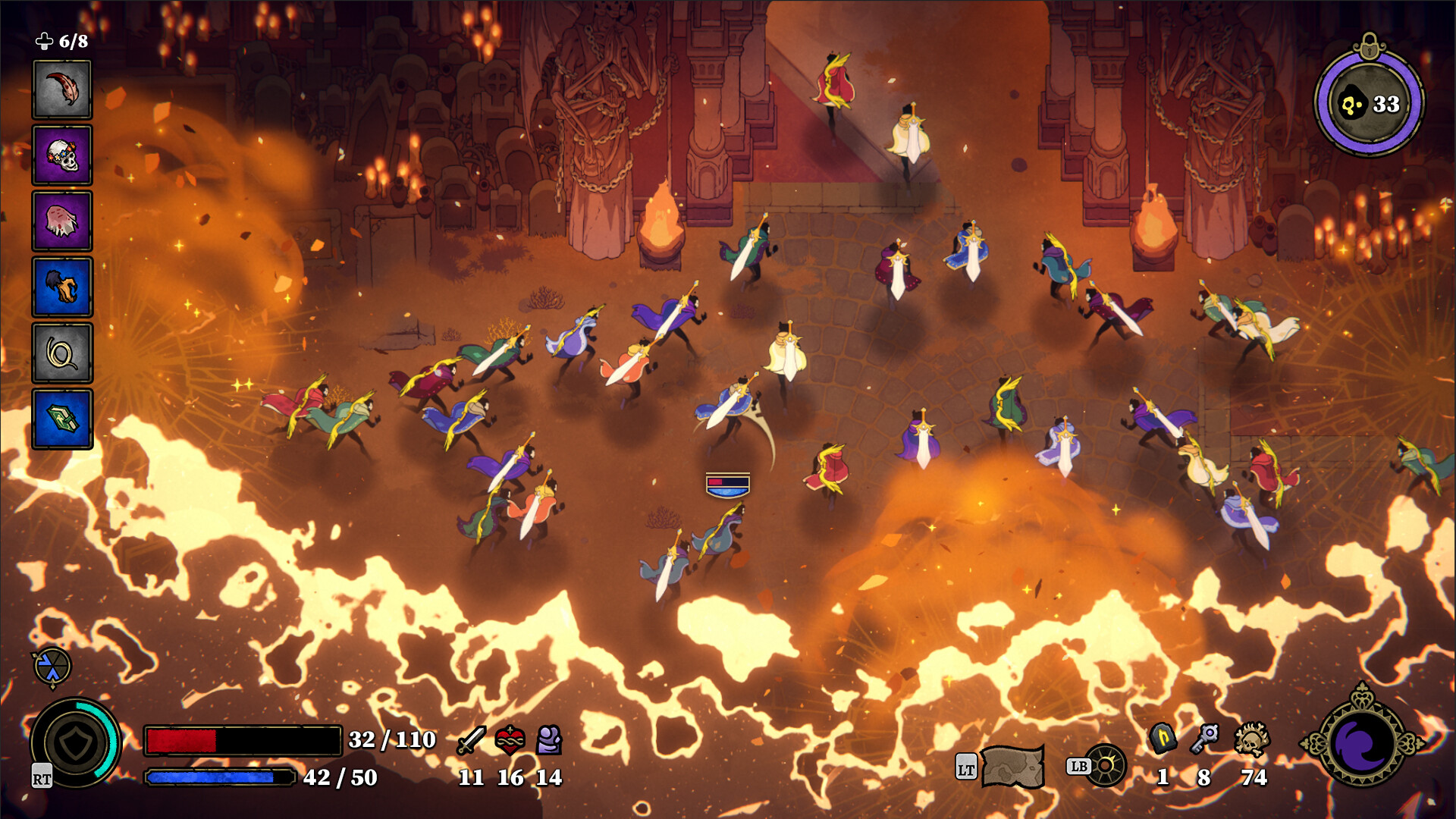
33 Immortals is a co-op action-roguelike for 33 players at once. You jump into runs, battle monster hordes, and take on massive bosses alongside dozens of other rebels defying God. Thunder Lotus Games built it for Windows, but Mac players have a few ways to get in on the action.
Your options are: CrossOver (a compatibility layer that runs Windows games on your Mac), Whisky (a free alternative), or CloudDeck (cloud gaming that streams from a remote PC). Here’s how they compare.
Option 1: CrossOver
CrossOver lets you run Windows games directly on your Mac without Boot Camp or a Windows license. It translates Windows calls to macOS in real-time.
How does 33 Immortals perform?
33 Immortals just launched, so CrossOver compatibility reports are still building up. CrossOver compatibility depends on how well the game runs under Wine. Check ProtonDB for the latest community reports as they come in.
How to get started:
- Download CrossOver ($74/year, 14-day free trial)
- Install Steam through CrossOver
- Purchase and install 33 Immortals
- Launch and play
Option 2: Whisky (Free Alternative)
Whisky is a free, open-source tool built on the same Wine technology as CrossOver. It requires more manual setup but costs nothing.
The trade-off: If CrossOver reports look promising on ProtonDB , Whisky uses the same underlying technology and should behave similarly. Expect more tweaking required.
How to get started:
- Download Whisky (free)
- Create a new bottle (Whisky’s term for a Windows environment)
- Install Steam inside the bottle
- Install 33 Immortals through Steam
- Troubleshoot as needed (check the Whisky Discord for help)
Option 3: CloudDeck (Cloud Gaming)
CloudDeck runs 33 Immortals on our servers and streams it to your Mac. No compatibility layers, no setup headaches, your Mac just displays the stream.

CloudDeck plays Windows games via Proton, and the 33-player multiplayer works just like it would on a Windows PC. No anti-cheat issues were detected for 33 Immortals, so online co-op should be good to go.
Best for:
- Macs that can’t handle Wine compatibility
- Anyone who wants to jump in without setup
- Playing with your full squad of 33
Requirements: Any Mac and a stable internet connection (15+ Mbps recommended).
How to get started:
- Sign up for CloudDeck ($19.99/month, cancel anytime)
- Connect using Moonlight or your browser
- Install 33 Immortals from your Steam library
- Play immediately
Which Option Should You Choose?
| Your Situation | Best Choice |
|---|---|
| Powerful Mac, comfortable with setup | CrossOver |
| Tech-savvy, prefer free solutions | Whisky |
| Any Mac, zero setup | CloudDeck |
FAQ
Why isn’t there a Mac version?
Thunder Lotus Games developed 33 Immortals for Windows. DirectX, which most Windows games rely on, doesn’t run natively on macOS.
Does the 33-player co-op work on CloudDeck?
Yes. CloudDeck streams a full game environment, so multiplayer works the same as on a Windows PC.
Can I use my Steam saves?
Yes. All three options work with Steam Cloud saves.
Last updated: June 2026.