How to Play 007 First Light on Mac (Best Options Compared)
- Sven Frese
- Games
- May 28, 2026
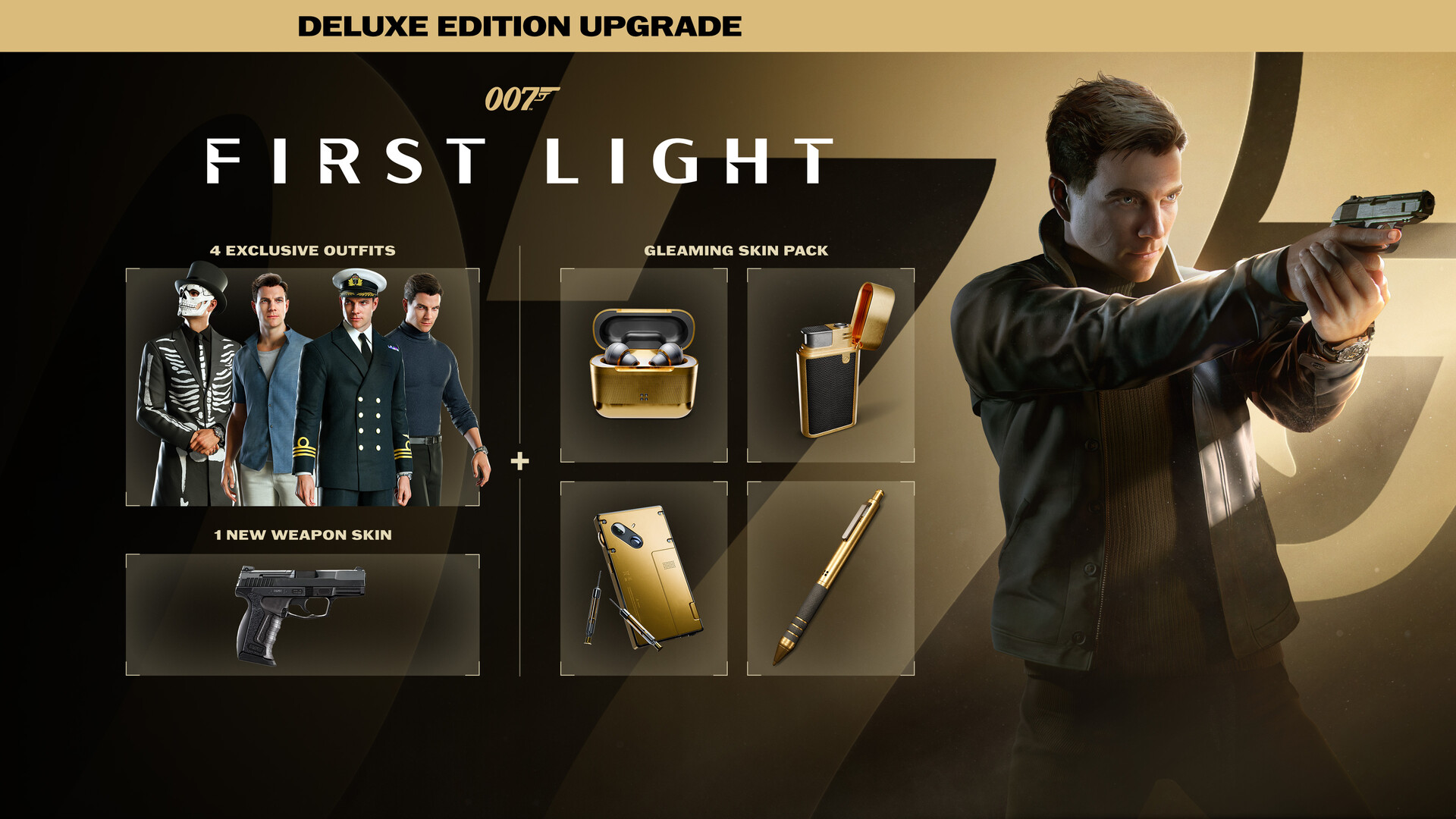
007 First Light launched this week and it’s already one of 2026’s biggest games. IO Interactive built a proper origin story around a young James Bond, before the 00 designation, before the gadgets, back when he was still figuring out who he was. It’s getting great word of mouth.
The catch: it’s Windows only. No Mac version, no Apple Silicon build. If you’re on a MacBook or iMac, you have three realistic options to play it.
Option 1: CrossOver
CrossOver is a compatibility layer that lets you run Windows games directly on your Mac. No Windows license, no Boot Camp, no virtual machine. It translates Windows system calls to macOS in real-time so the game runs on your own hardware.
How does 007 First Light perform?
This is a brand new, demanding game from IO Interactive built on modern rendering tech. CrossOver compatibility for 007 First Light is still being figured out by the community. Early reports are mixed, with some users finding success using the CrossOver Preview version while others hit crashes on launch.
Check the ProtonDB page for 007 First Light for the latest community reports, and CodeWeavers’ compatibility database for any CrossOver-specific updates as they roll out.
How to get started:
- Download CrossOver ($74/year, 14-day free trial)
- Install Steam through CrossOver
- Purchase and install 007 First Light
- Try CrossOver Preview if the stable version has issues
Option 2: Whisky (Free Alternative)
Whisky is built on the same Wine technology as CrossOver but it’s free and open-source. The underlying compatibility is similar, though you’ll do more manual troubleshooting since there’s no dedicated support team.
For a new, demanding game like 007 First Light, Whisky compatibility will follow a similar curve to CrossOver. If ProtonDB shows Gold or Platinum ratings on Linux, Whisky should eventually get there on Mac too, but it may take some community fixes first.
How to get started:
- Download Whisky (free)
- Create a new bottle for your Windows environment
- Install Steam inside the bottle
- Install 007 First Light through Steam
- Check the Whisky Discord for game-specific tips
Option 3: CloudDeck (Cloud Gaming)
CloudDeck takes a different approach entirely. Instead of running 007 First Light on your Mac, it runs on our cloud servers and streams the video to your screen. Your Mac handles the display, the input, and the network. The heavy lifting happens remotely.
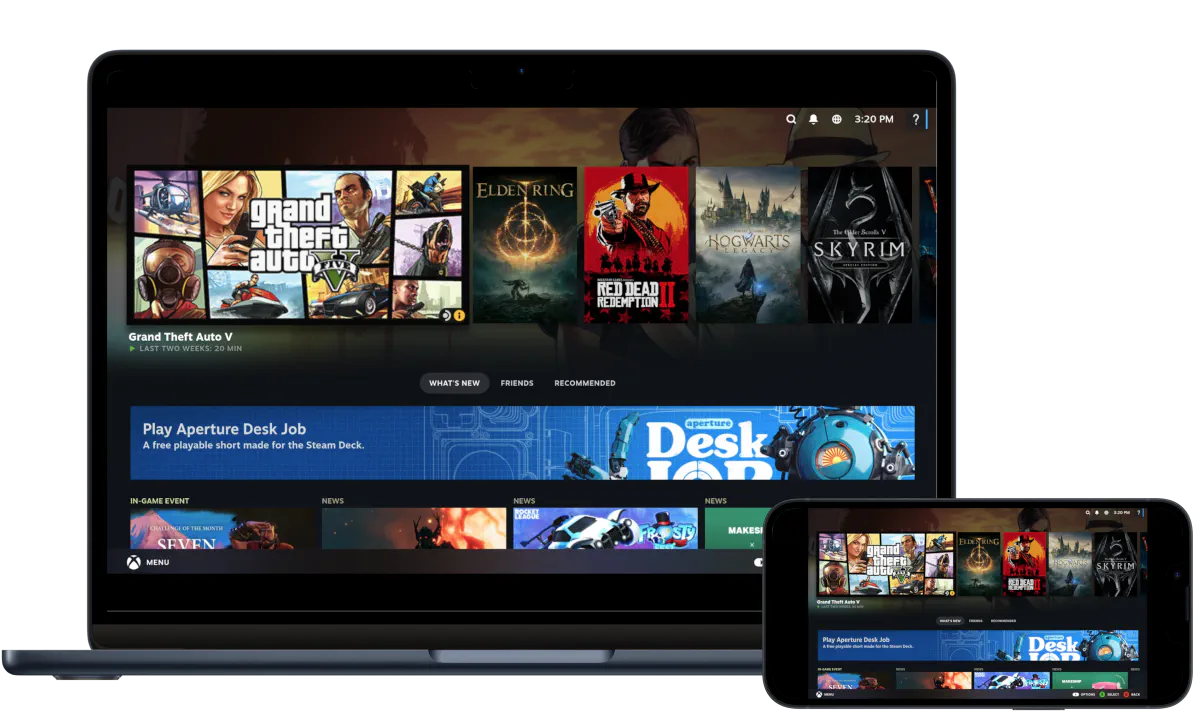
This sidesteps compatibility questions completely. If it runs on Linux with Proton, it works on CloudDeck, and 007 First Light already has strong Proton compatibility based on early community reports.
Best for:
- Macs with 8GB RAM (the game recommends 16GB on Windows)
- Anyone who doesn’t want to spend time troubleshooting CrossOver
- Playing right now, without waiting for compatibility fixes
Requirements: Any Mac and a stable internet connection (15 Mbps or more).
How to get started:
- Sign up for CloudDeck ($19.99/month, cancel anytime)
- Connect using Moonlight or your browser
- Install 007 First Light from your Steam library
- Play immediately
Which Option Should You Choose?
| Your Situation | Best Choice |
|---|---|
| Powerful Mac, happy to troubleshoot | CrossOver |
| Tech-savvy and prefer free | Whisky |
| Want to play now, no setup hassle | CloudDeck |
| Mac with 8GB RAM | CloudDeck |
FAQ
Why is there no Mac version?
IO Interactive built the game for Windows and current-gen consoles. A Mac port hasn’t been announced. Most PC games use DirectX which doesn’t run natively on macOS.
Does multiplayer work?
007 First Light’s online features should work fine on CloudDeck. CrossOver and Whisky compatibility for online modes depends on anti-cheat implementation, so check the latest community reports before committing.
Can I use my existing Steam purchase?
Yes. Buy it once on Steam and you can install it on CloudDeck using the same account.
Does it work on an M-series Mac?
The ProtonDB and community reports are still building up since the game just launched. Check ProtonDB for the freshest data on Apple Silicon performance.
Last updated: May 2026.