Play your PC games on any device
CloudDeck is a full gaming PC in the cloud. Install your games and stream them to whatever screen you have, with no expensive hardware to buy.
Get Started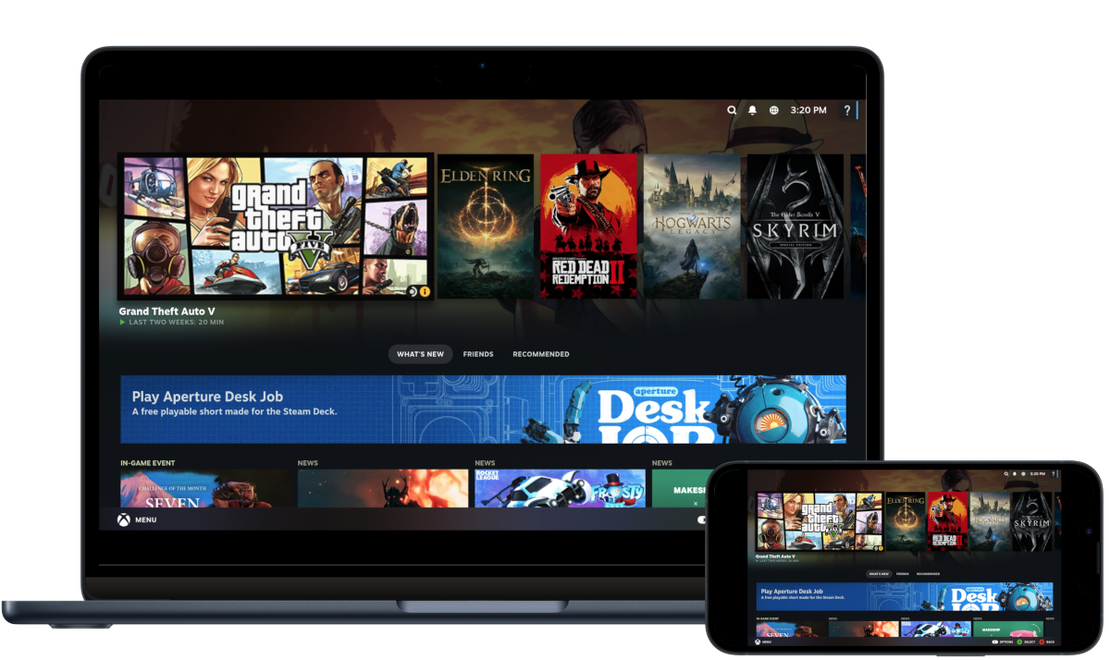

As easy as a console, as open as a PC
CloudDeck boots straight into a console-style interface, so it’s simple from the start. Underneath it’s a full gaming PC, so you can install your own games, add mods, and set it up your way.
- Play more than 25,000 games that run on Linux or Proton
- Install your own games from Steam, Epic, GOG, and more
- Switch to desktop mode anytime to install mods and tweak whatever you like
- Stream in sharp 1440p at 60 FPS
- Play with a controller, touchscreen, or mouse and keyboard
Supercharge any device
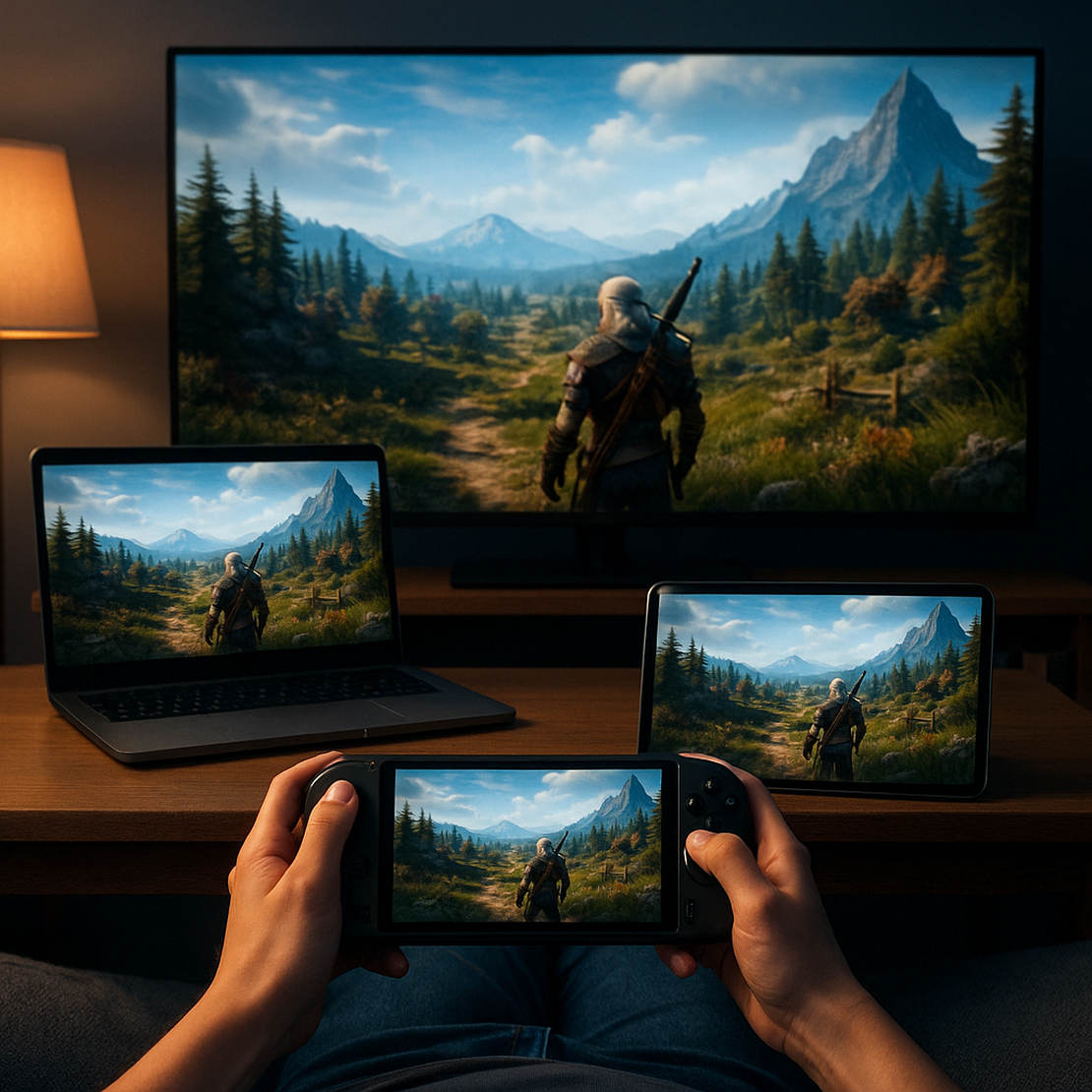
Give your TV, laptop, handheld, tablet, or phone the power of a modern gaming PC through cloud gaming.
- Access the power of a modern gaming PC on any device you already own
- Take your games with you and play at home or on the go
- Save battery and play longer, since all the heavy work runs in the cloud
- Game comfortably, with no noise and no heat
- Keep your space clean, with no extra box or cables
How cloud gaming with CloudDeck works
Sign up and start gaming in no time.
- Sign up and start your subscription
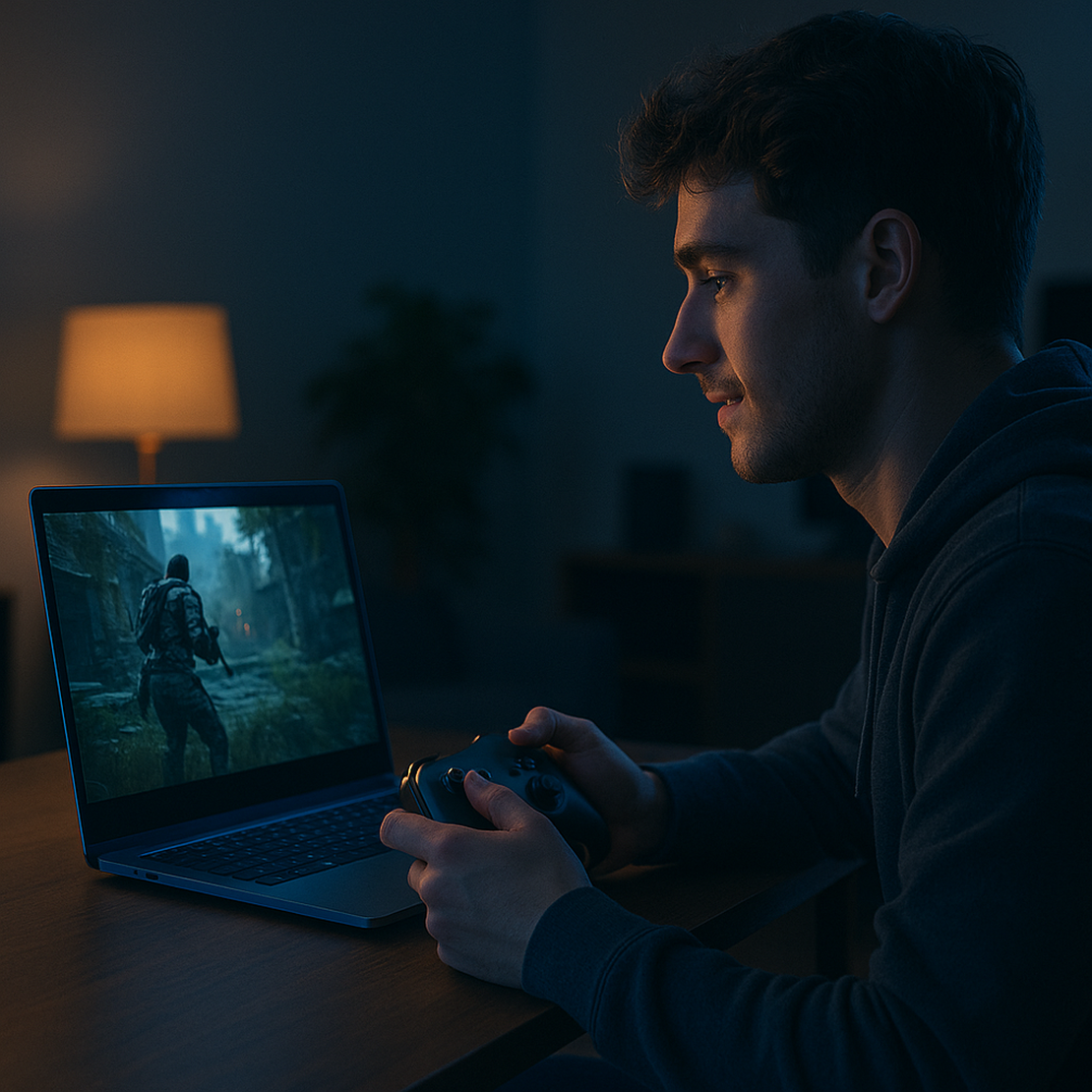
- Connect to your CloudDeck with Moonlight, a free and open-source game streaming app
- Install your favorite games
- Start gaming! Your games run on our powerful servers in the cloud and are streamed to your device at home or on the go
What players say
Real reviews from players in our Discord community.
Pricing
Your CloudDeck comes with powerful hardware at an affordable price for a truly enjoyable cloud gaming experience.
Launch
€19.99 /mo
billed as € every 6 months4 CPU Cores, 8 Threads at up to 3.7 GHz
Nvidia RTX 3060 / AMD Radeon RX 6600 or similar
16 GB RAM
250 GB SSD (upgradable up to 1 TB)
Stream at up to 1440p 60 FPS, 40 Mbps
SteamOS experience
More than 25,000 games that run on Linux or Proton
No queues
Up to 6h sessions
No monthly time limit
FAQ
What are the requirements for using CloudDeck?
You should have a broadband home internet connection with at least 10 Mbps download speed for playing at 720p, 20 Mbps for playing at 1080p, and at least 30 Mbps for playing at 1440p. Your client device should be connected to your router via an ethernet cable or at least 5Ghz Wi-Fi and run one of the following operating systems: Windows 7+, macOS 10.13+, Linux, Android 4.1+ or ChromeOS.
Do you offer a free trial?
We don't offer a free trial. However, if you're not happy with your experience and have used the service for less than 4 hours, we're happy to issue a refund.
Which games are supported?
You can play more than 25,000 games that run on Linux or Proton, from Steam, Epic, GOG and other launchers. Some games do not run on Linux or Proton, and some anti-cheat systems block cloud machines, so CloudDeck works best for single-player games and non-competitive multiplayer titles. You can check a specific game here: CloudDeck Help - Games
Do I have to own the games I want to play?
Yes, you'll have to own the games you want to play on Steam, Epic, GOG or another Linux-compatible launcher.
Where is CloudDeck available?
CloudDeck is available across Europe, the United States, and Canada. We run five server locations: Amsterdam and Frankfurt in Europe, and Charlotte, Detroit, and San Jose in North America.
Does it matter how far I live from your servers?
Yes. Streaming latency depends on how far you are from our servers, so CloudDeck works best when you're close to one of our locations. For now, signups are limited to the regions we cover.
Featured Blog Posts
The latest news and articles around CloudDeck and cloud gaming in general.
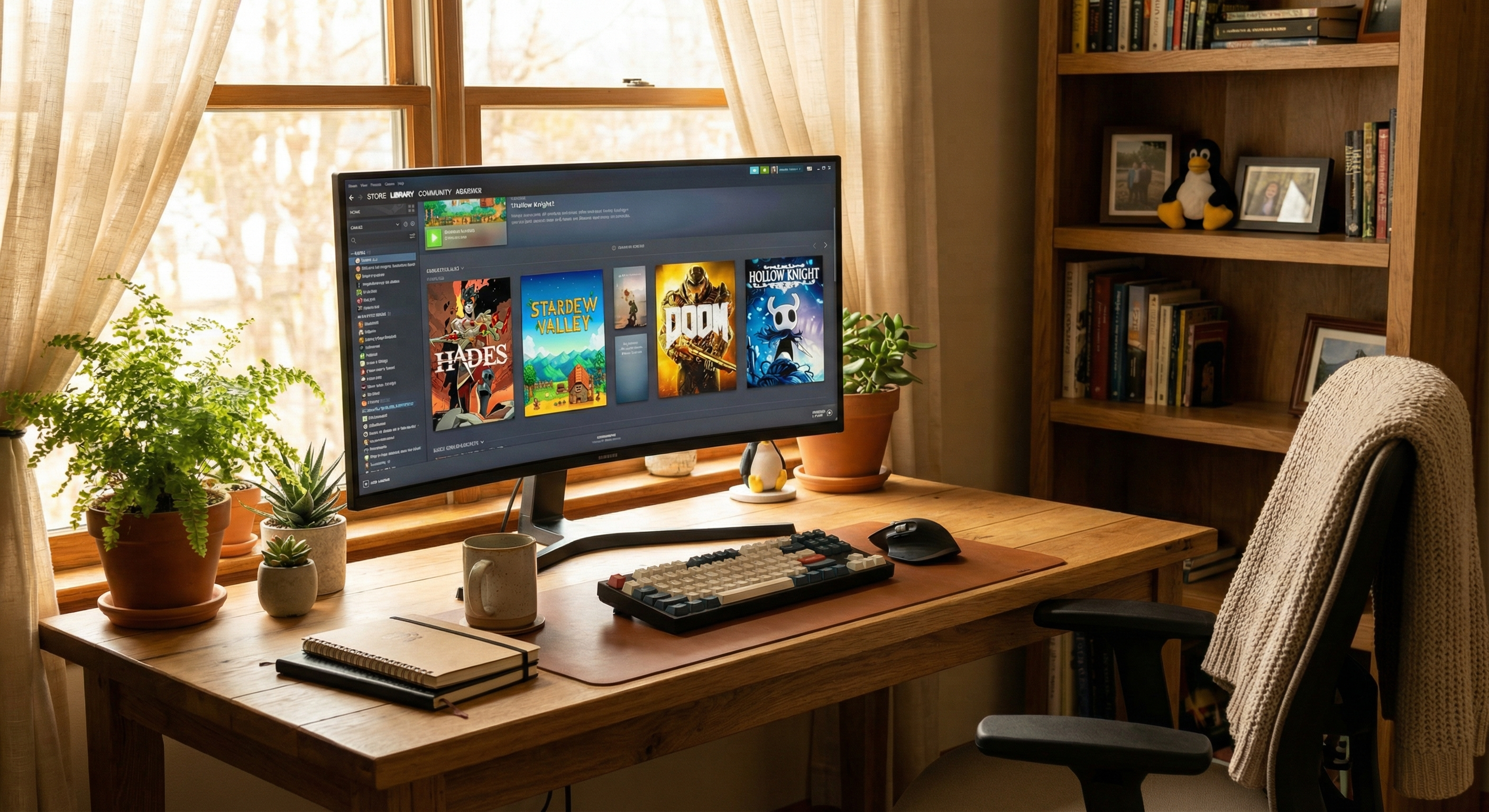
Best Linux Distro for Gaming
A few years ago, telling someone to game on Linux would’ve been a joke.
Read More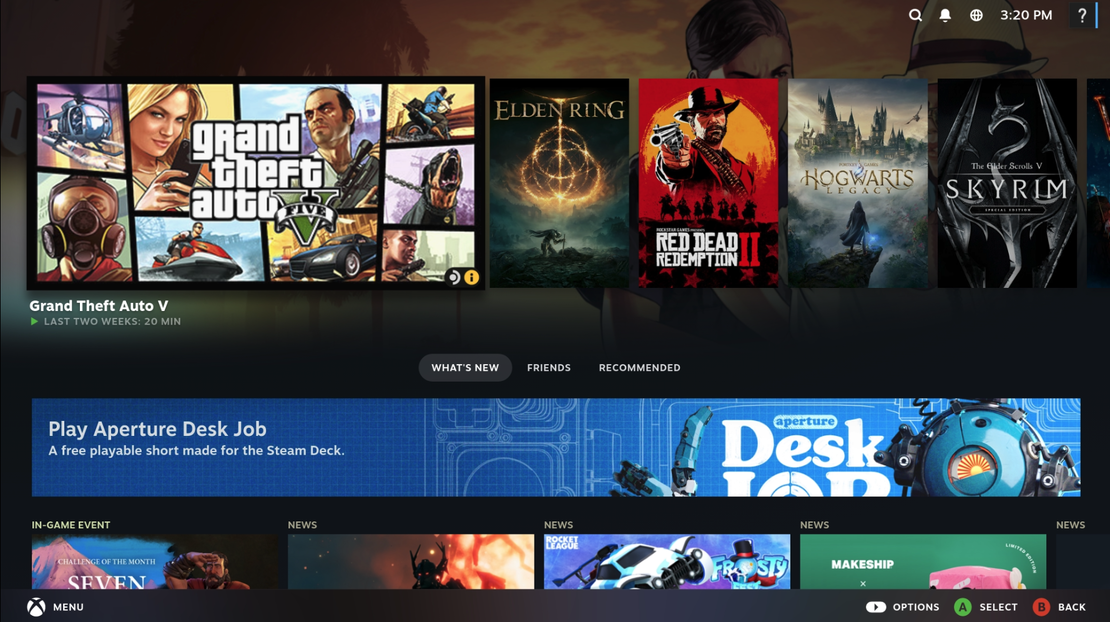
What makes CloudDeck a great GeForce Now alternative
If you’re looking for a GeForce NOW alternative, chances are you already like what GeForce Now does, just not all of it.
Read More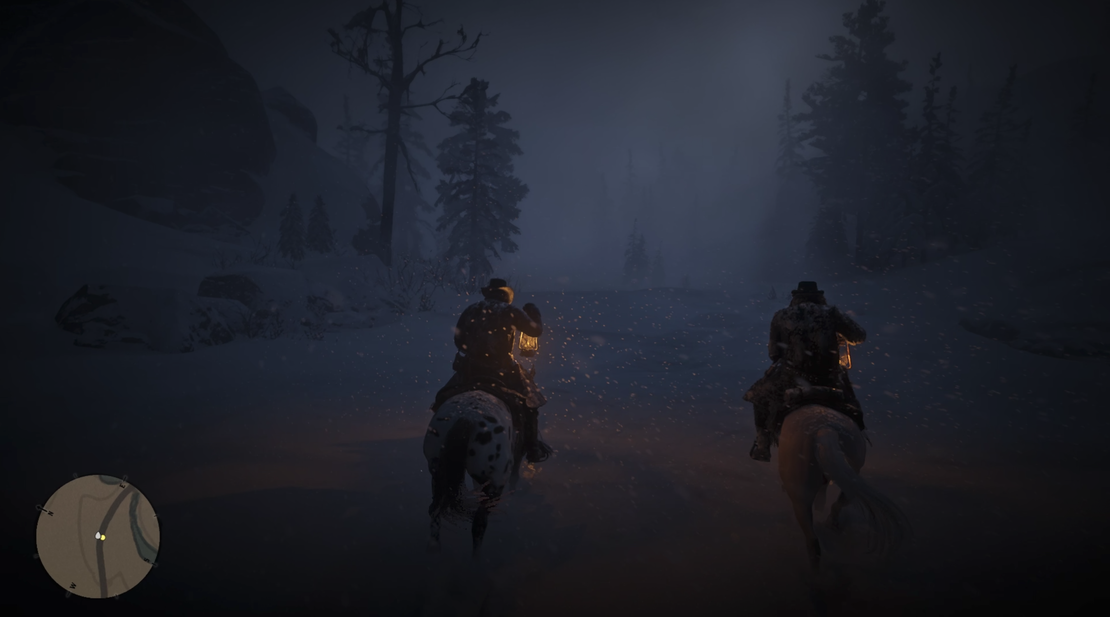
Red Dead Redemption 2 is not on GeForce Now, but you can play it here
If you’re looking to play Red Dead Redemption 2 on GeForce Now, you might be disappointed to learn that the game isn’t available on NVIDIA’s cloud gaming platform.
Read More